


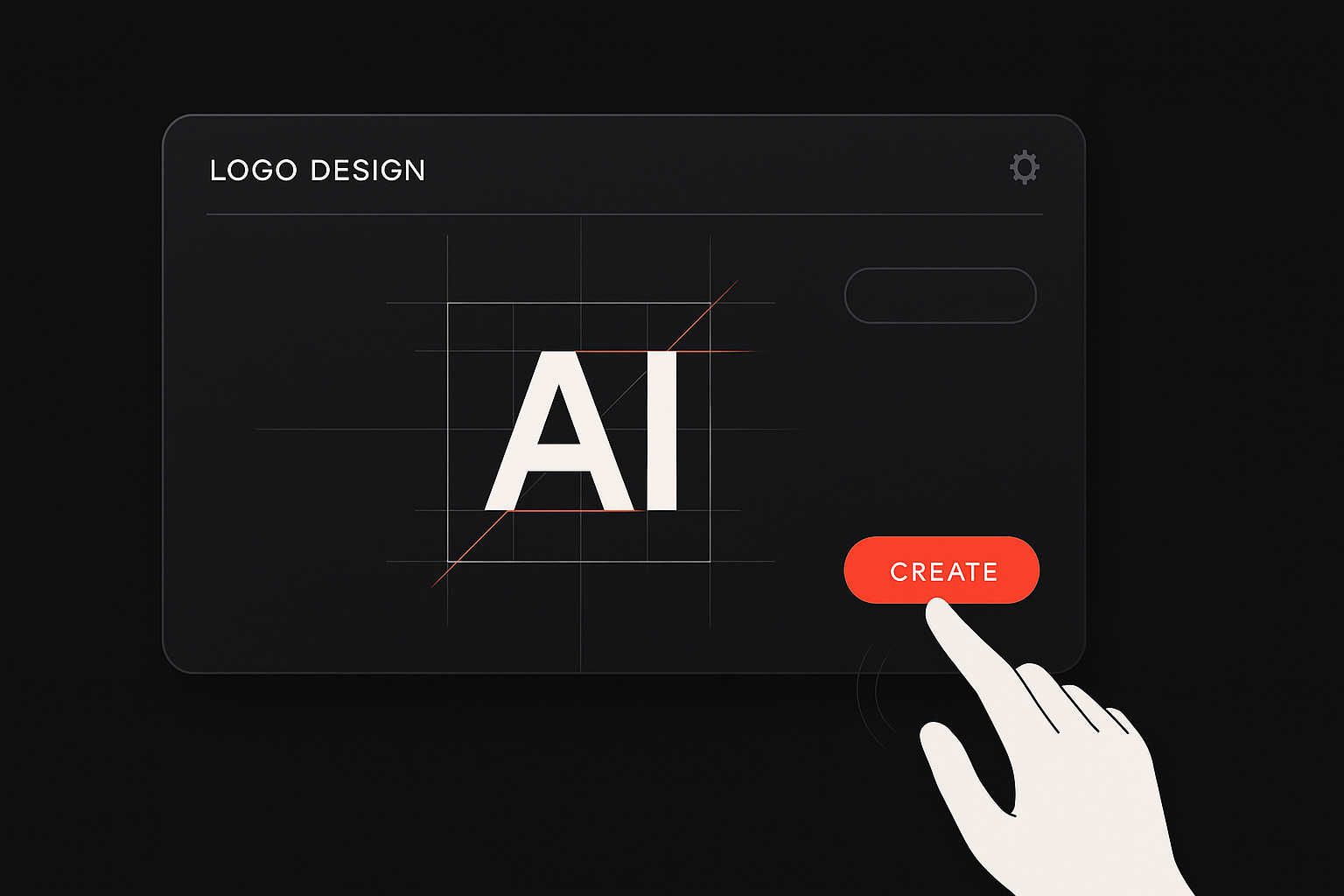
A strong brand starts with a logo. It’s often the first thing people notice about your business—and in 2025, you don’t need to be a designer to create one that looks professional and feels right.
If you’re an entrepreneur, small business owner, or creative just starting out, logo generators can help you turn your ideas into a visual identity quickly and affordably.
Why Logo Generators Matter More Than Ever
In today’s fast-paced business world, getting your brand out there quickly is key. But that doesn’t mean you should cut corners on design. A polished, intentional logo builds trust, signals professionalism, and sets the tone for your brand.
Many people assume you need a big budget or design background to make that happen—but that’s no longer the case.
AI-powered logo generators have changed the game. With just a few clicks, they can turn your preferences and ideas into multiple logo concepts. And most importantly, they give small businesses and non-designers full control over the creative process—without slowing things down.
What to Look for in a Logo Generator
With so many tools available, how do you pick the right one? The best logo generators don’t just create logos—they help you build your brand identity with confidence.
Here are a few key things to focus on when comparing your options.
Easy, Guided Creation Process
If you’re not a designer, a blank canvas can feel overwhelming. A great logo generator walks you through the process by asking questions like:
- What’s your business name?
- What industry are you in?
- What style do you prefer—modern, playful, elegant, bold?
Based on your answers, the software suggests logos tailored to your brand. The simpler and clearer the flow, the easier it is to get a result you love.
Smart Customization Tools
Templates are a great starting point, but your final logo should feel unique to your brand. That’s why the ability to edit fonts, colors, spacing, and layout is so important.
The best tools strike a balance: they offer freedom to explore different ideas but keep things easy to manage. You shouldn’t need design knowledge to make edits—it should feel natural and even fun.
Ready-to-Use Files and Formats
Once your logo is ready, you’ll want to use it everywhere: websites, social media, packaging, email signatures, invoices, and more.
A quality logo generator will provide:
- High-resolution downloads
- Transparent background files
- Scalable vector formats (SVG or PDF)
- Color versions for both light and dark backgrounds
Some tools even bundle your logo into a brand kit, giving you a full set of visuals for consistent marketing.
Affordability and Ownership
As a small business, every dollar matters. The good news is that many tools offer free previews, low-cost downloads, or subscription options based on what you need.
Just make sure to check the fine print—your logo should be yours to use freely for commercial purposes, with no hidden licensing restrictions.
Top Logo Generators to Try in 2025
Below is a selection of user-friendly, powerful tools that help you create beautiful logos without breaking the bank. Each one offers strong features for beginners and small teams.
Turbologo – One of the most intuitive and reliable options for small businesses. Turbologo helps users create high-quality logos fast, offering smart suggestions, easy customization, and full brand kits. It’s a top choice if you’re looking for a balance of simplicity and flexibility.
Looka – An AI-based platform that matches logo designs with full branding assets, great for building a cohesive look.
Hatchful – Created for entrepreneurs, it offers industry-specific templates and free downloads.
Design Wizard – Combines drag-and-drop tools with a straightforward setup, ideal for visual thinkers.
LogoMakr – A simple editing tool that lets you experiment with icons, text, and shapes easily.
Zyro Logo Maker – Focused on minimalism and clean design, especially useful for ecommerce and startups.
Visme – Known for infographics and presentations, but also includes solid logo creation features.
Ucraft Logo Maker – Lightweight and effective for quick icon-based logos, with SVG downloads.
These tools allow you to generate dozens of ideas in just a few minutes—and refine your favorite until it feels perfect for your brand.
Key Features to Look For in 2025
Here’s a checklist of what your ideal logo generator should include:
Beginner-friendly interface
AI-powered suggestions
Custom font and icon selection
Color palette flexibility
Multiple file types (PNG, SVG, PDF)
Transparent background support
Real-time previews on mockups
Affordable pricing with clear terms
These features ensure that your logo won’t just look good—it will be easy to use, edit, and scale across everything you build.
Whether you’re designing your first logo or updating an existing one, the right AI logo generator can save you time, money, and creative energy.
How to Get the Most from a Logo Generator
To make the process even smoother, here’s a quick step-by-step approach:
- Think about your brand personality.
Are you bold and fun, or classic and trustworthy? Define the mood you want to communicate. - Choose 2–3 colors that reflect your tone.
Don’t go overboard—consistency is more important than complexity. - Pick a clear, readable font.
It should look good both big and small, online and in print. - Keep your icon relevant but simple.
Avoid trendy symbols that might not age well. - Preview your logo in real-world contexts.
Most tools show mockups like business cards, websites, and T-shirts—use those to test your design.
The more clearly you define what you want, the better the tool can help you bring it to life.
Final Thoughts
Your logo doesn’t have to be expensive or complicated. With today’s smart, beginner-friendly generators, you can launch your brand with confidence—and look great doing it.
Take your time, try different tools, and focus on what feels authentic to your business. Your logo is the start of your story—make sure it says something meaningful.
Email your news TIPS to Editor@Kahawatungu.com — this is our only official communication channel
