


You don’t really think about emergencies until they happen. One moment everything feels fine, the next you’re on the floor, wondering how long it’ll take before someone notices. For older adults, that’s a terrifying reality. As we age, the body and bones don’t offer the same support they used to, especially with underlying conditions in the mix.
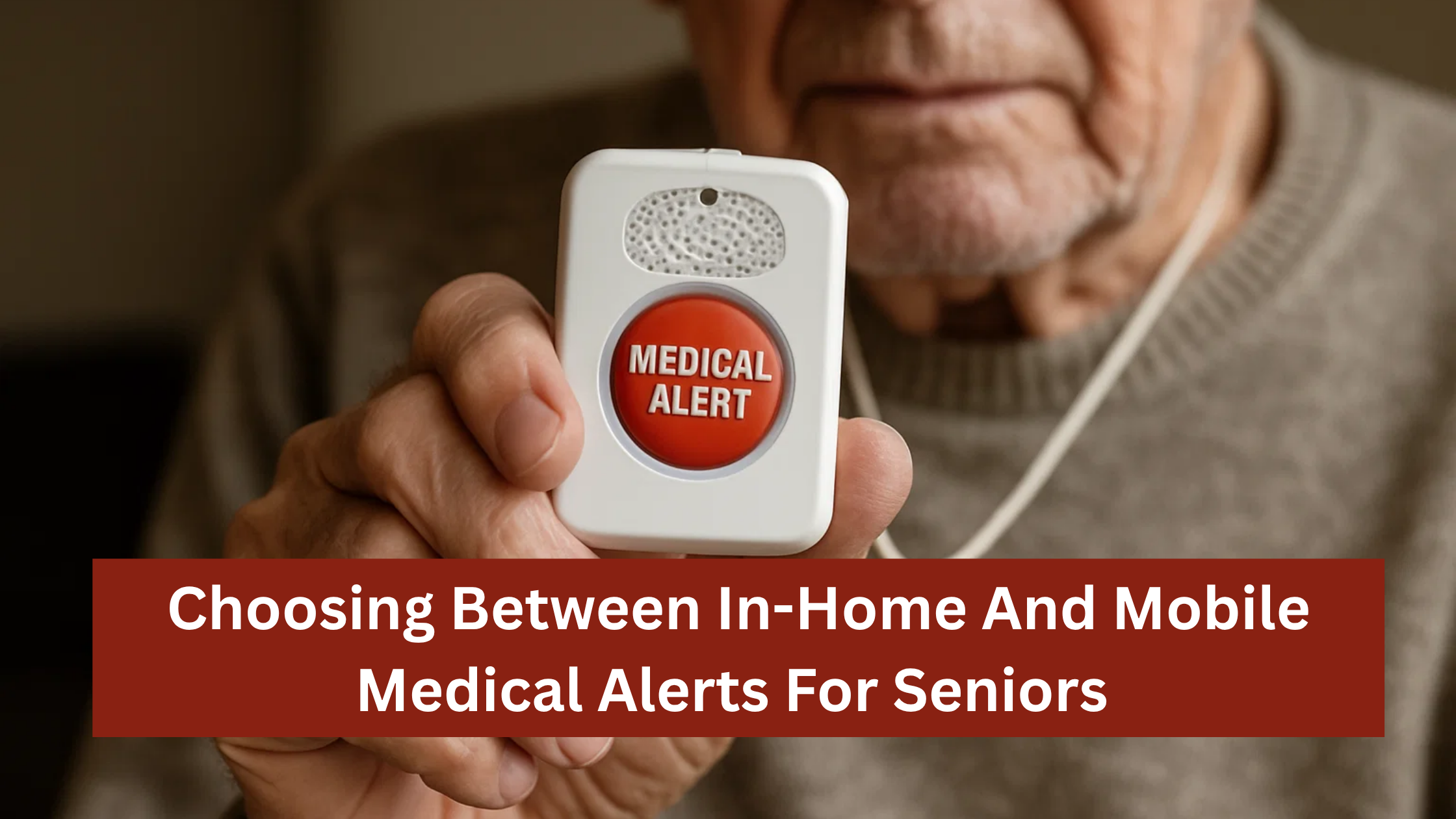
Seniors are prone to slips in the shower, suffering a dizzy spell in the kitchen, or even stumbling in the garden—that takes away their independence as they need someone to watch them. That’s where medical alerts come in. These tiny gadgets offer peace of mind to you and your loved one, knowing someone is within reach with a single press, no matter the hour.
But here’s the thing: there are many of these devices that make choosing the right one tough. When deciding which system works best for you, it comes down to two categories: in-home or mobile medical alerts.
So which of these versions best fits your senior? Here’s what to consider:
Mobility
For seniors who are still active, run errands, or go for morning walks, mobility makes a difference when you’re trying to choose the best medical alert for elderly. An in-home system isn’t enough. Emergencies don’t wait until you’re back inside; they can happen anywhere, and that’s why a device that offers wider coverage, like a mobile medical alert, is ideal.
But if they’re mostly homebound, there’s no need to pay for features like GPS that they don’t use. An in-home system does a good job; it covers the bathroom, the bedroom, the kitchen, and even the garden, which are the places where falls usually happen.
Risk Level
Not every senior faces the same kind of risk of falls. Some rarely leave the house, while others still do gardening, walk the dog, or run quick errands. If balance is an issue because of a health condition or there’s been a fall before, fall detection capability should be non-negotiable. The device automatically calls for help if it senses a sudden drop followed by no movement.
For someone who mostly stays indoors, an in-home alert system with this extra feature makes sense—it keeps them covered in familiar spaces like the bathroom or hallway, where most slips happen.
But if your loved one is still active and likes being out and about despite the heightened risk of falling, a mobile medical alert system is the safer bet. With GPS tracking, a medical alert device can become a real lifesaver. If they get disoriented while walking in the park or forget where they are because of early cognitive decline, this mobile device can help find them quickly once they press the button—or even automatically if it detects a fall.
Living Situation
A big part of choosing between in-home and mobile medical alerts comes down to one simple question: Are they often alone? For seniors who stay at home most of the time and live with a spouse, adult child, or caregiver and are rarely by themselves, an in-home alert system usually makes more sense. It keeps things simple and reliable. Some providers even bundle spouse coverage, meaning both can share the same protection under one plan.
Someone who only stays home with company might not need a mobile unit that works everywhere. But if they still go outdoors often, like getting vegetables at the grocery store or taking morning walks alone, a mobile medical alert—with GPS and cellular coverage—helps keep them connected and supported.
Price
Money isn’t such a big issue when choosing a medical alert device because you can find solid protection at different price points—you just need to know what you’re paying for. In-home systems typically fall between $30 and $35 per month. Mobile systems, which include GPS and cellular tracking, cost closer to $45 to $55.
That $10–$20 difference may not sound like much, but over a year, it adds up to around $200. Then there are the extras. Some companies sneak in setup fees or activation charges, or lock you into long contracts. This is why choosing reputable and transparent providers with flat monthly pricing helps you avoid unexpected costs and unpleasant surprises.
Comfort With Technology
You can buy the best medical alert system on the market, but if it’s too complicated, it’ll sit untouched on the nightstand. However, some seniors love technology and are interested in devices that do more than just provide basic in-home medical alerts. They’ll happily wear mobile devices that offer more, such as sending medication reminders.
So, if your parent gets flustered changing the TV input or forgets how to charge a phone, skip the fancy stuff. A simple pendant with one large, easy-to-press button will be far more effective.
The design also matters. The right system is one that fits comfortably into their body and aligns with their routine. That way, it stops feeling like a burden.
Conclusion
Here’s the truth: there’s no universal best medical alert for the elderly. The best one is the one that fits their life. A person who spends most of their time inside doesn’t need a GPS. In the same way, a senior who walks to the store every day can’t rely on a device that only works in the living room.
So, consider their daily habits, the risks they face, how often they are alone, their tech savviness, and what you can afford. With that out of the way, go for reliable providers who keep things straightforward with good monitoring and simple pricing. With a reliable system, everyone gets peace of mind knowing help is always just one button away. And that’s what matters most

Email your news TIPS to Editor@Kahawatungu.com — this is our only official communication channel
