

How to Avoid Pimples After Shaving

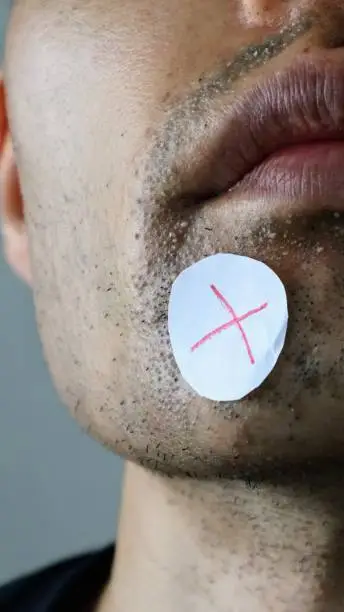
Pimples after shaving are often caused by irritation, clogged pores, bacteria, or ingrown hairs. Following a proper shaving routine and caring for your skin afterward can help reduce breakouts and keep your skin healthy. Learning how to avoid pimples after shaving can improve your shaving experience and leave your skin looking smoother.
-
Clean Your Skin Before Shaving
Wash your face or the area you plan to shave with warm water and a gentle cleanser.
This removes dirt, oil, and bacteria that can contribute to pimples.
- Wash with a mild facial cleanser
- Use warm water to soften the hair
- Pat the skin dry before applying shaving cream
-
Use a Clean, Sharp Razor
A dull or dirty razor can irritate the skin and introduce bacteria, increasing the risk of pimples.
Replace razor blades regularly and rinse them thoroughly after each use.
- Use a sharp razor blade
- Clean the razor before and after shaving
- Replace worn or rusty blades
-
Shave Gently
Apply a shaving cream or gel to reduce friction and help the razor glide smoothly.
Shave in the direction of hair growth to minimize irritation and ingrown hairs.
- Use a quality shaving cream or gel
- Avoid pressing the razor too hard
- Shave with the grain when possible
-
Rinse and Moisturize After Shaving
After shaving, rinse your skin with cool water to help soothe it and close the pores.
Apply a non-comedogenic, fragrance-free moisturizer to keep the skin hydrated.
- Rinse with cool water
- Pat the skin dry with a clean towel
- Apply a gentle moisturizer
-
Avoid Touching or Picking the Skin
Freshly shaved skin is more sensitive and prone to irritation.
Touching or picking at the area can introduce bacteria and worsen breakouts.
- Keep your hands away from the shaved area
- Avoid squeezing pimples
- Let the skin heal naturally
-
Maintain a Good Skincare Routine
Consistent skincare can help prevent clogged pores and reduce the likelihood of pimples after shaving.
Choose products that are suitable for your skin type.
- Cleanse your skin daily
- Exfoliate gently once or twice a week
- Use non-comedogenic skincare products
Also Read: How to Adopt a Baby