

How To Check Balance On Standard Bank

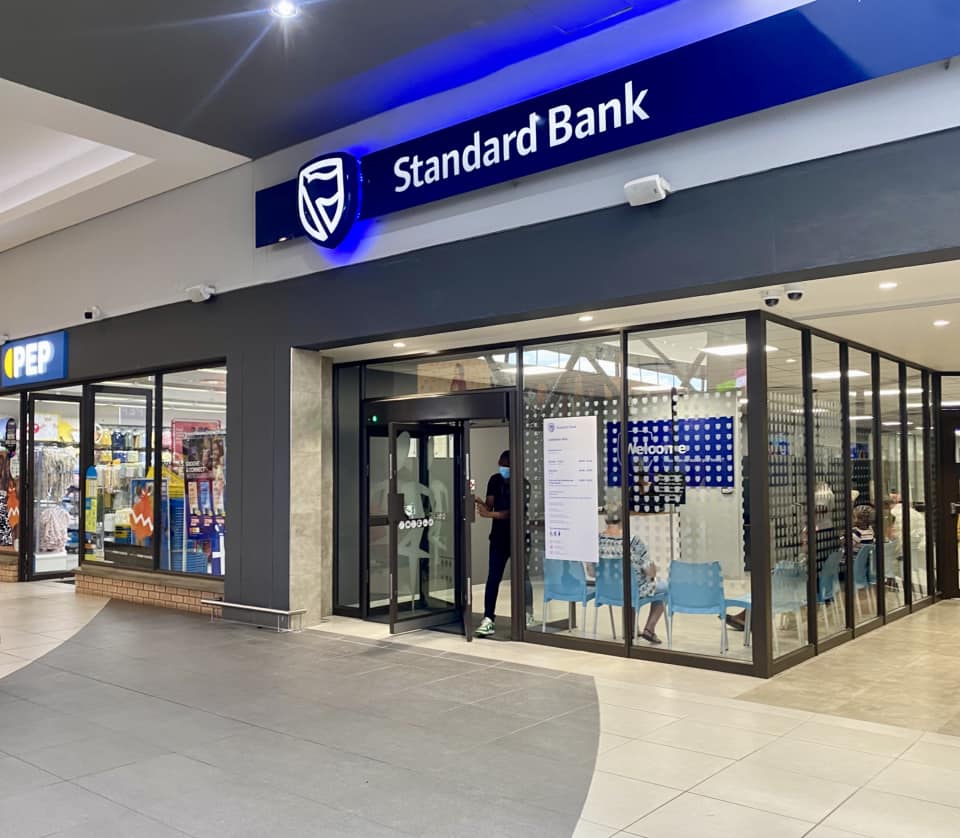
Keeping track of your bank balance is one of the most important habits for managing your finances. Whether you want to confirm a recent deposit, monitor your spending, or ensure you have enough funds before making a payment, Standard Bank offers several convenient ways to check your account balance. You can do it through your phone, online banking, ATM, or even in person. Here’s a detailed guide on how to check your balance on Standard Bank.
- Check Balance Using USSD Code
The quickest way to check your balance—especially if you don’t have mobile data—is by using Standard Bank’s USSD service. It works on any mobile phone and doesn’t require internet access.
- Dial *120*2345# on your mobile phone.
- Enter your PIN when prompted.
- Select the “Balance” option from the menu.
Your available account balance will appear on the screen instantly. This method is ideal if you want to check your balance on the go or when you have limited connectivity.
- Check Balance via Standard Bank App
The Standard Bank Mobile App offers an easy and secure way to view your account balance and recent transactions.
- Download the Standard Bank App from Google Play or the App Store.
- Log in using your online banking credentials.
- On the home screen, you’ll see your list of accounts with their current balances.
You can tap on a specific account to view a detailed transaction history and available funds. The app also allows you to transfer money, pay bills, and manage your cards all in one place.
- Check Balance via Online Banking
If you prefer using a computer or laptop, Internet Banking is another convenient option.
- Visit www.standardbank.co.za.
- Click on Sign In and select Internet Banking.
- Enter your username and password to log in.
- Once logged in, your dashboard will display your account balances and latest transactions.
You can also download your bank statements, set up alerts, or make payments directly from this platform.
- Check Balance at an ATM
You can also check your balance at any Standard Bank ATM or other ATM networks in South Africa.
- Insert your Standard Bank card into the ATM.
- Enter your PIN.
- Select “Balance Enquiry” from the menu.
- The machine will display your current balance on the screen, and you can choose to print a receipt if you wish.
This is useful if you’re already at a shopping mall or service area and need to verify your balance before making a withdrawal or purchase.
- Check Balance Through SMS or Email Alerts
Standard Bank allows you to set up SMS or email notifications to receive updates about your account activity. Once activated, you’ll receive instant alerts after each transaction, including deposits, withdrawals, and your updated balance.
To activate this feature, log in to your Online Banking or App, go to Notifications or Alerts, and choose your preferred method of receiving updates.
- Contact Customer Care
If you cannot access your balance using the above methods, you can call Standard Bank Customer Care for assistance.
- Dial 0860 123 000 from any phone in South Africa.
- Follow the voice prompts or speak to an agent.
- After verifying your details, the agent will provide your current balance.
Alternatively, you can visit your nearest Standard Bank branch for in-person assistance with your account.
- Security Tip
Always check your balance through official Standard Bank channels only. Avoid sharing your banking PIN or personal details with anyone claiming to represent the bank outside these secure platforms.
Also Read: How To Charge A Smart Bracelet