

How To Make A CV On My Phone

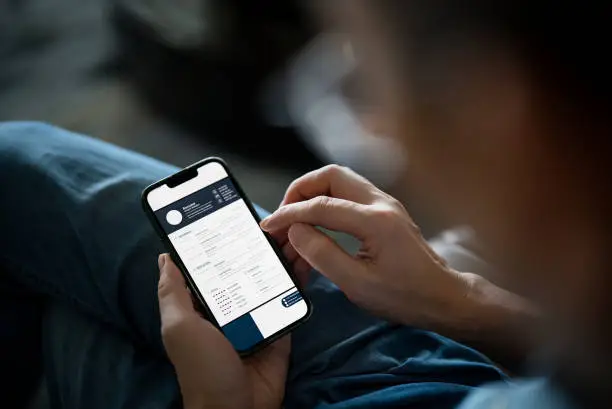
Creating a CV on your phone is a convenient way to prepare for job applications, especially when you don’t have access to a computer. With the right approach and tools, you can produce a clean, professional document using only your mobile device. This guide will help you on how to make CV on my phone.
- Choose the Right App
The first step is to select an app that allows you to create and edit documents. Good options include Microsoft Word, Google Docs, WPS Office, or Canva. These apps are available for free on both Android and iPhone. Download your preferred app from the Play Store or App Store and install it.
- Open a New Document or Template
Once your app is installed, open it and create a new document. Many apps offer free CV templates, which can help you structure your information neatly. If you use a template, choose one that looks simple and professional. Alternatively, you can start with a blank document and format it yourself.
- Add Your Personal Details
At the top of your CV, type your full name, phone number, email address, and (optional) location. Make sure your contact details are correct and easy to read.
- Write Your CV Sections
Create clear sections with headings. A basic CV should include:
- Personal Statement: A brief paragraph summarising who you are and what you can offer
- Education: List your schools, colleges, and qualifications
- Work Experience: Include jobs, internships, or volunteer roles with dates and duties
- Skills: Mention abilities that match the job, such as computer skills or languages
- References: You can write “Available on request” if you don’t want to list names
- Format Your CV
Use bold text for section headings so they stand out. Check that your spacing is even and that everything is easy to read. Keep the font simple (like Arial or Calibri) and the size between 10 and 12 points.
- Save and Export
Once you are happy with your CV, save the document. Most apps let you export the file as a PDF, which is the best format to send to employers because it keeps the layout in place. Save a copy on your phone or cloud storage so you can easily find it later.
Also Read:How To Make A CV For Students