

How to Order at McDonald’s

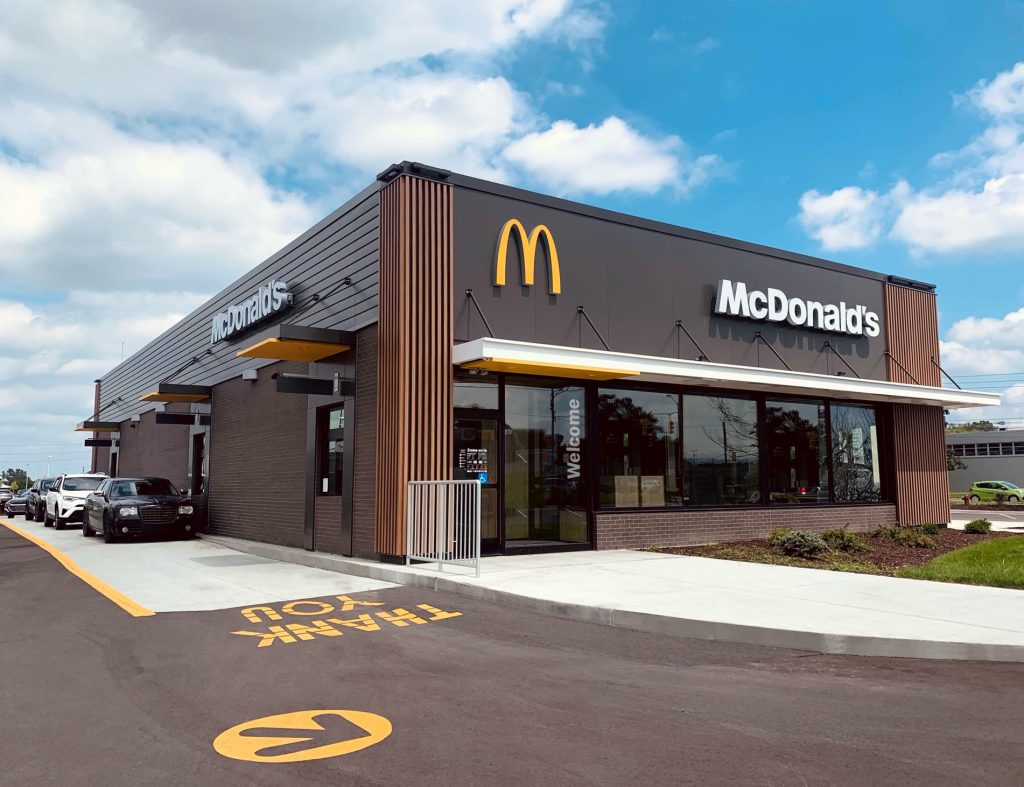
Learning how to order at McDonald’s can make your visit quicker and more enjoyable, especially if it is your first time at the restaurant. McDonald’s is one of the most popular fast-food chains in the world, known for serving burgers, fries, chicken meals, and beverages. The ordering process is simple and can be done in several ways, including at the counter, using a self-service kiosk, through the drive-thru, or with a mobile app.
Understanding the basic steps helps you place your order confidently and receive your food without confusion.
-
Decide What You Want to Order
Before approaching the counter or kiosk, it helps to know what you want.
- Look at the menu displayed in the restaurant
- Choose a meal, burger, or snack
- Decide if you want a combo meal with fries and a drink
- Consider adding extras such as desserts or drinks
Planning your order in advance helps speed up the process.
-
Order at the Counter
One common way to order is at the front counter.
- Walk to the cashier at McDonald’s
- Tell the staff member what you would like to order
- Specify the meal size or drink preference
- Confirm your order when the cashier repeats it
This method allows you to ask questions about the menu if needed.
-
Use the Self-Service Kiosk
Many restaurants offer digital kiosks for easy ordering.
- Tap the screen to begin your order
- Browse the menu categories
- Select the food items you want
- Customize your meal if necessary
The kiosk will guide you through the process step by step.
-
Pay for Your Order
After selecting your food, the next step is payment.
- Pay with cash at the counter if ordering from a cashier
- Use a debit or credit card at the kiosk or counter
- Some locations also accept mobile payments
Once the payment is completed, your order will be processed.
-
Wait for Your Order Number
After ordering, you will receive a receipt or order number.
- Stand in the waiting area
- Watch the display screen for your order number
- Listen for staff calling your order
When your number is called, you can collect your food.
-
Collect Your Food and Enjoy
The final step is picking up your order.
- Take your tray or takeaway bag from the counter
- Check that all items are included
- Add condiments such as ketchup if needed
You can then enjoy your meal at the restaurant or take it with you.
Also Read: How to Open a Sportscene Account Online