

How to Order from Amazon to Kenya

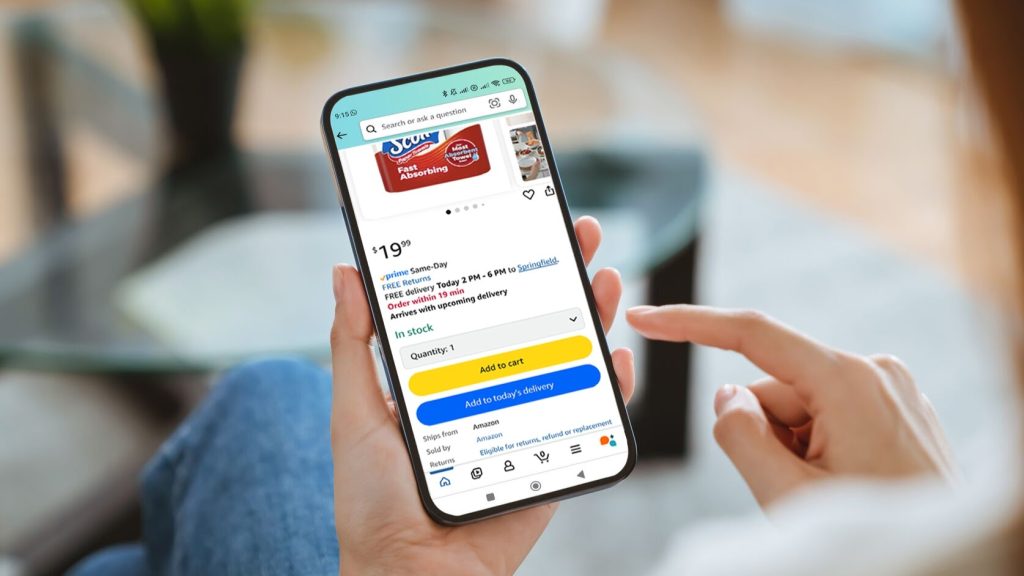
Ordering from Amazon to Kenya allows you to shop for electronics, clothing, books, household items, and other products from international sellers. Although not every item can be shipped directly to Kenya, many products are available for international delivery. Learning how to order from Amazon to Kenya helps you choose eligible products, calculate shipping costs, understand import charges, and receive your package without unnecessary delays. With the right preparation, you can shop online from Kenya while making informed decisions about the total cost of your purchase.
-
Open the Amazon Website
Start by visiting Amazon through your web browser or opening the Amazon shopping app. You can use Amazon’s US website or another Amazon marketplace that offers the products you need.
- Visit Amazon.com.
- Create an account or sign in to your existing account.
- Select your delivery country as Kenya where the option is available.
- Enter your Kenyan delivery address.
-
Search for the Product You Want
Use the search bar to find the item you want to purchase. Compare different brands, sellers, prices, and customer reviews before making your choice.
- Enter the product name or model.
- Read the product description carefully.
- Check customer ratings and reviews.
- Confirm that the product is suitable for use in Kenya, especially electronics that require compatible plugs or voltage.
-
Confirm That the Product Ships to Kenya
Not every product listed on Amazon can be delivered to Kenya. Shipping eligibility depends on the product, seller, and delivery address.
- Open the product page.
- Check the delivery information after entering your Kenyan address.
- Look for an estimated delivery date and shipping cost.
- If the product cannot be shipped to Kenya, search for another seller or consider a reputable package-forwarding service.
-
Add the Product to Your Cart
Once you have confirmed that the item can be delivered to your address, add it to your shopping cart.
- Choose the correct size, colour, model, or quantity.
- Review your selection before proceeding.
- Check whether the seller offers a warranty or return option.
- Continue to checkout when you are ready to pay.
-
Enter Your Delivery Address in Kenya
Provide accurate delivery details so the courier can locate you when the package arrives.
- Enter your full name and phone number.
- Include your county, town, estate, building name, and apartment number where applicable.
- Add a nearby landmark if the address field allows it.
- Use a physical delivery address if your selected shipping method does not support P.O. boxes.
-
Choose a Shipping Method
At checkout, Amazon will display the shipping options available for your products and address. Delivery costs and estimated arrival dates depend on the item, its weight, the seller, and the shipping method.
- Compare the available delivery options.
- Review the estimated delivery date.
- Check whether the shipment includes tracking.
- Consider a package-forwarding service if direct shipping is unavailable, and compare its fees before choosing it.
-
Review Shipping Costs and Import Taxes
Before paying, calculate the full cost of your purchase rather than looking at the product price alone.
- Check the product price and shipping fee.
- Review any import charges or import-fee deposit shown at checkout.
- Remember that Kenyan customs duties and taxes may apply, depending on the product and applicable regulations.
- Confirm whether the displayed import charges cover the relevant fees or whether additional charges may arise.
-
Pay for Your Order
Once you have checked the total cost, select an available payment method and complete the checkout process.
- Enter your card details if paying by card.
- Confirm that your billing information is correct.
- Check the final amount before placing the order.
- Save your order confirmation for future reference.
-
Track Your Package
After placing your order, monitor its progress through your Amazon account.
- Open the Orders section.
- Select your purchase and click the tracking option if available.
- Check the estimated delivery date and shipment updates.
- Respond promptly if the courier requests additional information for customs clearance.
-
Receive Your Package Safely
When your order arrives, check that the package and its contents match your purchase.
- Confirm the package belongs to you.
- Inspect the item for damage or missing parts.
- Keep your receipt and order details.
- Contact Amazon or the seller promptly if the item is incorrect or damaged.
Also Read: How to Attract Your Crush

