

How to Order Uber for Someone Else

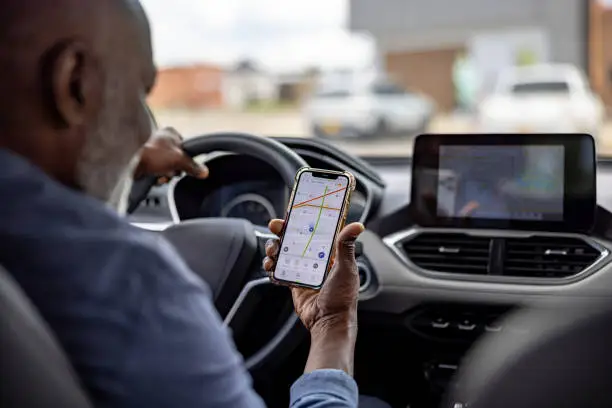
Ordering an Uber for someone else is a convenient way to help a friend, family member, colleague, or guest get to their destination safely. Whether you are arranging transport for someone who does not have the Uber app or helping a loved one get home, you can request a ride using your own account. Learning how to order Uber for someone else helps you enter the correct pickup and drop-off locations, share trip details, and ensure the passenger knows which vehicle to look for.
-
Open the Uber App
Start by opening the Uber app on your smartphone and signing in to your account.
- Ensure your phone has an internet connection.
- Confirm that your account is active.
- Check that your preferred payment method is available.
-
Enter the Passenger’s Pickup Location
Set the pickup location to where the person you are booking for will be waiting, rather than your own location.
- Tap the pickup location field.
- Enter the passenger’s address or current location.
- Adjust the map pin if necessary.
- Confirm the pickup point with the passenger to avoid confusion.
-
Enter the Destination
Next, enter the location where the passenger wants to go.
- Type the destination address or place name.
- Check that the correct location appears.
- Confirm the destination with the passenger.
- Review the estimated fare and available ride options.
-
Select the Option to Book for Someone Else
Depending on your location and the version of the Uber app, you may be able to specify that the ride is for another person.
- Look for a passenger or rider selection option on the booking screen.
- Select the option to book for someone else, if available.
- Enter the passenger’s name and phone number if requested.
- Follow the prompts to confirm the booking.
If this option is unavailable, check whether your app allows you to enter the other person’s pickup location and share the driver’s details with them. The exact process can vary by market.
-
Confirm and Request the Ride
Before requesting the trip, review all the details carefully.
- Verify the pickup and destination locations.
- Confirm the ride type and estimated fare.
- Check the payment method.
- Tap the button to request the ride.
Wait for Uber to match you with a driver.
-
Share the Driver’s Details With the Passenger
Once a driver accepts the request, make sure the passenger knows how to identify the vehicle.
- Share the driver’s name, vehicle model, colour, and registration number.
- Send the estimated arrival time.
- Share the trip status or trip link if the app provides that option.
- Ask the passenger to verify the vehicle details before getting in.
-
Stay Available During the Trip
Remain reachable in case the driver or passenger needs assistance.
- Keep your phone nearby.
- Respond to calls or messages about the pickup.
- Check the trip progress when available.
- Confirm that the passenger has reached the destination.
Also Read: How to Attract Your Crush

