

How to Reset a Gate Motor

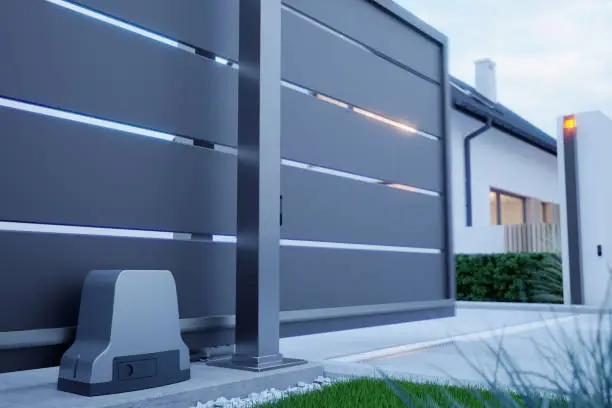
Gate motors are essential for automated gates, providing convenience and security for homes and businesses. However, like any electronic system, they can sometimes malfunction or stop working properly due to power issues, programming errors, or general wear. Learning how to reset a gate motor can help you restore normal operation without needing immediate professional assistance. With the right steps and safety precautions, you can troubleshoot and reset your system effectively.
-
Turn Off the Power Supply
Before working on the gate motor, switch off the main power supply. This is important for safety and helps reset the system completely.
Wait a few minutes before turning the power back on.
- Locate the main power switch
- Turn off electricity completely
- Allow time for the system to reset
-
Check the Manual Release
Most gate motors have a manual release feature that allows you to operate the gate by hand.
Engage and disengage the manual release to ensure the gate is not stuck or jammed.
- Locate the manual release key or lever
- Test the gate movement manually
- Re-engage the motor properly
-
Reset Using the Control Panel
Access the control panel on the gate motor. Look for a reset button or follow the reset procedure outlined in the user manual.
Some models require holding a specific button for a few seconds to initiate a reset.
- Refer to the user manual
- Press and hold the reset button if available
- Follow model-specific instructions
-
Reprogram the Remote Controls
After resetting the motor, you may need to reconnect or reprogram your remote controls.
Follow the instructions to pair the remote with the gate motor again.
- Locate the learn or program button
- Sync your remote properly
- Test the remote after setup
-
Test the Gate Operation
Once everything is set, turn the power back on and test the gate. Open and close it a few times to ensure it is functioning correctly.
Listen for unusual noises and check for smooth movement.
- Test multiple times
- Observe performance closely
- Make adjustments if needed
Also Read: How to Remove Paint on the Wall