

How to Test Capacitor Using Multimeter

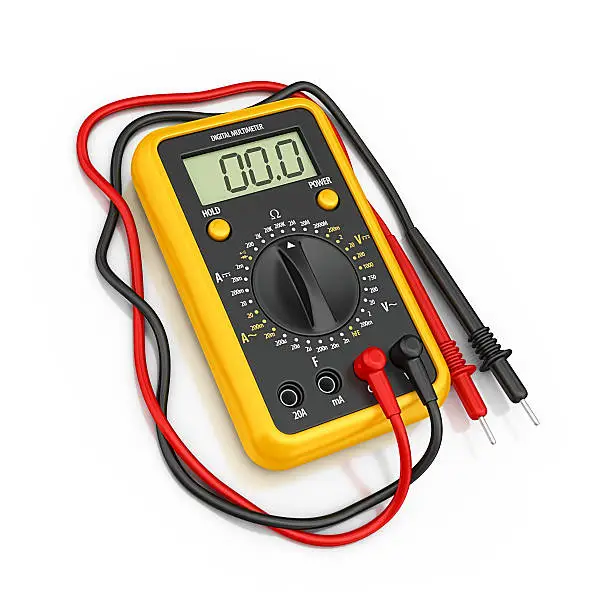
Capacitors are important electrical components used in many electronic devices and appliances. When a capacitor becomes faulty, it can cause equipment to stop working properly or fail completely. Learning how to test capacitor using multimeter helps you identify damaged components safely and efficiently. With the correct method and precautions, you can check whether a capacitor is functioning as expected.
-
Disconnect the Power Supply
Before testing a capacitor, switch off and unplug the device completely.
This helps prevent electrical shock and protects both you and the equipment.
- Turn off the power source
- Unplug the device
- Ensure the area is safe
-
Discharge the Capacitor Safely
Capacitors can store electricity even after the power is disconnected.
Discharge the capacitor carefully before touching it.
- Use an insulated resistor or tool
- Avoid touching terminals directly
- Confirm the capacitor is discharged
-
Set the Multimeter Properly
Turn the multimeter to the capacitance or resistance setting, depending on the type of meter you have.
Ensure the multimeter is functioning correctly before testing.
- Select capacitance mode if available
- Use resistance mode if necessary
- Check meter settings carefully
-
Connect the Multimeter Probes
Place the multimeter probes on the capacitor terminals.
Observe the reading displayed on the multimeter.
- Connect probes to both terminals
- Hold steadily during testing
- Watch the display carefully
-
Interpret the Results
A good capacitor should show a reading close to its rated capacitance value.
If the reading is very low, extremely high, or shows no change, the capacitor may be faulty.
- Compare reading with rated value
- Look for stable measurements
- Replace damaged capacitors if needed
Also Read: How to Style Bob Braids