


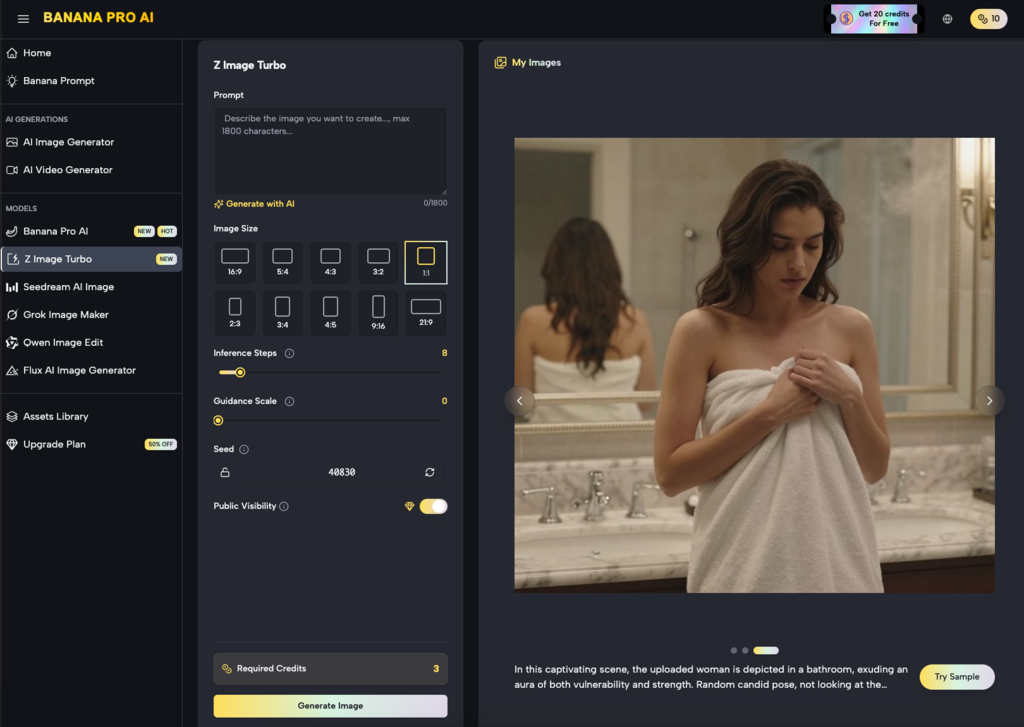
For agencies managing a dozen or more client accounts, the bottleneck in visual production rarely lies in the initial creative spark. It lies in the grueling middle: the “refinement and resizing” stage where a single hero concept must be fractured into fifty different variations for Instagram Stories, LinkedIn banners, YouTube thumbnails, and programmatic display ads. Maintaining visual continuity across these touchpoints is where most manual workflows—and many early-stage AI tools—tend to break down.
The challenge is “style drift.” When you generate one set of assets on Monday and another on Thursday, even using the same prompt, the lighting, texture, and character consistency often shift just enough to feel disjointed. For a brand, this lack of cohesion is a silent killer of trust. Solving this requires moving away from isolated generation and toward a centralized production environment like Banana Pro, where consistency is treated as a technical requirement rather than a fortunate accident.
The Anatomy of a High-Volume Production Pipeline
A professional agency workflow doesn’t start with a blank prompt box. It starts with a base of existing brand equity. When we look at scaling batches of assets, the process usually follows a specific hierarchy: establishing the “visual north star,” creating the primary batch, and then using local refinement to adapt that batch for specific channels.
The Nano Banana Pro model has emerged as a workhorse in this middle layer. Unlike general-purpose models that are optimized for “wow factor” but offer little control, Nano Banana is designed for predictability and speed. When an agency is tasked with creating 200 assets for a seasonal campaign, the priority is not necessarily a one-of-a-kind masterpiece for every frame, but rather a set of images that feel like they were shot in the same studio on the same afternoon.
Using a canvas-based workflow allows teams to see these assets side-by-side. This spatial arrangement is critical for noticing subtle shifts in color grading or lighting that might be missed if you were looking at images in isolation. By keeping the generation engine within a unified interface, operators can more effectively manage the parameters that govern visual output.
Establishing the Visual North Star with Nano Banana
The first phase of scaling is defining the “Base Asset.” This is the highest-fidelity version of the concept, usually a wide-angle shot or a complex hero image that contains all the brand’s necessary visual DNA—specific color palettes, lighting styles, and subject matter.
In the Banana Pro ecosystem, this is often where the initial generation occurs. However, it is important to reset expectations here: AI is not yet at a stage where a single prompt will perfectly replicate a brand’s exact “Brand Guidelines PDF” without human intervention. We have found that the most successful teams use Nano Banana to generate the “compositional bones” of an image, then use iterative layers to dial in the specifics.
At this stage, uncertainty often arises around specific brand colors. While the AI can get close to a “navy blue,” it may not hit a specific Pantone without post-processing. Acknowledging this limitation early allows the production team to build a secondary step for color correction rather than wasting time trying to “prompt engineer” a perfect hex code that the model may not be trained to recognize with 100% accuracy.
Refining Variations via the AI Image Editor
Once the core visual style is locked in, the focus shifts to variation. An agency might need the same product featured in a home setting, an office setting, and an outdoor setting, all while maintaining the exact look of the product itself.
This is where the AI Image Editor becomes the primary tool for the operator. Instead of regenerating the entire image from scratch—which would inevitably change the product’s appearance—the editor allows for localized changes. Through a process of in-painting and masked editing, a creator can swap backgrounds or adjust lighting on specific elements while leaving the “brand-critical” parts of the image untouched.
The efficiency gain here is massive. In a traditional Photoshop workflow, swapping a background involves complex masking, edge refinement, and manual lighting matching. With a dedicated editor in a Banana AI workflow, the AI handles the “heavy lifting” of blending the product into the new environment. It understands how light from a sunset should bounce off a metallic surface differently than light from a fluorescent office bulb, saving the designer hours of manual grading.
The Role of Image-to-Image in Scale
A common mistake in AI asset production is relying too heavily on text-to-image for every step. Text is an imprecise medium for describing visual nuances. Production-savvy teams instead use the “Image-to-Image” capability to maintain consistency.
By taking a successful generation from Nano Banana and using it as a visual reference for the next 50 assets, you anchor the AI’s “imagination” to a concrete set of pixels. This reduces the variance in character features, clothing textures, and atmospheric depth. It essentially tells the machine, “Look at this image, and give me more of *this*, but in a vertical 9:16 aspect ratio.”
Transitioning from Static to Motion Assets
Modern campaigns are rarely static. The expectation from clients is now “static plus motion”—a set of images for the feed and a set of short-form videos for Reels or TikTok.
In the Banana Pro environment, the transition from an image generated via Nano Banana to a video asset is designed to be seamless. However, this is another moment where we must exercise caution. AI video generation is currently much more volatile than image generation. While you can maintain a character’s look in a static shot, keeping that character consistent through 3 seconds of movement is a technical hurdle that requires significant oversight.
The practical approach for agencies is to use the generated images as “Keyframes.” By starting with a high-quality static asset from the editor, the video generator has a clear starting point. This prevents the “morphing” effect common in text-to-video workflows. Even so, teams should expect a higher “re-roll” rate for video than for images. It’s better to plan for five versions of a video clip to get one that is brand-compliant than to assume the first output will be production-ready.
Managing Multi-Channel Layouts and Ratios
One of the most tedious parts of agency life is the “resizing” phase. A 1:1 square for Instagram does not simply crop into a 16:9 for a YouTube banner; often, the composition needs to be fundamentally reimagined.
Using Nano Banana in a canvas environment allows for “Outpainting.” If you have a hero shot that is too tight for a wide-screen banner, the AI can “imagine” what is beyond the frame, extending the background in a way that matches the original style perfectly. This is a significant improvement over traditional content-aware fill tools, as it can generate new, complex elements (like more trees in a forest or more furniture in a room) rather than just repeating patterns.
Batching Strategy for Social Media
When scaling for social media, the goal is often quantity to combat ad fatigue. Teams can use a “Seed-based” approach. By locking the seed number in the Banana Pro settings, you can keep the core composition similar while changing small prompt variables like “time of day” or “weather.”
This allows an agency to deliver a “dynamic” campaign where the visuals shift subtly depending on when or where the ad is served, all while staying within the same aesthetic envelope. It’s a level of customization that was previously too expensive for anyone but the largest brands with massive retouching budgets.
Operational Realities: Human Oversight in the AI Loop
It is tempting to view tools like Nano Banana Pro as an “autopilot” for creative work. In reality, they are more like high-performance power tools. They require a skilled operator who understands composition, color theory, and, most importantly, the client’s brand voice.
We must be clear: the AI will occasionally produce “hallucinations”—a sixth finger, a distorted logo, or a background element that makes no sense. In a high-volume batch, these errors can easily slip through if the workflow is too automated. The most effective agencies use a “four-eyes” principle where every batch generated by the AI is reviewed by a human editor.
The AI Image Editor is often the final stop in this quality control loop. It’s used to fix those small AI artifacts, ensuring that the speed of generation doesn’t come at the cost of professional standards. The goal is to spend 10% of the time on generation and 90% on “curation and refinement,” rather than spending 100% of the time on manual creation.
The Commercial Logic of AI Asset Scaling
For an agency, the move toward a Banana Pro workflow is ultimately a commercial decision. Traditional asset production is a linear cost: more assets equals more hours, which equals more cost to the client or lower margins for the agency.
AI-driven scaling changes this to a non-linear model. Once the initial “North Star” asset and prompt architecture are built, the cost of producing the 10th, 50th, or 100th variation drops significantly. This allows agencies to offer “always-on” creative testing to their clients, which in turn leads to better ad performance and higher client retention.
The “Nano Banana” model, specifically, is optimized for this type of production-heavy environment. It balances speed with a high enough aesthetic ceiling to satisfy premium brand requirements. When integrated with the broader tools in the suite, it creates a closed loop where assets are conceived, refined, and prepared for distribution without ever leaving the ecosystem.
Final Tactical Recommendations
If your team is looking to implement this workflow, start small. Do not attempt to automate a 500-asset campaign on day one.
- Define the Anchor: Use Nano Banana to create one perfect “Master Image” for the campaign.
- Build the Masking Library: Identify which elements of the image must remain static (e.g., the product or a specific person) and which can be varied.
- Iterate in the Editor: Use the AI Image Editor to create your first five channel variations.
- Document the “Negative”: Keep a running list of what the AI gets wrong for a specific brand (e.g., “Always makes the grass too neon green”) and include those in your negative prompts to save time in future batches
The transition to AI-assisted asset production is less about replacing the designer and more about removing the “grunt work” from their daily schedule. By leveraging the specific strengths of Nano Banana Pro and the canvas workflow, agencies can finally meet the insatiable demand for content without burning out their creative teams or compromising on the visual consistency that defines a great brand. Consistency at scale is no longer a luxury of the few; it is a technical capability available to any team willing to master the new tools of the trade.
Email your news TIPS to Editor@Kahawatungu.com — this is our only official communication channel
