


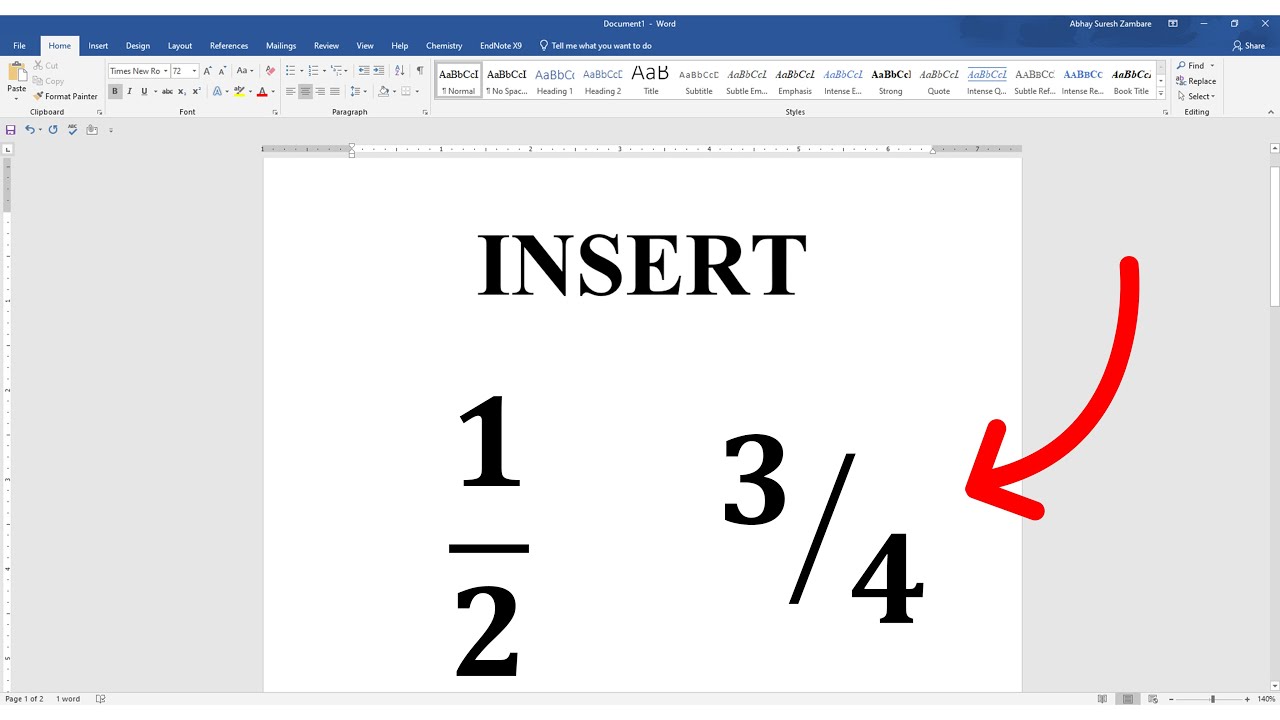
Microsoft Word provides several ways to create fractions, whether you need them for mathematical documents, academic work, or professional reports. You can type fractions manually, use the built-in AutoFormat feature, insert special fraction symbols, or use the equation editor for more complex expressions. Each method has its advantages, depending on how precise or customizable you need the fraction to be. Here is how to make a fraction in Word.
Using AutoFormat for Common Fractions
Microsoft Word automatically converts certain commonly used fractions into formatted versions. When you type basic fractions like 1/2, 1/4, or 3/4, Word will automatically change them into proper fraction symbols (e.g., ½, ¼, ¾). This feature is enabled by default in most versions of Word. However, it only works for a limited set of fractions.
If AutoFormat does not work, you can enable it:
- Click on File, then Options (or Word Options in older versions).
- Select Proofing, then click on AutoCorrect Options.
- Go to the AutoFormat As You Type tab.
- Check the box next to Fractions (1/2) with fraction character (½).
Using Superscript and Subscript for Custom Fractions
For fractions that are not automatically formatted, you can manually format the numerator and denominator using superscript and subscript:
- Type the fraction in the form of 1/3 or 5/8.
- Highlight the numerator (the number before the slash).
- Click on Font (or press Ctrl + D) and check Superscript, then click OK.
- Highlight the denominator (the number after the slash).
- Go back to Font and check Subscript, then click OK.
This method gives a fraction-like appearance but does not align the numbers perfectly.
Inserting Special Fraction Symbols
Word includes some preformatted fraction characters that you can insert:
- Click on the Insert tab.
- Select Symbol, then click More Symbols.
- In the Subset dropdown menu, select Number Forms.
- Choose a fraction from the list (e.g., ⅓, ⅝, ⅞) and click Insert.
These symbols work well for simple fractions but do not allow customization for uncommon fractions.
Using the Equation Editor for Complex Fractions
For precise formatting, especially in mathematical documents, the Equation Editor is the best option:
- Go to the Insert tab and click on Equation (or press Alt + = on your keyboard).
- Click on Fraction in the Equation toolbar.
- Choose a fraction style, such as Stacked Fraction or Linear Fraction.
- Enter the numerator and denominator in the provided boxes.
This method is ideal for algebraic expressions and ensures proper alignment and readability.
Also Read: How To Install Downlights
Email your news TIPS to Editor@Kahawatungu.com — this is our only official communication channel
