


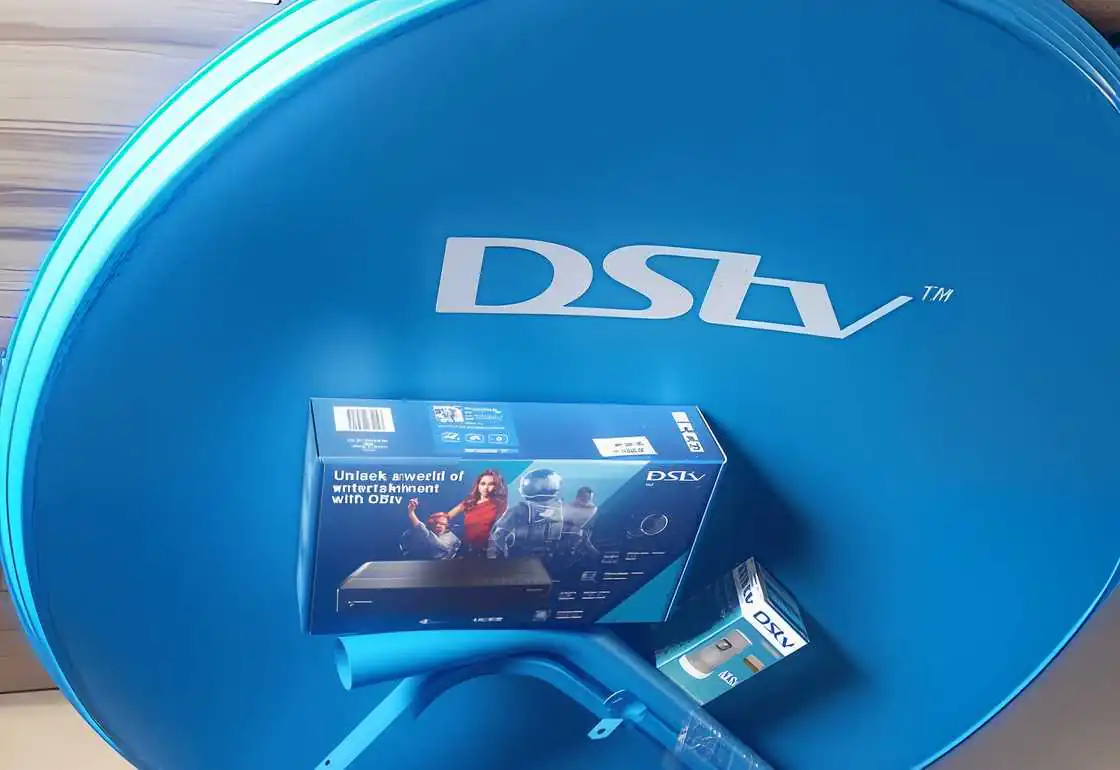
Learning how to open a DStv account is the first step to enjoying a wide range of television channels, movies, sports, and entertainment. DStv is a popular satellite television service operated by MultiChoice and widely used in countries across Africa, including South Africa.
Opening a DStv account allows you to subscribe to different channel packages, manage your payments, and access various entertainment options. The process is simple and can be completed online, through an installer, or at a service center.
-
Choose a DStv Package
The first step is selecting the subscription package that suits your needs.
- Entry-level entertainment packages
- Mid-range packages with more channels
- Premium packages with sports and movies
- Family-friendly channel options
Each package offered by DStv provides different channels and pricing options.
-
Purchase a Decoder and Dish
To access the satellite service, you will need the required equipment.
- A DStv decoder
- A satellite dish
- Cables and connectors
- A remote control
These items can be purchased from authorized dealers or retailers.
-
Install the Satellite Dish
The satellite dish must be installed correctly to receive the signal.
- Hire a professional installer if possible
- Mount the dish in an open area facing the satellite
- Connect the cables from the dish to the decoder
- Ensure the signal is properly aligned
Professional installation helps ensure the best signal quality.
-
Create Your DStv Account
Once the equipment is installed, you can register your account.
- Visit the official website of DStv
- Register using your email or phone number
- Enter your decoder and smartcard details
- Provide your personal information
After registration, your account will be created.
-
Activate Your Subscription
Next, choose and activate your preferred package.
- Select your chosen channel package
- Make the required payment
- Confirm activation through your account
After activation, your decoder will begin receiving the channels included in your package.
-
Manage Your Account Online
Once your account is active, you can manage it online.
- Check your subscription status
- Upgrade or change your package
- Pay monthly subscriptions
- Update your personal details
Online management tools provided by DStv make it easy to control your account.
Also Read: How to Mute Words on Twitter
Email your news TIPS to Editor@Kahawatungu.com — this is our only official communication channel
