

How to Activate a PnP Smart Shopper Card

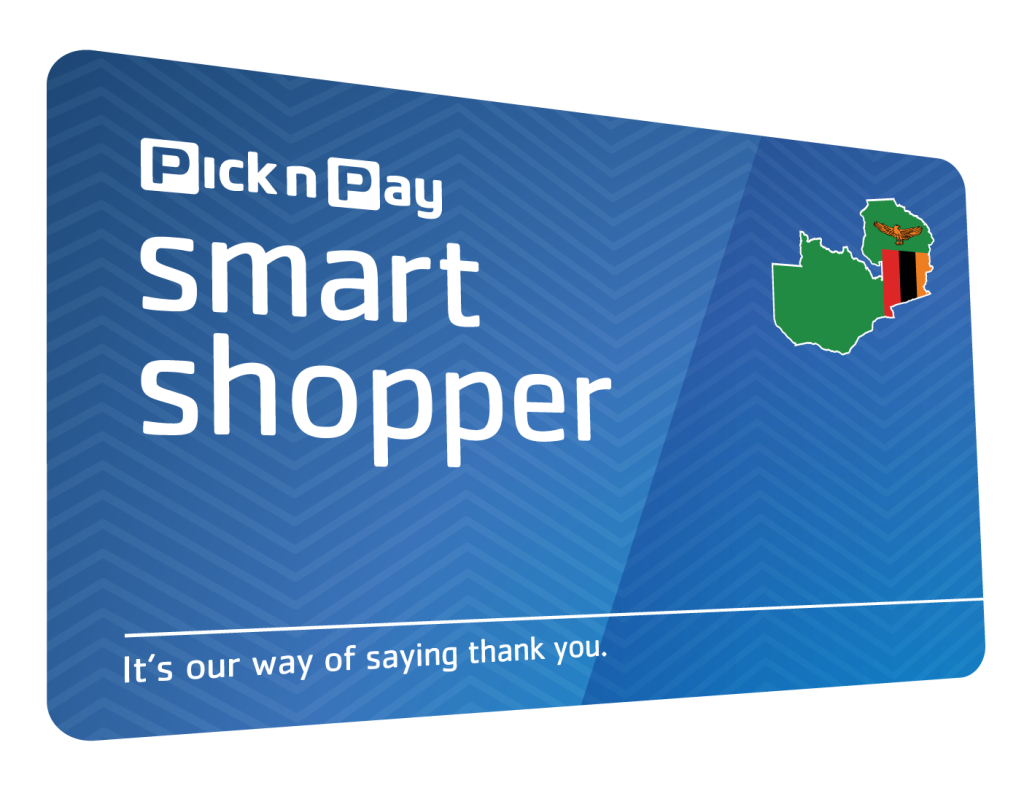
A Pick n Pay Smart Shopper card allows you to earn points, access special promotions, and enjoy rewards when shopping at participating Pick n Pay stores. Before you can take full advantage of these benefits, you need to activate and register your card. Learning how to activate a PnP Smart Shopper card helps ensure that your purchases are linked to your account and that you receive your rewards correctly.
-
Obtain a Smart Shopper Card
Start by getting a Smart Shopper card from a participating Pick n Pay store if you do not already have one.
The card is usually available at customer service desks or checkout counters.
- Collect a Smart Shopper card
- Keep the card number safe
- Ensure the card is undamaged
-
Register Your Card
To activate the card, you will need to register it with your personal details.
This links the card to your account and rewards profile.
- Visit the Smart Shopper registration platform
- Enter your personal information
- Provide the card number when requested
-
Verify Your Details
During registration, you may be asked to confirm your contact information.
Verification helps secure your account and ensures you receive rewards and communications.
- Confirm your mobile number or email address
- Review your information carefully
- Complete any required verification steps
-
Complete the Activation Process
Once registration is complete, your Smart Shopper card will be activated and ready to use.
You should receive confirmation that the process was successful.
- Submit the registration form
- Wait for activation confirmation
- Keep your account details secure
-
Start Using Your Card
Present your Smart Shopper card whenever you shop at Pick n Pay to earn points and access available promotions.
Regular use helps you maximize the benefits of the program.
- Swipe or scan the card at checkout
- Check that points are being added
- Monitor your rewards balance
Also Read: How to Activate MTN Data Share