

How to Activate a Standard Bank Card

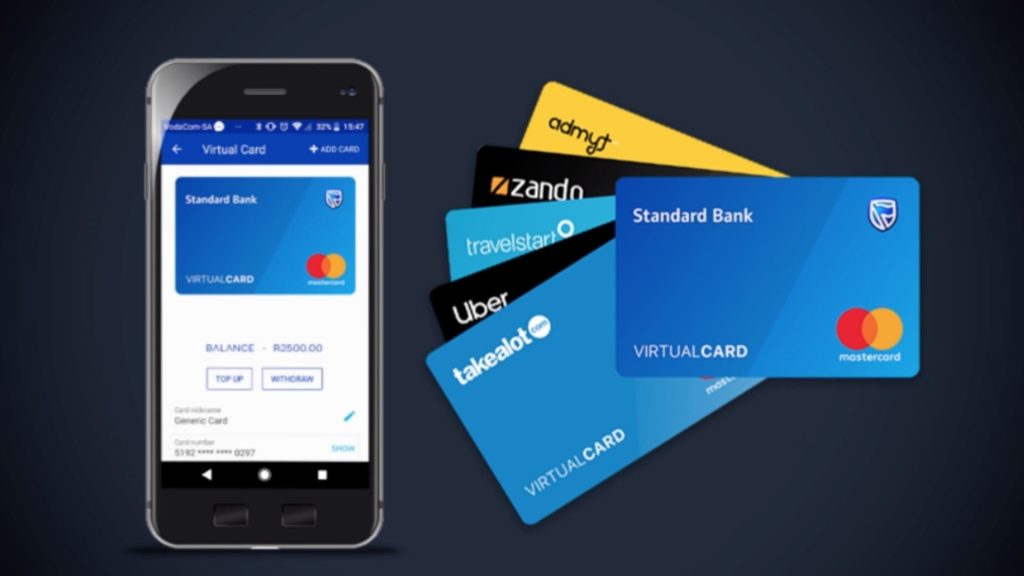
Activating your Standard Bank card is an important step before you can use it for purchases, ATM withdrawals, and other banking transactions. Whether you have received a new card, a replacement card, or a renewed card, activation helps ensure that it is ready for secure use. Learning how to activate a Standard Bank card allows you to access your banking services quickly and conveniently.
-
Receive Your New Card
Before activation, make sure you have received your Standard Bank card and that all the details on it are correct.
Check the card for any visible damage.
- Confirm that you have the correct card
- Check the expiry date and card details
- Keep the card in a safe place
-
Log In to the Standard Bank App or Online Banking
Standard Bank provides digital banking services that allow you to manage and activate your cards.
Access your account using your registered login details.
- Open the Standard Bank app or website
- Sign in securely
- Navigate to your card management section
-
Select the Card Activation Option
Once you locate your card, choose the activation option available in the card settings.
Follow the instructions displayed on the screen.
- Select the card you want to activate
- Tap or click the activation option
- Review the card information
-
Verify Your Identity
For security purposes, Standard Bank may require additional verification before activation is completed.
This helps protect your account from unauthorized access.
- Enter a one-time password (OTP) if requested
- Complete any security checks
- Confirm the activation request
-
Create or Confirm Your PIN
You may be asked to set up a new PIN or confirm an existing one.
Your PIN will be required for ATM withdrawals and many card transactions.
- Choose a secure PIN
- Avoid predictable number combinations
- Keep your PIN confidential
-
Start Using Your Card
Once activation is complete, your card will be ready for everyday use.
You can use it for purchases, withdrawals, and other supported banking services.
- Check for activation confirmation
- Make a small test transaction if desired
- Monitor your account activity regularly
Also Read: How to Activate MTN Data Share