

How to Add VAT to an Amount

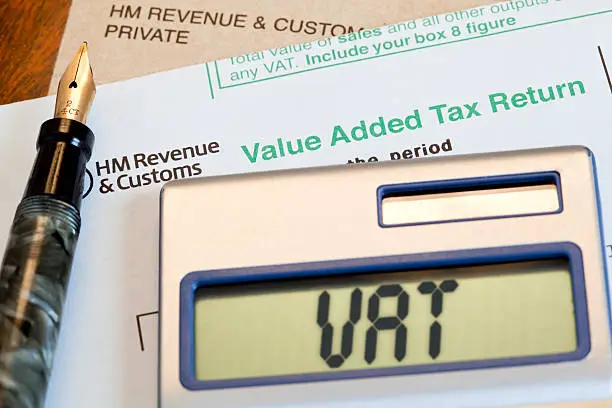
Value Added Tax (VAT) is a consumption tax added to the price of goods and services in many countries. Whether you are preparing invoices, calculating sales prices, or managing business finances, understanding how to add VAT to an amount is essential. By using a simple formula, you can quickly determine the total price including VAT and ensure accurate calculations.
-
Determine the Original Amount
Start by identifying the amount before VAT is applied.
This is often referred to as the net amount or VAT-exclusive price.
- Confirm the original price
- Ensure VAT is not already included
- Use the net amount for calculations
-
Identify the VAT Rate
You need to know the applicable VAT percentage before performing the calculation.
VAT rates vary depending on the country and type of goods or services.
- Check the current VAT rate
- Use the correct percentage
- Avoid estimating the rate
-
Convert the VAT Rate to a Decimal
To calculate the VAT amount, convert the percentage into decimal form.
Divide the VAT percentage by 100.
- 15% becomes 0.15
- 16% becomes 0.16
- 20% becomes 0.20
-
Calculate the VAT Amount
Multiply the original amount by the VAT decimal.
This gives you the amount of VAT to be added.
- VAT Amount = Original Amount × VAT Rate
- Record the VAT value
- Double-check your calculation
-
Add VAT to the Original Amount
Add the VAT amount to the original price to get the total amount payable.
This gives you the VAT-inclusive price.
- Total Amount = Original Amount + VAT Amount
- Verify the final figure
- Round decimals if necessary
-
Use a Quick Formula
You can calculate the VAT-inclusive amount in one step using:
Total Amount = Original Amount × (1 + VAT Rate)
For example, if the original amount is 1,000 and the VAT rate is 16%:
- 1,000 × 1.16
- Total Amount = 1,160
Also Read: How to Add Speaker Notes in PowerPoint