


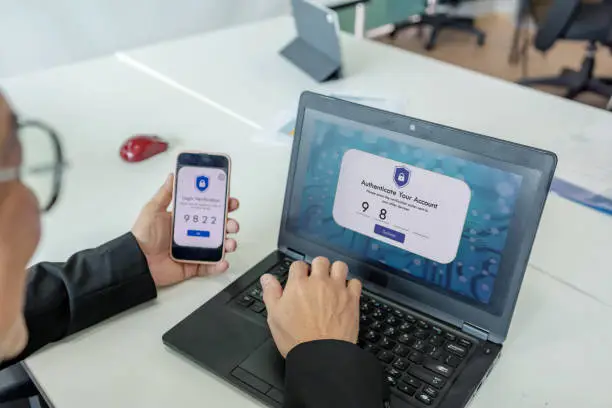
In today’s digital world, it is easy to access all kinds of content online, including adult or pornographic material. While some people may want to view such content, many prefer to block it for personal, moral, or family reasons. Parents may also want to protect children from exposure to harmful material. Thankfully, there are several ways to block porn on your phone and create a safe browsing environment. Whether you use an Android or iPhone, you can use built-in settings, apps, or network filters to keep adult content away. Here is how to block porn on my phone.
- Use Parental Controls on Your Phone
Both Android and iPhone devices come with built-in parental controls that allow you to limit access to explicit content. On Android, you can open the Google Play Store, go to Settings, and turn on Parental Controls. This lets you restrict apps, movies, and websites based on age ratings. On iPhone, open Settings, go to Screen Time, and tap Content & Privacy Restrictions. Under Content Restrictions, select Web Content and choose Limit Adult Websites. This feature automatically blocks pornographic and other inappropriate websites. - Enable SafeSearch on Google
Google’s SafeSearch feature filters out explicit results from searches. To turn it on, open your browser, go to the Google Search Settings page, and enable Turn on SafeSearch. On Android phones, you can also open the Google App, tap your profile picture, select Settings, then SafeSearch, and switch it on. Once enabled, Google will block explicit images, videos, and links from appearing in search results. - Install a Website Blocker App
There are many reliable apps designed to block adult content and maintain online safety. Apps such as BlockSite, Qustodio, Net Nanny, and Kaspersky Safe Kids allow you to restrict access to specific websites and categories. After installation, you can create a list of blocked sites or turn on automatic adult content filtering. These apps also let parents set usage limits, monitor browsing activity, and prevent children from disabling the blocker. - Use a Family-Friendly DNS Service
DNS (Domain Name System) settings help your phone find websites on the internet. By changing your DNS to a family-safe one, you can block porn sites automatically. Services like CleanBrowsing Family Filter or OpenDNS FamilyShield are free and easy to use. On Android or iPhone, open your Wi-Fi settings, tap your network name, and choose Configure DNS. Enter the DNS addresses from your chosen provider and save the changes. Once set, adult websites will be blocked on all browsers using that network. - Block Porn Through Your Browser
Most browsers allow you to add filters or extensions to block adult sites. For example, if you use Chrome, you can install extensions such as BlockSite or Adult Blocker from the Chrome Web Store. On Safari, enabling Limit Adult Content under Settings → Screen Time → Content Restrictions achieves the same effect. You can also clear browsing history and disable private browsing to prevent hidden searches. - Use Network-Level Blocking
If you share Wi-Fi with family or children, you can block adult content directly from your router or internet provider. Log in to your router’s settings and look for parental control or filtering options. Many internet providers also offer parental control tools that let you block specific websites or types of content for all devices using your home network. - Avoid Adult Apps and Unsafe Links
Some pornographic content is shared through social media or adult apps. Avoid downloading apps from unverified sources and be cautious about clicking unknown links. Use only official app stores like Google Play or Apple App Store, which regularly remove harmful or adult-related apps. - Stay Accountable and Aware
If you are blocking porn for personal reasons, consider using accountability apps like Covenant Eyes or Ever Accountable. These apps track your browsing activity and send reports to a trusted friend or partner, helping you stay disciplined. Educating yourself about online safety and setting personal limits can also strengthen your commitment to avoiding adult content.
Also Read: How To Become An Investment Banker
Email your news TIPS to Editor@Kahawatungu.com — this is our only official communication channel
