

How to Calculate Amount Excluding VAT

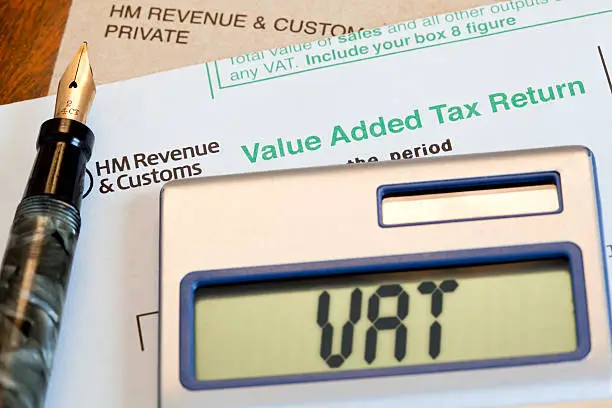
Value Added Tax (VAT) is often included in the total price of goods and services, making it necessary to calculate the amount excluding VAT for accounting, invoicing, and budgeting purposes. Determining the VAT-exclusive amount allows you to identify the original price before tax was added. Learning how to calculate an amount excluding VAT helps you prepare accurate financial records and better understand the true cost of a product or service.
-
Confirm That the Total Amount Includes VAT
Before calculating the VAT-exclusive amount, verify that the price you have is VAT-inclusive.
You also need to know the VAT rate that was applied, as this varies between countries.
- Confirm the amount includes VAT
- Identify the applicable VAT rate
- Use the correct total amount
-
Apply the VAT Exclusion Formula
To calculate the amount excluding VAT, divide the total VAT-inclusive amount by (1 + VAT rate).
For example, if the VAT rate is 15%, divide the total amount by 1.15. If the VAT rate is 16%, divide the total amount by 1.16.
- Divide the total amount by 1 + VAT rate
- Use the correct VAT percentage
- The result is the VAT-exclusive amount
-
Calculate the VAT Portion
After finding the VAT-exclusive amount, subtract it from the total amount to determine how much VAT was charged.
This helps separate the tax from the original selling price.
- VAT = Total Amount − VAT-exclusive Amount
- Record both amounts if required
- Check your calculations for accuracy
-
Verify the Result
Multiply the VAT-exclusive amount by (1 + VAT rate) to confirm your calculation.
The answer should match the original VAT-inclusive amount.
- Multiply by 1 + VAT rate
- Compare with the original total
- Correct any errors if necessary
-
Use a Calculator or Spreadsheet
If you calculate VAT regularly, using a calculator or spreadsheet can make the process faster and reduce the risk of mistakes.
This is especially useful for businesses that prepare invoices or financial reports.
- Use a calculator for quick results
- Create a spreadsheet formula for repeated calculations
- Save your calculations for future reference
Also Read: How to Buy Airtime with a Mr Price Account

