

How to Download and Authenticate the eLogbook: Step-by-Step Guide

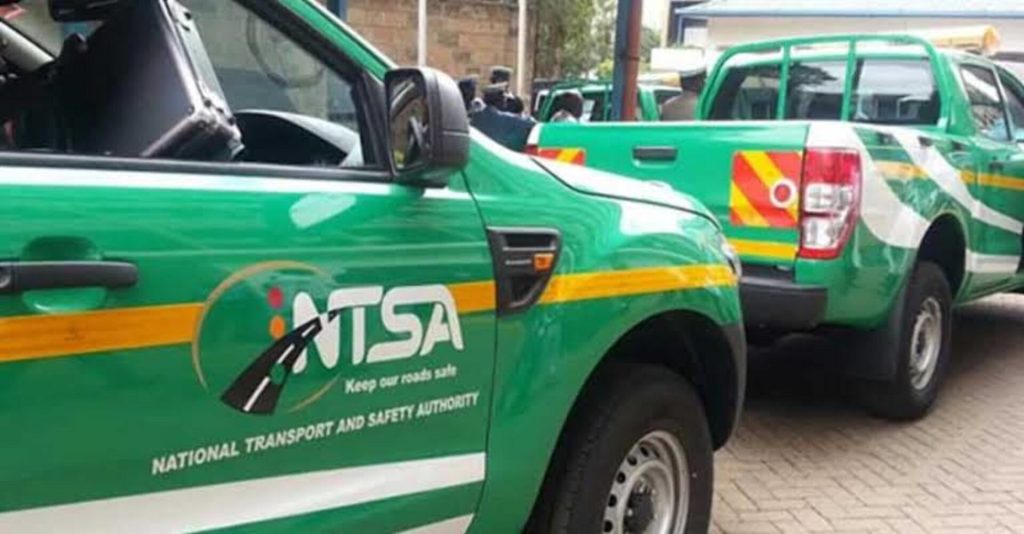
The National Transport and Safety Authority (NTSA) temporarily shut down its system from June 9, 2026 at 4:00 pm to June 10, 2026 at 8:00 am to facilitate the transition to the new electronic logbook (eLogbook) system.
On June 10, 2026, NTSA announced that services had resumed after a successful system upgrade.
“The NTSA system has now resumed normal operations following a successful transition to the eLogbook,” the authority said in a statement.
As the rollout of the digital logbook system continues, NTSA has provided guidelines on how to download and authenticate the eLogbook in Kenya as well as how to verify its authenticity.
How to Download the eLogbook
Motorists can access their digital logbooks through the NTSA TIMS and eCitizen platforms by following these steps:
- Log in to your NTSA account using your eCitizen credentials
- On the homepage, view the list of your registered vehicles
- After completing the vehicle registration or ownership transaction, proceed to the logbook section
- Click on the LOGBOOK menu
- Select DOWNLOAD to view your eLogbook
- Scan the QR code displayed on the eLogbook using a smartphone camera or QR reader
- Copy the generated code or number
- Visit the NTSA service portal and click on the VERIFY LOGBOOK tab
- Paste the code and click verify to confirm validity
How to Verify Authenticity of the eLogbook
NTSA also outlined steps for confirming whether an eLogbook is genuine:
- Download the NTSA mobile app from Google Play Store
- Log in using your eCitizen credentials
- On the homepage, click SERVICES and select document verification
- Tap VERIFY REGISTRATION CERTIFICATE
- Scan the QR code on the eLogbook to retrieve the logbook number
- Click VERIFY to confirm authenticity
What the New NTSA eLogbook System Means for Motorists
Under the new system, vehicle owners will no longer receive physical logbooks after registration or ownership transfer. Instead, all ownership documents will be accessible digitally through NTSA TIMS and eCitizen accounts.
The authority says the eLogbook will allow motorists to view, verify, download, and manage vehicle records online at any time, eliminating the delays associated with physical document issuance.
NTSA further noted that the system will enhance security through tamper-proof digital encryption, helping to curb fraud, forgery, and illegal vehicle transactions.
The digital system is also expected to benefit banks, Saccos, and insurance companies, enabling them to verify vehicle ownership and loan status instantly before processing financing or insurance services.
Additionally, vehicle ownership transfers will now be completed entirely online, reducing paperwork, improving efficiency, and minimizing opportunities for corruption.
Motorists will also receive automated reminders for insurance renewals, inspections, and other compliance requirements through the platform.
Despite the shift to digital records, NTSA has clarified that existing physical logbooks will remain valid legal proof of ownership.

