

How To Factory Reset MacBook Air

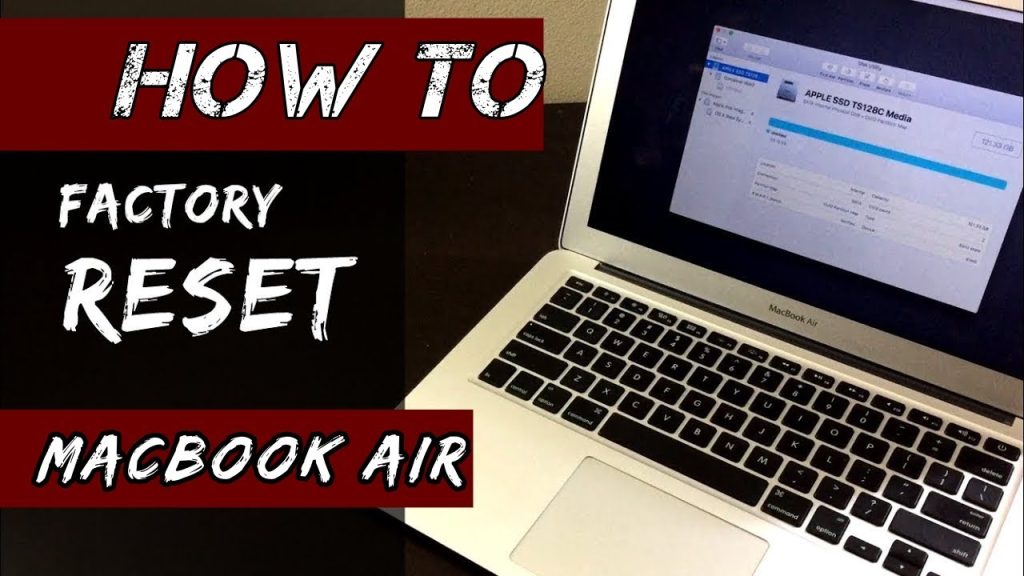
Factory resetting your MacBook Air is useful when you want to fix system problems, clear your data before selling it, or start fresh. This process erases all files and reinstalls macOS, returning the device to its original state. Here is how to factory reset MacBook air.
Before You Begin
Back up your important files using iCloud, Time Machine, or an external drive. A reset will delete everything on your MacBook.
If you’re selling or giving it away, sign out of your Apple ID:
- Open System Settings or System Preferences
- Click your Apple ID
- Scroll down and click Sign Out
Steps to Factory Reset
- Enter macOS Recovery
- Turn off your MacBook Air.
- Turn it back on and immediately press and hold one of the following, depending on your Mac:
- Intel-based Macs: Hold Command (â) + R until you see the Apple logo.
- Apple Silicon Macs (M1 or M2): Hold the Power button until “Loading startup options” appears, then click Options > Continue.
- Erase the Hard Drive
- In the macOS Utilities window, choose Disk Utility, then click Continue.
- Select your startup disk (usually named Macintosh HD) from the list.
- Click Erase at the top.
- Choose APFS or Mac OS Extended (Journaled) format.
- Click Erase to confirm.
- After it’s done, close Disk Utility.
- Reinstall macOS
- Back in the macOS Utilities screen, select Reinstall macOS, then click Continue.
- Follow the on-screen instructions. Your MacBook will download and install a fresh copy of macOS.
- Set Up or Shut Down
- After installation, your MacBook will restart and show the setup screen.
- You can either go through the setup if you’re keeping the device, or press Command + Q to shut it down if you’re passing it on.
Also Read: How To Draw Hulk

