


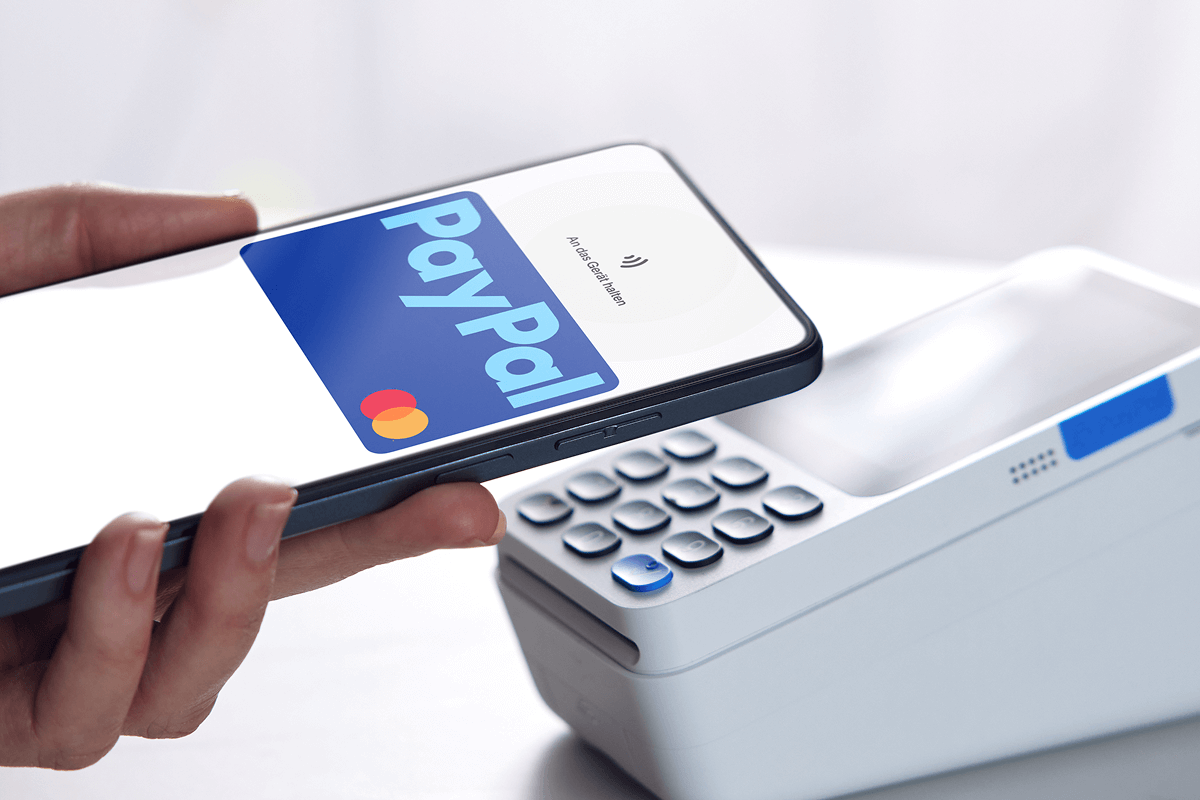
PayPal is one of the most popular online payment platforms in the world, used for receiving money from freelancing, online sales, international clients, and digital services. While receiving money into PayPal is easy, many users want to know how to get cash from PayPal instantly, especially when they need quick access to their funds. Although PayPal does not always provide direct cash withdrawal everywhere, there are several fast and reliable ways to turn your PayPal balance into usable cash. This article explains the best methods, requirements, and tips for withdrawing PayPal money instantly or as quickly as possible.
- Understand What “Instant” Means With PayPal
Instant withdrawals depend on your country and method.
- Some methods give same-day access
- Others take a few minutes to a few hours
- Bank withdrawals may take longer
- Fees may apply for faster options
Knowing this helps you choose the right method.
- Make Sure Your PayPal Account Is Verified
Verification is required for fast withdrawals.
- Confirm your email address
- Link and verify your bank account
- Link a debit or credit card
- Upload ID if requested
Verified accounts have fewer limits and faster processing.
- Link a Debit Card for Instant Withdrawal
Debit cards offer one of the fastest options.
- Go to Wallet in your PayPal account
- Add a supported debit card
- Confirm the card details
- Ensure the card allows online transactions
Instant withdrawals usually work best with Visa debit cards.
- Use PayPal Instant Transfer to a Debit Card
This is the fastest official PayPal option.
- Open your PayPal balance
- Select Withdraw or Transfer
- Choose your linked debit card
- Select Instant Transfer
Funds usually arrive within minutes.
- Pay Attention to Instant Transfer Fees
Speed often comes with a cost.
- Instant transfers usually have a small fee
- Fees are shown before confirming
- Standard transfers are usually free
- Fee amount depends on the country
Always review fees before confirming the transfer.
- Withdraw PayPal Money to Your Bank Account
Bank withdrawals are common but slower.
- Link your bank account to PayPal
- Choose Transfer to bank
- Select standard or instant if available
- Confirm withdrawal
Standard bank transfers may take 1 to 3 business days.
- Use PayPal-Linked Mobile Wallets
Some regions support mobile wallet transfers.
- Link PayPal to supported mobile wallets
- Transfer funds from PayPal
- Withdraw cash from an ATM or agent
- Availability depends on location
This can be fast where supported.
- Use Online Exchange or PayPal Cash Services
Third-party services can help in some countries.
- Trusted exchangers convert PayPal to cash
- Payment is sent to mobile money or bank
- Transfers are often completed quickly
- Rates and fees vary
Always use reputable and verified services only.
- Withdraw via Online Marketplaces or Payment Apps
Some platforms integrate PayPal.
- Send PayPal money to a supported app
- Withdraw to bank or card instantly
- Processing time depends on the platform
- Check withdrawal limits
This option works well for frequent users.
- Send PayPal Money to Someone and Get Cash
This is an informal but quick method.
- Send PayPal funds to a trusted person
- They withdraw to their bank or card
- They give you cash
- Agree on fees beforehand
Only do this with people you trust completely.
- Use PayPal to Buy and Resell Digital Goods
Some users convert PayPal balance this way.
- Buy fast-selling digital products
- Resell for cash or mobile money
- Ensure transactions are legal
- Keep records for safety
This method requires experience and caution.
- Check Your Country’s PayPal Withdrawal Options
Not all options work everywhere.
- Some countries allow instant bank transfers
- Others support debit card withdrawals only
- Local regulations affect speed
- PayPal updates features regularly
Always check your PayPal dashboard for available options.
- Avoid Scams When Cashing Out PayPal
Scammers target PayPal users.
- Avoid deals that sound too good
- Never share your login details
- Use secure payment confirmations
- Keep transaction proof
Security should always come first.
- Understand PayPal Withdrawal Limits
Limits can affect instant access.
- Daily withdrawal limits may apply
- Limits increase after verification
- Business accounts may have higher limits
- Check limits in your PayPal settings
Knowing your limits avoids failed transfers.
- Keep Your PayPal Account in Good Standing
Account health affects withdrawals.
- Avoid chargebacks
- Resolve disputes quickly
- Follow PayPal policies
- Keep your information accurate
Healthy accounts process faster.
- Best Times to Withdraw PayPal Money
Timing can matter.
- Withdraw during business hours
- Avoid weekends for bank transfers
- Instant card transfers work anytime
- Public holidays may delay banks
Planning improves speed.
- Troubleshooting Delayed Instant Withdrawals
Delays can happen occasionally.
- Check card eligibility
- Confirm internet connection
- Review PayPal notifications
- Contact PayPal support if needed
Most issues are resolved quickly.
- Final Tips for Getting Cash From PayPal Instantly
Keep these key points in mind.
- Use instant debit card transfers
- Verify your PayPal account fully
- Expect small fees for speed
- Use trusted methods only
Also Read: How To Edit Videos On Your Phone
Email your news TIPS to Editor@Kahawatungu.com — this is our only official communication channel
