


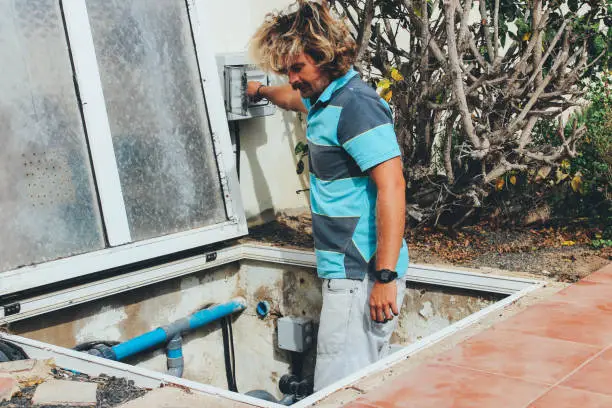
Setting a pool pump timer helps you save electricity, maintain clean water, and reduce the need for constant manual operation. A properly set timer ensures that your pool pump runs only when needed, circulating water and filtering out debris efficiently. Whether you have a mechanical or digital timer, learning how to set it correctly will keep your pool in good condition while lowering costs. Here is how to set pool pump timer.
- Understand Your Pool Pump Timer
Before setting your timer, identify whether it is mechanical (with a dial and manual pins) or digital (with a screen and buttons). This is important because the setting process may vary slightly depending on the model. Check your user manual for any specific features or safety instructions. - Switch Off the Pool Pump
For safety, turn off the pool pump and disconnect power before making adjustments. This helps prevent accidental electrical shocks and ensures you can work on the timer without interference from moving parts. - Locate the Timer Controls
On a mechanical timer, you will find a circular dial with hour markings and on/off pins or trippers. On a digital timer, there will be a display screen with programming buttons. Locate these controls so you know where to make the changes. - Set the Current Time
For mechanical timers, rotate the dial until the current time lines up with the indicator arrow. For digital timers, use the “Clock” or “Time” button to set the correct time. Setting the current time accurately ensures the pump will switch on and off at the intended hours. - Program the On and Off Times
Decide how many hours your pool pump should run each day—generally between 6 and 12 hours, depending on pool size and use. On mechanical timers, push down or set the “on” pins at the start time and “off” pins at the stop time. On digital timers, enter the start and stop times into the programming menu. - Restore Power and Test the Timer
Once you have set the times, reconnect power to the pool pump and observe the timer to ensure it turns on and off as scheduled. If needed, make adjustments to improve efficiency or match your swimming schedule. - Maintain and Adjust Seasonally
Check the timer regularly to ensure it’s working properly. Seasonal changes in pool usage may require you to adjust the pump’s running time. In summer, you might need longer filtration hours, while in cooler months you can reduce it.
Also Read: How To Send An Email From Mobile
Email your news TIPS to Editor@Kahawatungu.com — this is our only official communication channel
