

How to Share Apps via Bluetooth

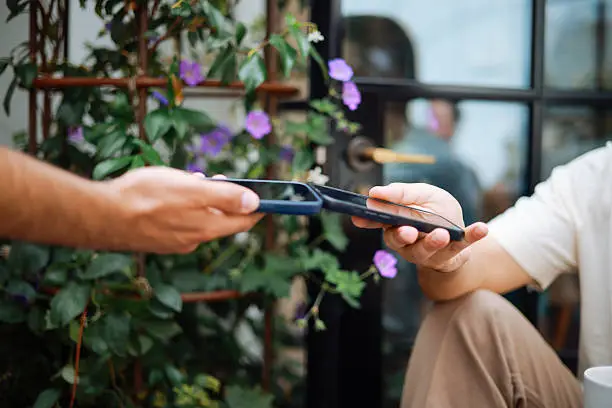
Sharing apps via Bluetooth is a useful way to transfer applications between devices without using mobile data or WiFi. This method is especially helpful when internet access is limited or when you want to quickly share an app with someone nearby. While most smartphones do not allow direct app sharing through Bluetooth alone, you can use built-in features or third-party tools to make it possible. Learning how to share apps via Bluetooth helps you transfer apps easily and efficiently. With a few simple steps, you can complete the process smoothly.
-
Turn on Bluetooth on Both Devices
Start by enabling Bluetooth on both the sending and receiving devices.
Make sure the devices are close to each other and visible for pairing.
- Turn on Bluetooth in settings
- Make devices discoverable
- Pair the devices
-
Install an App Sharing Tool
Most phones require a file-sharing app to send installed apps.
Apps like ShareIt or similar tools help you transfer applications via Bluetooth or direct connection.
- Download a sharing app
- Install on both devices
- Open the app
-
Select the App You Want to Share
Open the sharing tool and choose the app you want to send.
The app will prepare the file for transfer.
- Browse installed apps
- Select the desired app
- Confirm selection
-
Send the App via Bluetooth
Choose Bluetooth as the transfer method and select the receiving device.
Accept the transfer request on the other device.
- Tap send option
- Select Bluetooth
- Accept on receiving device
-
Install the App on the Receiving Device
After the transfer is complete, open the received file and install the app.
You may need to allow installation from unknown sources.
- Locate the received file
- Tap to install
- Enable permissions if required
Also Read: How to Set Up OpenView Decoder