


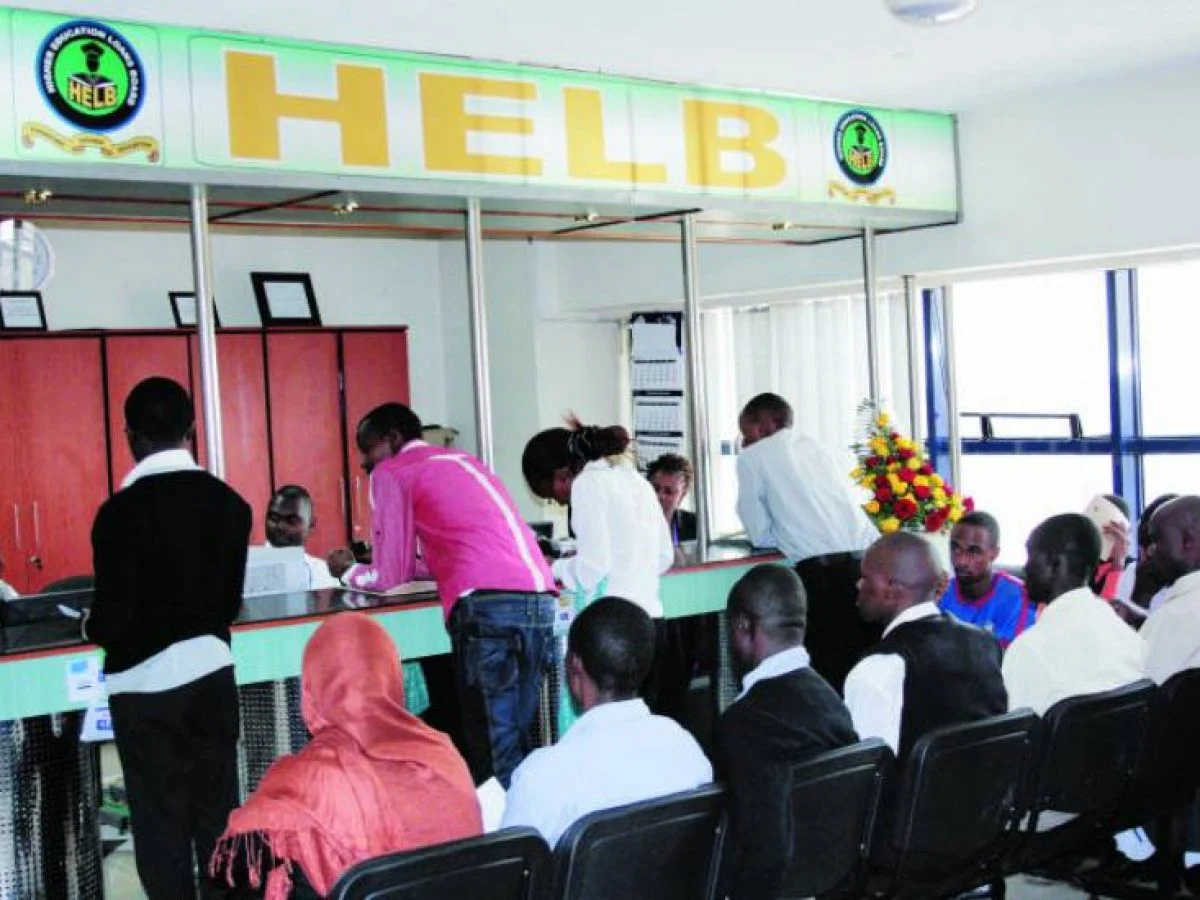
The Higher Education Loans Board (HELB) allows students who apply for funding before acquiring a national ID to use their KCSE Index Number during the application process. This is especially helpful for students who are fresh out of high school and may not yet have received their identification cards.
However, once you receive your national ID, you need to update your details on the HELB portal to ensure your information is accurate and avoid issues in the future. Many students wonder how to replace their Index Number with the new ID number. HELB advises applicants not to open a new account. Instead, follow the simple steps below to update your ID.
Step-by-step Guide to Updating National ID on the HELB Portal
- Log in to the HELB Portal using the account you created with your KCSE Index Number.
- Once logged in, a pop-up window will appear prompting you to update your ID details.
- Enter your National ID number and your first name exactly as they appear on your ID card, then click Validate.
- A confirmation message will appear indicating that your ID has been successfully updated.
- Click on the “Register” tab to complete the process.
This ensures that your records are synchronized without creating duplicate accounts.
Since its inception, HELB has supported over 1.23 million students, disbursing more than Sh130.1 billion in loans to help Kenyans pursue higher education. In the 2025/2026 national budget, HELB received an allocation of Sh41.5 billion, slightly more than the previous year, as part of the Sh702.7 billion dedicated to the education sector.
Also Read: How To Manage Your Money Like A Grown-Up
Email your news TIPS to Editor@Kahawatungu.com — this is our only official communication channel
