


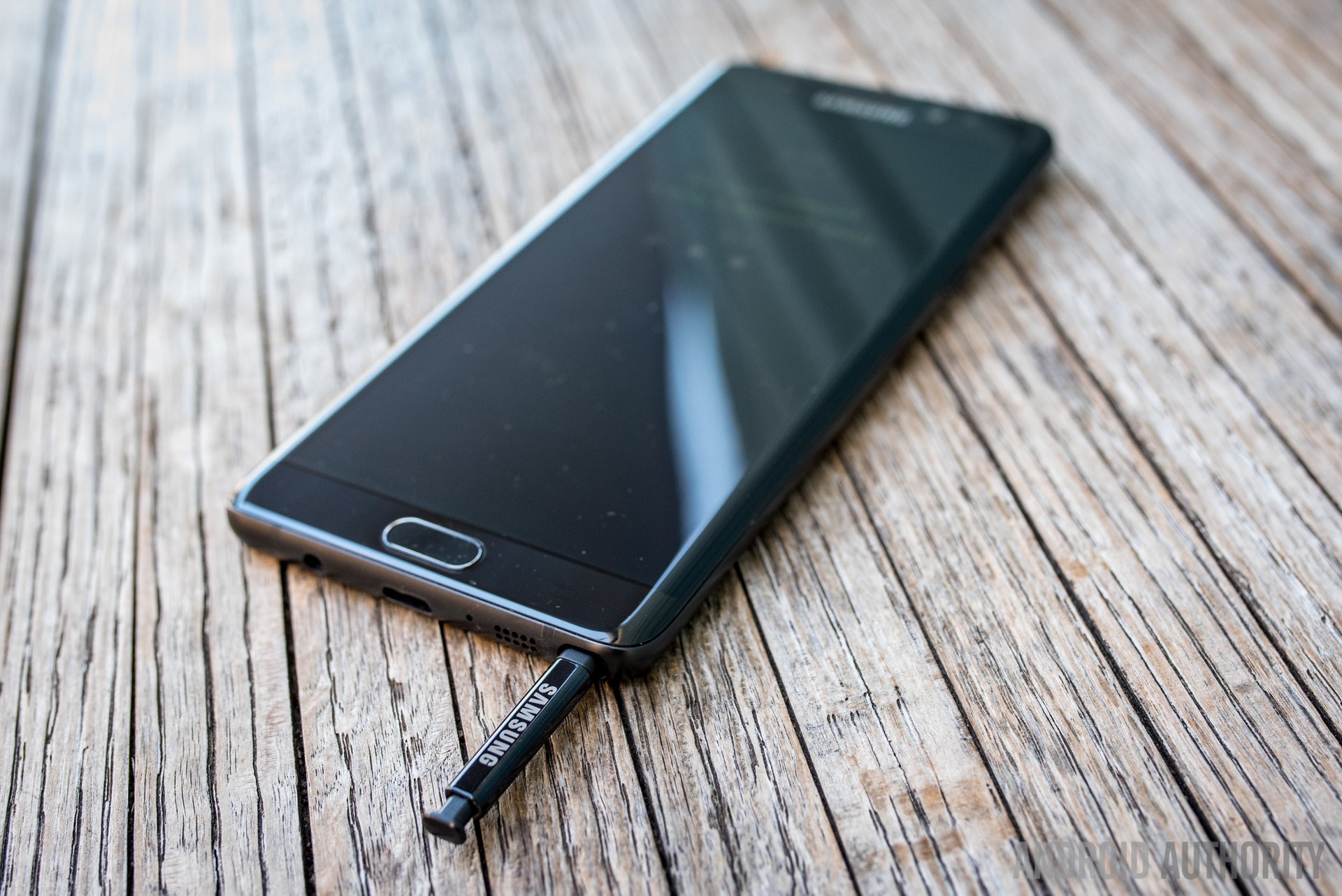
Knowing how to check if a Samsung is original is important when buying a new or second-hand phone. Fake or refurbished devices can sometimes look very similar to genuine Samsung phones, making it difficult to identify them by appearance alone. Checking the phone’s model information, IMEI number, software, hardware, and overall quality can help you determine whether the device is genuine.
-
Check the Model Number
Open the phone’s Settings and go to About phone.
Look for the model number and compare it with the model you were told you are buying. The model information should correspond with the Samsung device and its specifications.
- Open Settings
- Select About phone
- Check the model number
-
Check the IMEI Number
You can find the phone’s IMEI number by opening the dialler and entering *#06#.
Compare the IMEI displayed on the phone with the IMEI shown in the device settings and, where available, on the original packaging.
- Dial *#06#
- Record the IMEI number
- Compare the different IMEI details
-
Check Samsung Software and Features
A genuine Samsung Galaxy phone should run Samsung’s appropriate version of Android and include expected Samsung features and menus.
Check the software information under Settings > About phone > Software information.
- Check the Android version
- Check the One UI version
- Look for genuine Samsung features
-
Test Samsung’s Hardware
Test important features such as the cameras, fingerprint sensor, speakers, microphone, charging port, WiFi, Bluetooth, and display.
You can also use Samsung’s diagnostic features where available to test different components.
- Test the camera
- Check the fingerprint sensor
- Test the speakers and microphone
- Check the display and charging port
-
Check the Google Play Certification
Open the Google Play Store, go to Settings, and look for Play Protect certification.
A device that is not Play Protect certified can be a warning sign, although this check alone does not prove that a Samsung phone is fake.
- Open Google Play Store
- Go to Settings
- Check Play Protect certification
-
Check the Serial Number and Warranty
Check the phone’s serial number and other identifying information.
Where Samsung provides device or warranty verification services for your region, use the official information to confirm that the details correspond with your phone.
- Check the serial number
- Compare the device information
- Check available warranty information
-
Compare the Phone With the Official Model
Search for the exact model specifications and compare the phone’s screen, cameras, storage, processor, design, and other features with the genuine model.
Be especially careful if the specifications are significantly different from those advertised for the model.
- Compare the specifications
- Check the cameras and display
- Confirm the storage and hardware
-
Check Before Buying
If you are buying a Samsung phone from an individual or unfamiliar seller, inspect and test the device before making payment.
Be cautious about unusually low prices, missing packaging, inconsistent IMEI numbers, or sellers who refuse to let you check the phone.
- Test the phone before paying
- Check the IMEI and model number
- Avoid suspiciously cheap offers
- Request proof of purchase where possible
Also Read: How to Check Hollywoodbets Results

Email your news TIPS to Editor@Kahawatungu.com — this is our only official communication channel
