


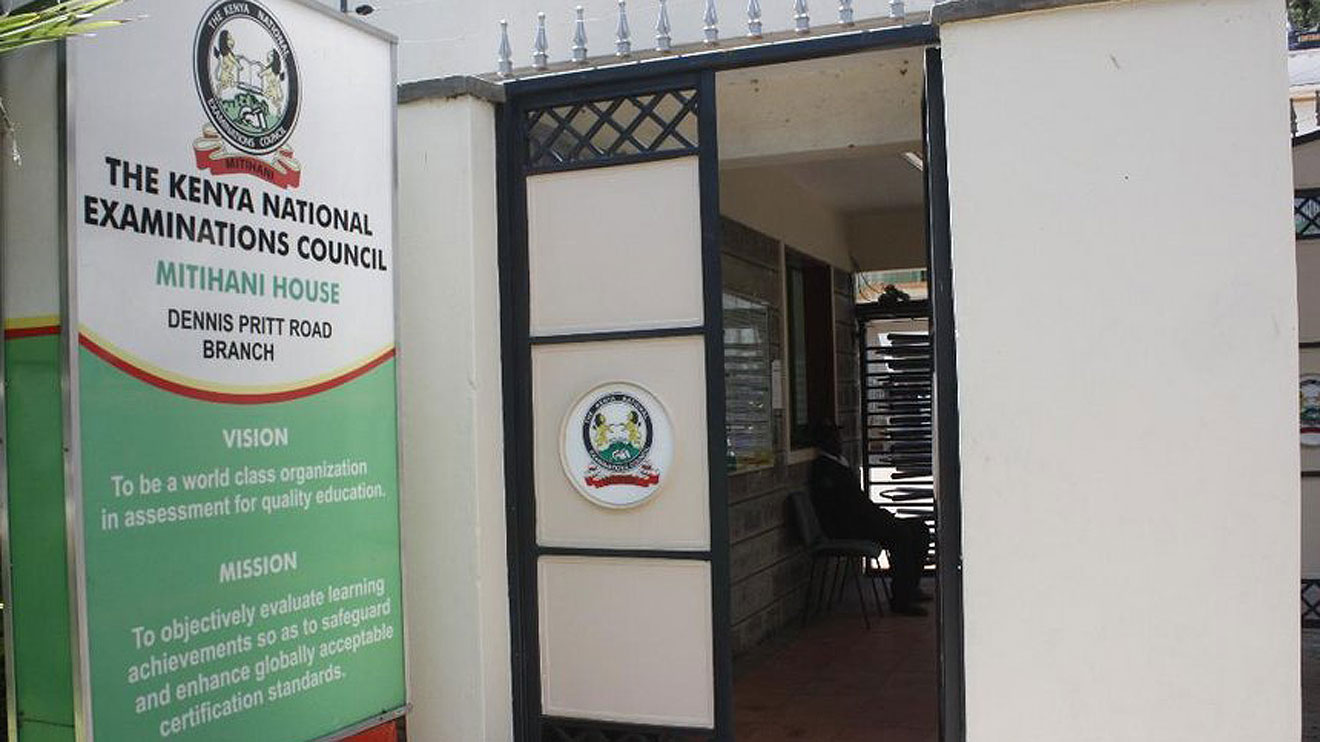
Recruiting the right employees requires organizations to verify the authenticity of academic documents presented by job applicants. To make this process easier and more secure, the Kenya National Examinations Council (KNEC) has introduced the e-Certificate System, allowing organizations to verify a candidate’s KCSE certificate online. This digital platform helps employers, universities, government agencies, and other institutions confirm whether a KCSE certificate is genuine before making employment or admission decisions. Below is a guide on how organizations can verify a candidate’s KCSE certificate online using the KNEC e-Certificate System.
- Visit the KNEC e-Certificate Portal
The first step is to visit the KNEC website and click on the e-Certificate tab or access the e-Certificate portal directly.
Organizations that are using the platform for the first time must register as verifier organizations before they can begin certificate verification.
- Register as a Verifier Organization
On the Sign Up page, select the Verifier Organisation option.
Fill in all the required organizational details as requested on the registration page.
- Verify Your Email Address
After submitting the registration details, click Send OTP.
A six-digit One-Time Password (OTP) will be sent to the email address provided during registration. Enter the code to verify your email address.
- Wait for KNEC Approval
Once the OTP has been verified, the account enters a pending approval stage.
According to KNEC, administrators will review the organization’s details together with the uploaded incorporation certificate before approving or rejecting the application.
If approved, the organization will receive an email allowing it to log in and begin certificate verification.
If the application is rejected, the email will include the reason for rejection, enabling the organization to correct the information and apply again.
- Log in to the Verifier Dashboard
After approval, sign in to the KNEC e-Certificate System.
Upon logging in, organizations will be directed to the Verifier Dashboard, where certificate verification requests are initiated and managed.
- Create a New Verification Request
From the dashboard, click New Verification Request.
This option allows organizations to submit a request for verification of one or more candidates.
- Enter the Candidate’s Details
Provide all the required information for the candidate, including:
- Index Number
- Examination Type (KCSE)
- Examination Year (1989 to present)
- Candidate’s full name exactly as it appears on the certificate
Ensure the information entered matches the certificate to avoid delays or unsuccessful verification.
- Upload the Candidate’s KCSE e-Certificate
Upload the candidate’s KCSE e-Certificate in PDF format.
KNEC also allows organizations to add multiple candidates in the same request, with each candidate appearing on a separate row in the verification table.
- Confirm the Delivery Email
Verify that the delivery email is correct.
The system automatically defaults to the organization’s registered email address, but organizations should ensure the details are accurate before proceeding.
- Provide the Reason for Verification
Organizations are required to indicate why they are verifying the certificate.
Examples include:
- Employment
- Admission
- Immigration
Providing the reason helps complete the verification request.
- Accept the Consent Declaration
Before proceeding, review and accept the consent declaration as required by the KNEC system.
This confirms that the verification request complies with the platform’s requirements.
- Make Payment
Click Proceed to Pay to complete payment.
Organizations have two payment options:
- Pay using available wallet credits if sufficient funds are available.
- Pay through eCitizen using M-Pesa or any other supported payment method.
Verification begins after successful payment.
- Download the Verification Report
Once the verification process is complete, organizations can download the verification results.
KNEC provides:
- A consolidated PDF report covering all candidates in the request.
- Individual PDF reports for each candidate.
- A list view showing each candidate’s verification status, including whether the certificate is genuine or has been referred to KNEC for further review.
Why Organizations Should Verify KCSE Certificates Online
Verifying KCSE certificates online helps employers and institutions make informed decisions based on authentic academic records. It reduces the risk of fraud, enhances the credibility of recruitment processes, and ensures only qualified candidates are considered for employment, admission, or other opportunities.
The KNEC e-Certificate System also offers a convenient digital process that eliminates lengthy manual verification procedures while providing official verification reports for organizational records.
Organizations planning to use the service for the first time should ensure they complete the registration process and obtain approval before submitting verification requests. Once approved, the platform provides a straightforward way to verify one or multiple KCSE certificates online whenever the need arises.

Email your news TIPS to Editor@Kahawatungu.com — this is our only official communication channel
