


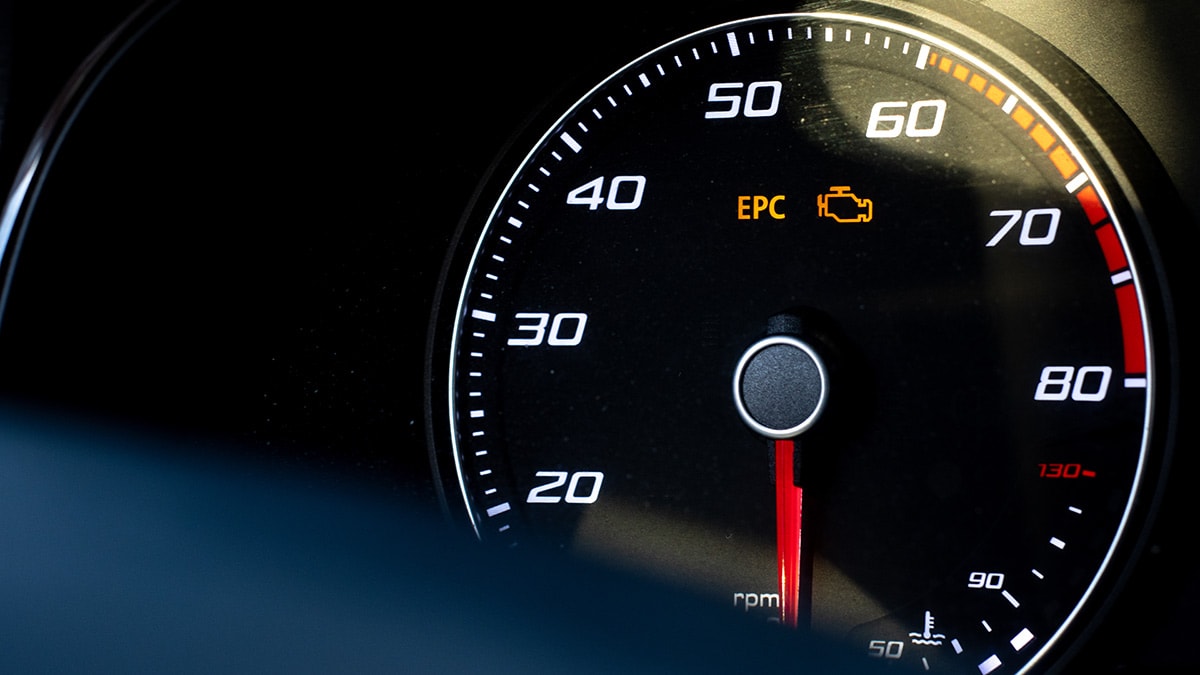
Limp mode is a built-in safety feature that limits a vehicle’s performance when the engine or transmission detects a serious fault. It helps prevent further damage by reducing power and restricting speed. While the best solution is to identify and fix the underlying problem, you can temporarily bypass limp mode to get your car moving again. Here is how to bypass limp mode safely and effectively.
- Stop and Turn Off the Engine
As soon as you notice reduced power or warning lights on your dashboard, pull over to a safe location. Turn off the engine completely and remove the key. Let the car rest for about 10 to 15 minutes. This allows the electronic system to reset and may temporarily clear the fault causing limp mode.
- Restart the Vehicle
After waiting, start the car again and check if the warning lights disappear. If the system reset works, the car should regain normal performance. However, if limp mode remains active, proceed to the next step.
- Check Fluid Levels
Low engine oil or transmission fluid can trigger limp mode. Open the bonnet and check both levels using the dipsticks. If either is low, top up with the correct fluid recommended for your vehicle. Once topped up, restart the engine and see if limp mode clears.
- Disconnect and Reconnect the Battery
If restarting the car does not work, disconnect the negative terminal of the car battery. Wait about 15 to 20 minutes to allow the car’s ECU (Engine Control Unit) to reset. Reconnect the terminal securely and start the car again. This often clears minor electronic faults and restores full performance.
- Inspect Electrical Connections
Loose or damaged wiring around sensors, especially the throttle body, transmission, or airflow sensors, can cause limp mode. Visually inspect the wiring for disconnections or corrosion. Secure any loose connectors before restarting the engine.
- Use an OBD2 Scanner to Clear Error Codes
Connect an OBD2 scanner to your vehicle’s diagnostic port, usually located under the dashboard. Turn on the ignition and scan for error codes. Clear the codes after noting them down for reference. Restart the vehicle to see if limp mode has been bypassed.
- Seek Professional Assistance
If the car remains in limp mode after these steps, it means a serious mechanical or electronic issue still exists. Avoid forcing the vehicle to run and take it to a qualified mechanic for diagnosis and repair.
Also Read: How To Braid Box Braids
Email your news TIPS to Editor@Kahawatungu.com — this is our only official communication channel
