


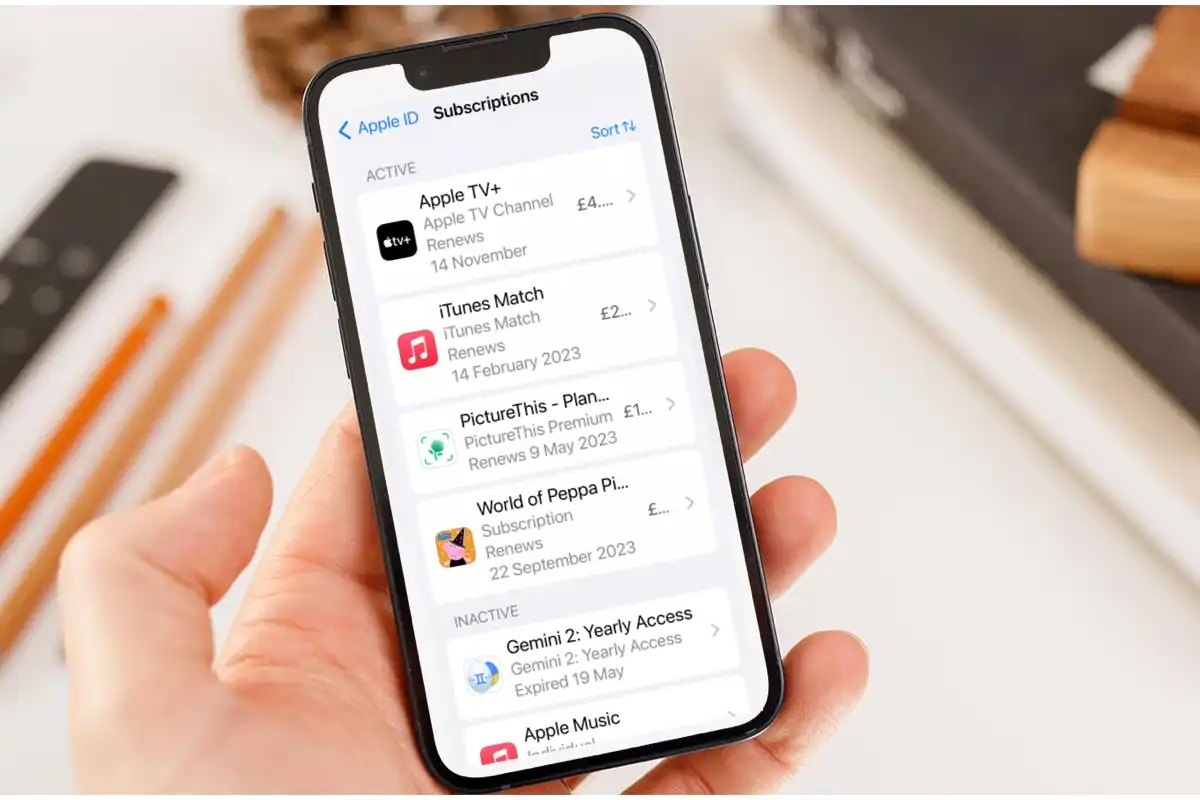
Many people use iTunes to subscribe to services such as Apple Music, apps, or premium content. However, if you no longer wish to continue with a paid plan, it’s important to know how to cancel your iTunes subscription properly. Cancelling ensures you are not charged again in the next billing cycle while still allowing you to use the service until your current period ends. Here is how to cancel iTunes subscription
- Understand What Cancelling Means
When you cancel your iTunes subscription, the cancellation stops automatic renewals. You will still have access to your subscription until the end of the current billing period. After that, your access will end, and no further payments will be deducted. This applies to subscriptions such as Apple Music, iCloud storage, and other app services billed through iTunes.
- Cancel on Your iPhone or iPad
If you are using an iPhone or iPad, you can cancel your iTunes subscription directly through your device settings.
- Open the Settings app.
- Tap your name at the top to open your Apple ID.
- Select Subscriptions.
- A list of all your active and expired subscriptions will appear.
- Tap the subscription you want to cancel.
- Tap Cancel Subscription and confirm your decision.
You will see a confirmation message that your subscription will end after the current billing period.
- Cancel on a Mac
If you are using a Mac computer, you can cancel through the App Store.
- Open the App Store application.
- Click on your profile picture or name at the bottom left.
- Select Account Settings.
- Scroll to the Subscriptions section and click Manage.
- Find the subscription you want to cancel and click Edit.
- Click Cancel Subscription and confirm your choice.
Your subscription will be cancelled immediately, but you will still have access until it expires.
- Cancel Using iTunes on a Windows PC
If you use iTunes on a Windows computer, the process is similar.
- Open the iTunes program.
- From the menu bar, select Account, then View My Account.
- Sign in with your Apple ID.
- Scroll down to the Settings section and find Subscriptions.
- Click Manage, then select the subscription you wish to cancel.
- Click Edit, then Cancel Subscription and confirm.
This will stop future renewals on your chosen plan.
- Cancel via the Apple Website
If you cannot access your device or the app, you can manage your subscriptions online.
- Go to https://appleid.apple.com and log in with your Apple ID.
- Under Subscriptions, view your active services.
- Select the one you want to cancel and follow the instructions to complete the process.
- Confirm the Cancellation
After cancelling, you should receive a confirmation email from Apple confirming that your subscription has been cancelled. To double-check, go back to your Subscriptions section and verify that the status shows an expiration date instead of a renewal date.
Also Read: How To Cancel A Return On Takealot
Email your news TIPS to Editor@Kahawatungu.com — this is our only official communication channel
