

How to Charge Apple Watch

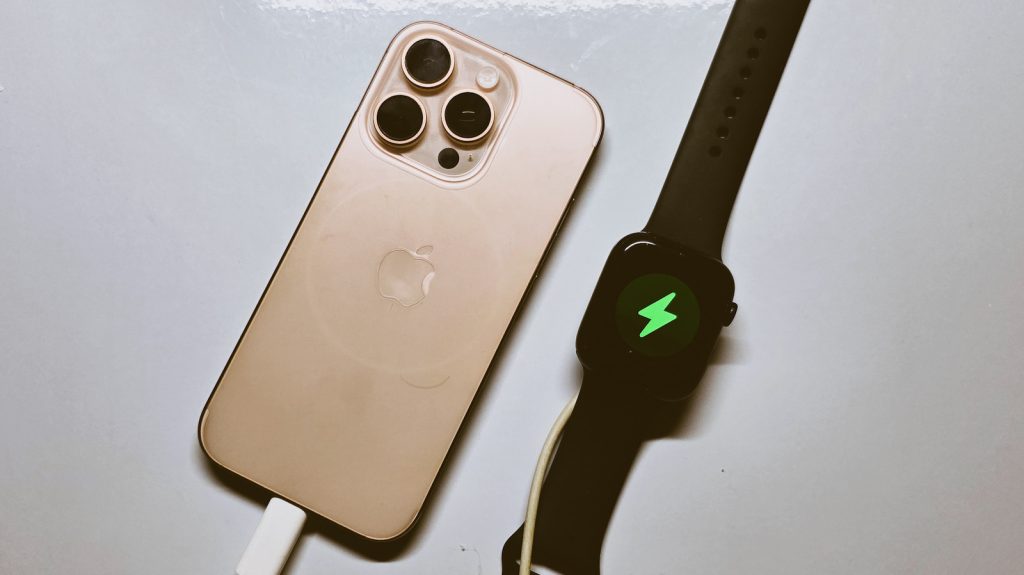
Knowing how to charge Apple Watch is important for keeping your device powered and ready for calls, messages, fitness tracking, and other everyday activities. Apple Watch uses a magnetic charging system that makes it easy to connect the watch to its charger. With the correct charging cable and power source, you can charge your Apple Watch safely and efficiently.
-
Get the Correct Apple Watch Charger
Start by using the magnetic charging cable or charging puck designed for Apple Watch.
Make sure the charging accessory is compatible with your Apple Watch model and is in good condition.
- Use the correct Apple Watch charger
- Check the charging cable for damage
- Use a suitable power adapter
-
Connect the Charger to a Power Source
Connect the Apple Watch charging cable to a compatible USB power adapter or another suitable power source.
Place the charger on a stable surface where the watch can remain securely connected.
- Connect the charger to power
- Use a suitable power adapter
- Place the charger on a flat surface
-
Place the Apple Watch on the Charger
Position the back of your Apple Watch against the magnetic charging puck.
The magnets should automatically align the watch with the charger.
- Place the back of the watch against the charger
- Allow the magnetic connection to align
- Make sure the watch remains securely attached
-
Check That the Apple Watch Is Charging
When the watch is connected correctly, a charging indicator should appear on the screen.
You can also check the battery percentage to confirm that the charge is increasing.
- Look for the charging symbol
- Check the battery percentage
- Reposition the watch if it does not charge
-
Allow the Watch to Charge
Leave the Apple Watch connected until it reaches the battery level you need.
Keep the charging area free from excessive heat and make sure the charger and watch remain properly connected during charging.
- Leave the watch connected
- Avoid excessive heat
- Disconnect it when you have enough charge
Also Read: How to Charge Apple Pencil

