
Close Menu
    Facebook X (Twitter) Instagram
    Facebook X (Twitter) Instagram
    KahawatunguKahawatungu
    Button
    • NEWS
    • BUSINESS
    • KNOW YOUR CELEBRITY
    • POLITICS
    • TECHNOLOGY
    • SPORTS
    • HOW-TO
    • WORLD NEWS
    KahawatunguKahawatungu
    HOW-TO

    How to Charge Apple Watch

    Damaris GatwiriBy Damaris GatwiriAugust 11, 2026No Comments2 Mins Read
    Facebook Twitter WhatsApp Telegram Email
    How to Charge Apple Watch
    Share
    Facebook Twitter WhatsApp Telegram Pinterest Email Copy Link

    Knowing how to charge Apple Watch is important for keeping your device powered and ready for calls, messages, fitness tracking, and other everyday activities. Apple Watch uses a magnetic charging system that makes it easy to connect the watch to its charger. With the correct charging cable and power source, you can charge your Apple Watch safely and efficiently.

    1. Table of Contents

      Toggle
      • Get the Correct Apple Watch Charger
      • Connect the Charger to a Power Source
      • Place the Apple Watch on the Charger
      • Check That the Apple Watch Is Charging
      • Allow the Watch to Charge

      Get the Correct Apple Watch Charger

    Start by using the magnetic charging cable or charging puck designed for Apple Watch.

    Make sure the charging accessory is compatible with your Apple Watch model and is in good condition.

    • Use the correct Apple Watch charger
    • Check the charging cable for damage
    • Use a suitable power adapter
    1. Connect the Charger to a Power Source

    Connect the Apple Watch charging cable to a compatible USB power adapter or another suitable power source.

    Place the charger on a stable surface where the watch can remain securely connected.

    • Connect the charger to power
    • Use a suitable power adapter
    • Place the charger on a flat surface
    1. Place the Apple Watch on the Charger

    Position the back of your Apple Watch against the magnetic charging puck.

    The magnets should automatically align the watch with the charger.

    • Place the back of the watch against the charger
    • Allow the magnetic connection to align
    • Make sure the watch remains securely attached
    1. Check That the Apple Watch Is Charging

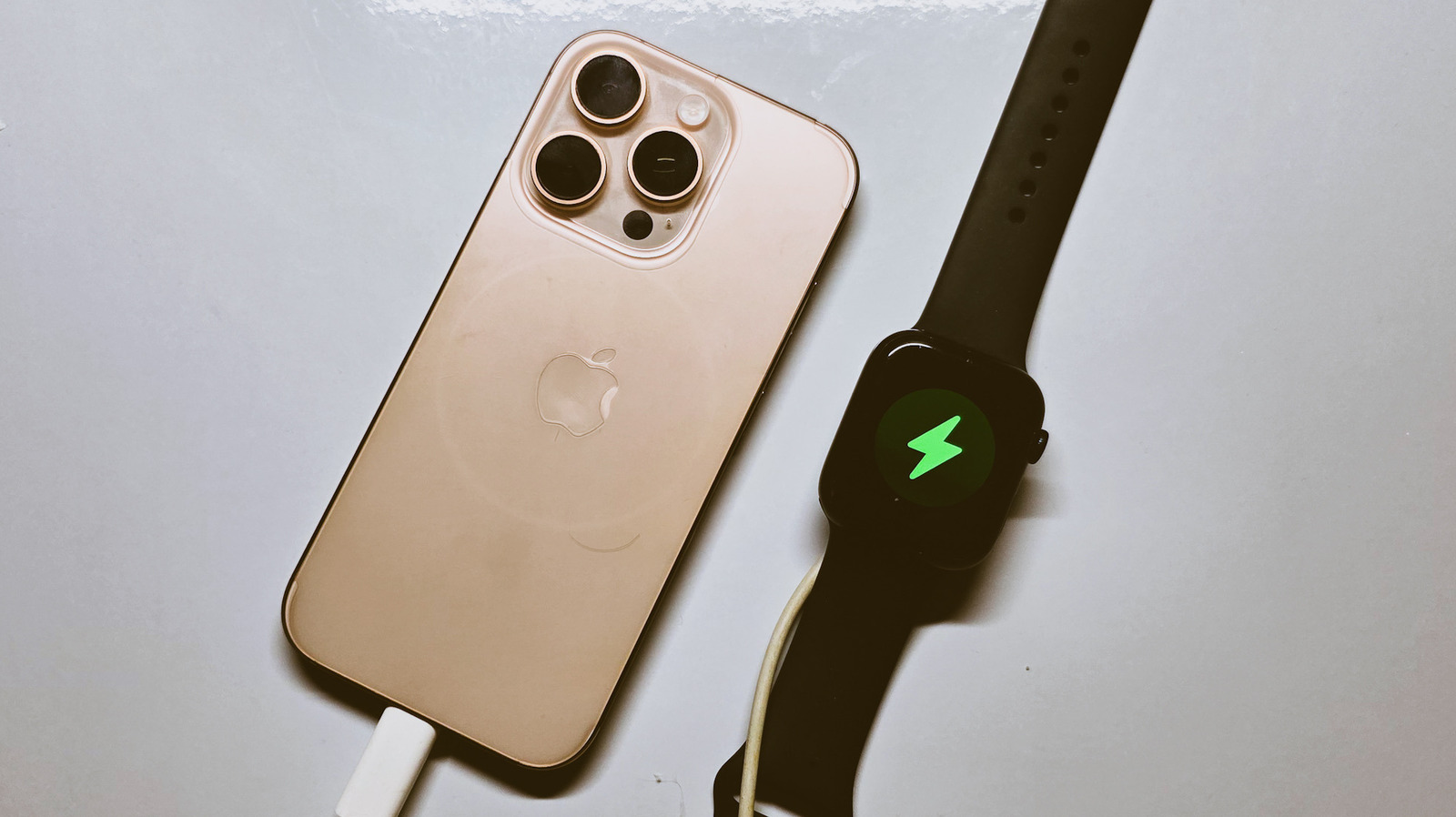
    When the watch is connected correctly, a charging indicator should appear on the screen.

    You can also check the battery percentage to confirm that the charge is increasing.

    • Look for the charging symbol
    • Check the battery percentage
    • Reposition the watch if it does not charge
    1. Allow the Watch to Charge

    Leave the Apple Watch connected until it reaches the battery level you need.

    Keep the charging area free from excessive heat and make sure the charger and watch remain properly connected during charging.

    • Leave the watch connected
    • Avoid excessive heat
    • Disconnect it when you have enough charge

    Also Read: How to Charge Apple Pencil

    Email your news TIPS to Editor@Kahawatungu.com — this is our only official communication channel

    Follow on Facebook Follow on X (Twitter)
    Share. Facebook Twitter WhatsApp LinkedIn Telegram Email
    Damaris Gatwiri

    Damaris Gatwiri is a digital journalist, driven by a profound passion for technology, health, and fashion.

    Related Posts

    How to Check Balance on RCS Card

    August 11, 2026

    How to Check Balance on FNB Cellphone Banking

    August 11, 2026

    How to Check a Telkom Number

    August 11, 2026

    Comments are closed.

    Latest Posts

    Kenya Power warns against expansion of wind and solar power over grid stability concerns

    August 11, 2026

    Migori main bridge collapses further, cutting off pedestrians and motorcyclists

    August 11, 2026

    Six arrested as DCI rescues three Indian nationals in suspected human trafficking case

    August 11, 2026

    Raila Junior responds to viral video of him addressing Kilgoris residents behind fence

    August 11, 2026

    NCIA Launches Intelligence Profiling and Analytics Training for KRA Officers

    August 11, 2026

    PS Omollo Issues Update on Construction of Mau Mau Road Lot 2 Project

    August 11, 2026

    Woman found dead in Ruiru house in suspected murder

    August 11, 2026

    Consolidated Bank posts 1,350pc jump in half-year profit to Sh174.8 million

    August 11, 2026
    Facebook X (Twitter) Instagram Pinterest
    © 2026 Kahawatungu.com. Designed by Okii.

    Type above and press Enter to search. Press Esc to cancel.