


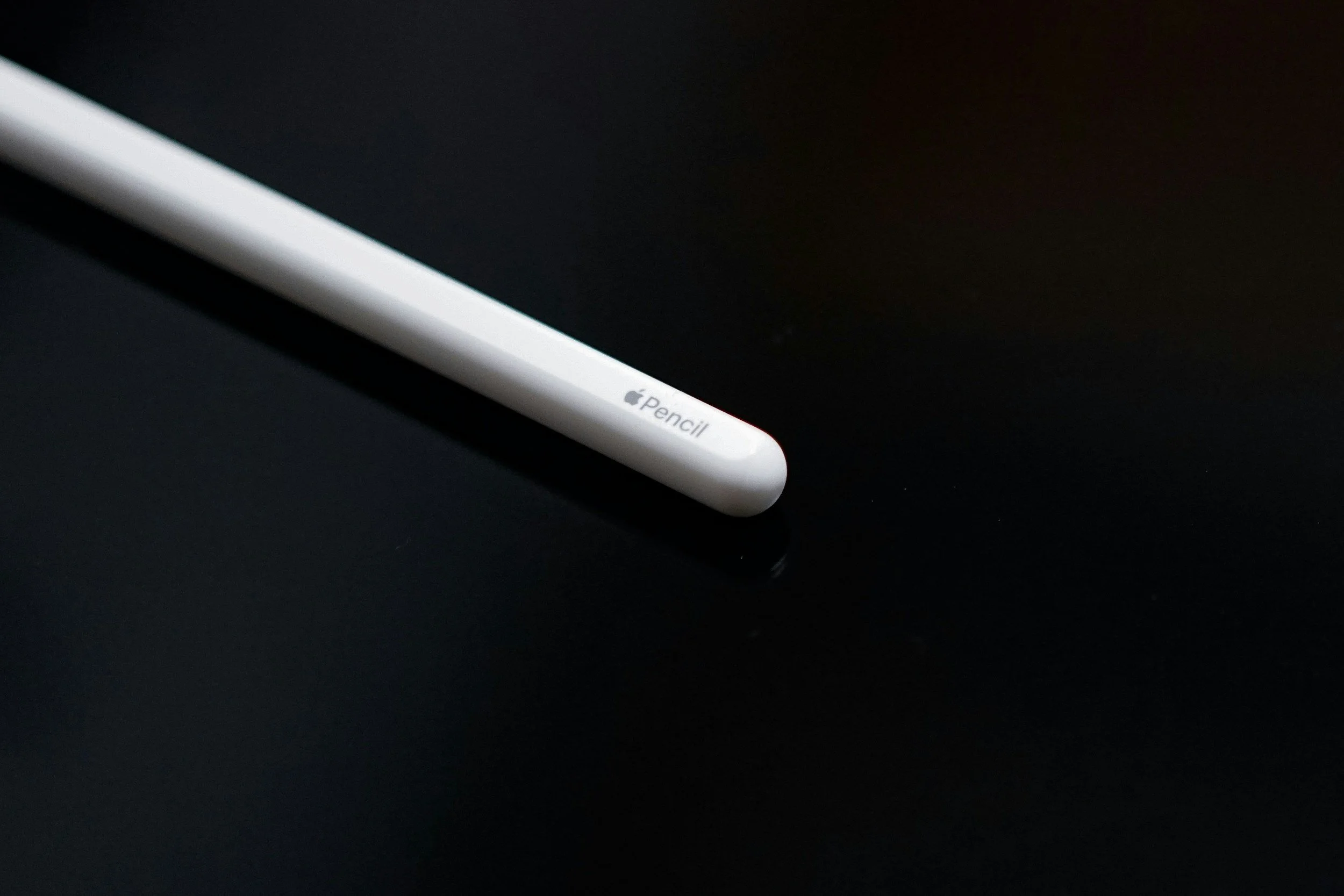
Knowing how to charge Apple Pencil is important for keeping it ready for drawing, writing, taking notes, and other tasks on your iPad. The charging method depends on which Apple Pencil model you have, as different versions use different charging methods. Before charging, identify your Apple Pencil model and use the appropriate connection.
-
Identify Your Apple Pencil Model
Start by checking which Apple Pencil you have.
Apple Pencil models include Apple Pencil Pro, Apple Pencil (2nd generation), Apple Pencil (USB-C), and Apple Pencil (1st generation). Their charging methods are different.
- Check the Apple Pencil model
- Identify the charging connector
- Confirm which iPad models it supports
-
Charge Apple Pencil Pro or Apple Pencil (2nd Generation)
If you have Apple Pencil Pro or Apple Pencil (2nd generation), attach it magnetically to the compatible charging area on the side of your iPad.
The Pencil should automatically begin charging when correctly attached.
- Attach the Pencil to the magnetic connector
- Keep it aligned correctly
- Check the battery level on your iPad
-
Charge Apple Pencil (USB-C)
For Apple Pencil (USB-C), slide open the end of the Pencil to reveal its USB-C port.
Connect a USB-C cable to the Pencil and connect the other end to a suitable power source or your iPad.
- Open the USB-C port
- Connect a USB-C cable
- Allow the Pencil to charge
-
Charge Apple Pencil (1st Generation)
If you have the first-generation Apple Pencil, remove the cap to reveal its Lightning connector.
You can connect it directly to a compatible iPad with a Lightning port or use the appropriate adapter and charging cable.
- Remove the Pencil cap
- Connect the Lightning connector
- Use an adapter if required
-
Check the Battery Level
After connecting your Apple Pencil, check its battery level on your iPad.
You can usually view the battery percentage through the Batteries widget or the iPad’s relevant battery settings.
- Check the Batteries widget
- Confirm that the battery percentage is increasing
- Disconnect the Pencil when it has sufficient charge
Also Read: How to Change WiFi Password on Telkom D-Link

Email your news TIPS to Editor@Kahawatungu.com — this is our only official communication channel
