


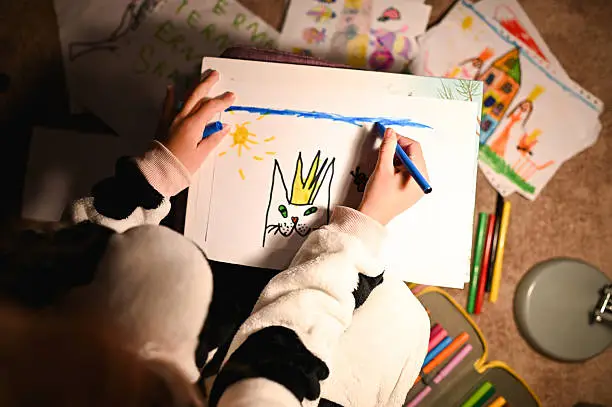
Drawing a crown is a fun and creative way to explore design and royal symbols. Whether you’re sketching a crown for a storybook, a character, or just for fun, it can be done using simple shapes and a few neat details. This guide will help you draw a classic royal crown using basic tools like a pencil, paper, and eraser. Here is how to draw a crown.
Step 1: Draw the Base of the Crown
Start by drawing a horizontal oval near the bottom half of your page. This oval forms the base or band of the crown that sits on the head. It doesn’t have to be perfect—just smooth and even. You can also draw a slightly curved horizontal line across the oval to show the thickness of the band.
Step 2: Add the Top Points
From the top of the oval, draw a series of upward curves or triangle-like shapes. These are the pointed arches of the crown. Most crowns have 4 or 5 visible points, so space them evenly along the top edge. Each point can end in a small circle or jewel shape to represent royal decorations.
Step 3: Decorate the Crown
Now it’s time to decorate. Inside the band, draw small circles, diamonds, or ovals to represent gems. You can also add a second row of arches or shapes behind the front layer to make the crown look fuller. Some crowns have small crosses, stars, or additional shapes at the top.
Step 4: Add Lines for Dimension
To make your crown look more realistic, add vertical lines along the points and slight curves along the band. These give the crown depth and a 3D effect. You can also add shading inside the oval to make the band look round.
Step 5: Final Touches
Go over your final lines with a darker pencil or pen. Erase any extra sketch lines and clean up the edges. If you want, you can draw the crown sitting on a pillow or place it on top of a cartoon character’s head.
Step 6: Color the Crown (Optional)
Crowns are often gold or silver, so use yellow, orange, or gray shades. Color the jewels in bright colors like red, blue, green, or purple to make them stand out. Add highlights with a white pencil or crayon for a shiny look.
Also Read: How To Draft A Legal Opinion
Email your news TIPS to Editor@Kahawatungu.com — this is our only official communication channel
