
Close Menu
    Facebook X (Twitter) Instagram
    Facebook X (Twitter) Instagram
    KahawatunguKahawatungu
    Button
    • NEWS
    • BUSINESS
    • KNOW YOUR CELEBRITY
    • POLITICS
    • TECHNOLOGY
    • SPORTS
    • HOW-TO
    • WORLD NEWS
    KahawatunguKahawatungu
    HOW-TO

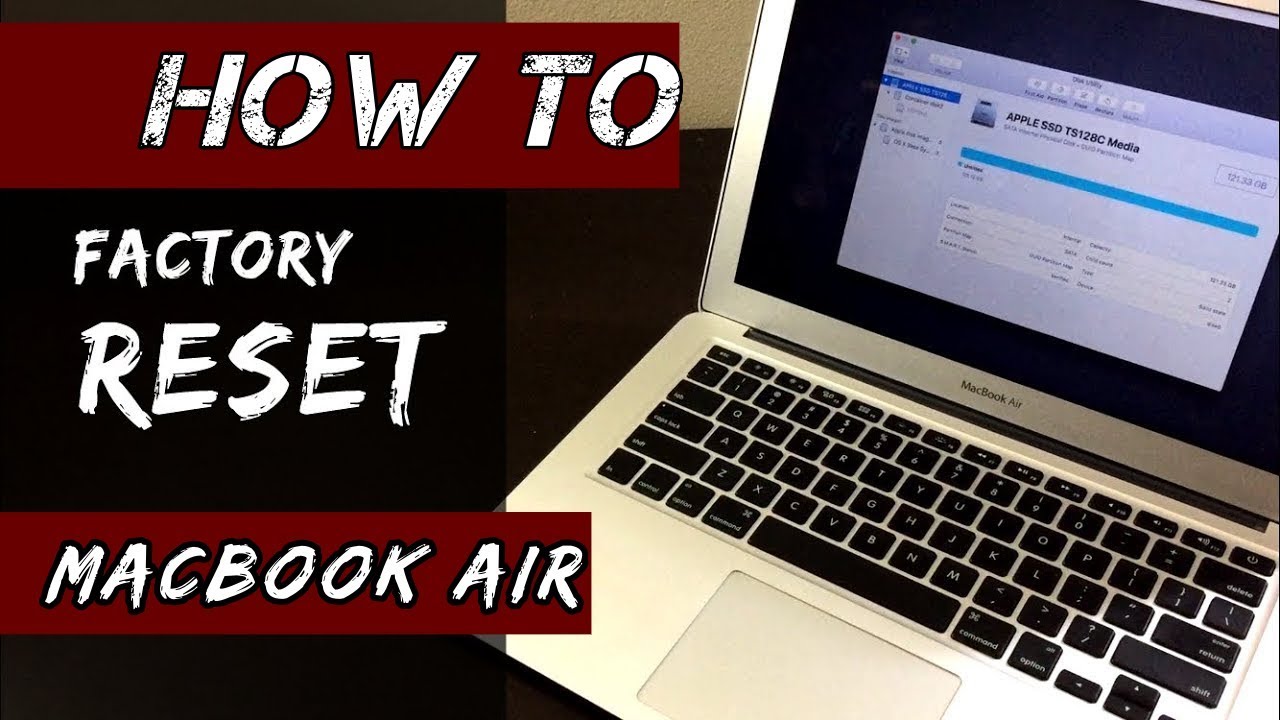
    How To Factory Reset MacBook Air

    Damaris GatwiriBy Damaris GatwiriJune 4, 2025No Comments2 Mins Read
    Facebook Twitter WhatsApp Telegram Email
    How To Factory Reset MacBook Air
    Share
    Facebook Twitter WhatsApp Telegram Pinterest Email Copy Link

    Factory resetting your MacBook Air is useful when you want to fix system problems, clear your data before selling it, or start fresh. This process erases all files and reinstalls macOS, returning the device to its original state. Here is how to factory reset MacBook air.

    Before You Begin

    Back up your important files using iCloud, Time Machine, or an external drive. A reset will delete everything on your MacBook.

    If you’re selling or giving it away, sign out of your Apple ID:

    • Open System Settings or System Preferences
    • Click your Apple ID
    • Scroll down and click Sign Out

    Steps to Factory Reset

    1. Enter macOS Recovery
    • Turn off your MacBook Air.
    • Turn it back on and immediately press and hold one of the following, depending on your Mac:
      • Intel-based Macs: Hold Command (⌘) + R until you see the Apple logo.
      • Apple Silicon Macs (M1 or M2): Hold the Power button until “Loading startup options” appears, then click Options > Continue.
    1. Erase the Hard Drive
    • In the macOS Utilities window, choose Disk Utility, then click Continue.
    • Select your startup disk (usually named Macintosh HD) from the list.
    • Click Erase at the top.
      • Choose APFS or Mac OS Extended (Journaled) format.
      • Click Erase to confirm.
    • After it’s done, close Disk Utility.
    1. Reinstall macOS
    • Back in the macOS Utilities screen, select Reinstall macOS, then click Continue.
    • Follow the on-screen instructions. Your MacBook will download and install a fresh copy of macOS.
    1. Set Up or Shut Down
    • After installation, your MacBook will restart and show the setup screen.
    • You can either go through the setup if you’re keeping the device, or press Command + Q to shut it down if you’re passing it on.
    Read Also  How to Naturally Increase Dopamine Levels

    Also Read: How To Draw Hulk

    Email your news TIPS to Editor@Kahawatungu.com — this is our only official communication channel

    Follow on Facebook Follow on X (Twitter)
    Share. Facebook Twitter WhatsApp LinkedIn Telegram Email
    Damaris Gatwiri

    Damaris Gatwiri is a digital journalist, driven by a profound passion for technology, health, and fashion.

    Related Posts

    How To Get Rid Of Ticks In My Yard

    January 14, 2026

    How To Get Rid Of Static Hair

    January 14, 2026

    How To Get Rid Of Snails Permanently

    January 14, 2026

    Comments are closed.

    Latest Posts

    Mane hits winner as Senegal end Salah’s Afcon bid

    January 15, 2026

    Two police reservists killed in IED explosion at the Kenya-Somalia border in Mandera

    January 15, 2026

    Parents in Kisii cite harsh economy for slow and low grade 10 admissions

    January 15, 2026

    KWS ranger shoots and kills a police officer before dying by suicide over a Christmas goat in Kinango, Kwale County

    January 15, 2026

    Exam success in Kisii private secondary schools overshadowed by funding challenges – proprietors

    January 15, 2026

    US freezes all visa processing for 75 countries, including Somalia, Russia, Iran

    January 14, 2026

    Supreme Court revives GOP congressman’s absentee ballot suit that could spur more election litigation

    January 14, 2026

    FBI searches Washington Post reporter’s home

    January 14, 2026
    Facebook X (Twitter) Instagram Pinterest
    © 2026 Kahawatungu.com. Designed by Okii.

    Type above and press Enter to search. Press Esc to cancel.