
Close Menu
    Facebook X (Twitter) Instagram
    Facebook X (Twitter) Instagram
    KahawatunguKahawatungu
    Button
    • NEWS
    • BUSINESS
    • KNOW YOUR CELEBRITY
    • POLITICS
    • TECHNOLOGY
    • SPORTS
    • HOW-TO
    • WORLD NEWS
    KahawatunguKahawatungu
    HOW-TO

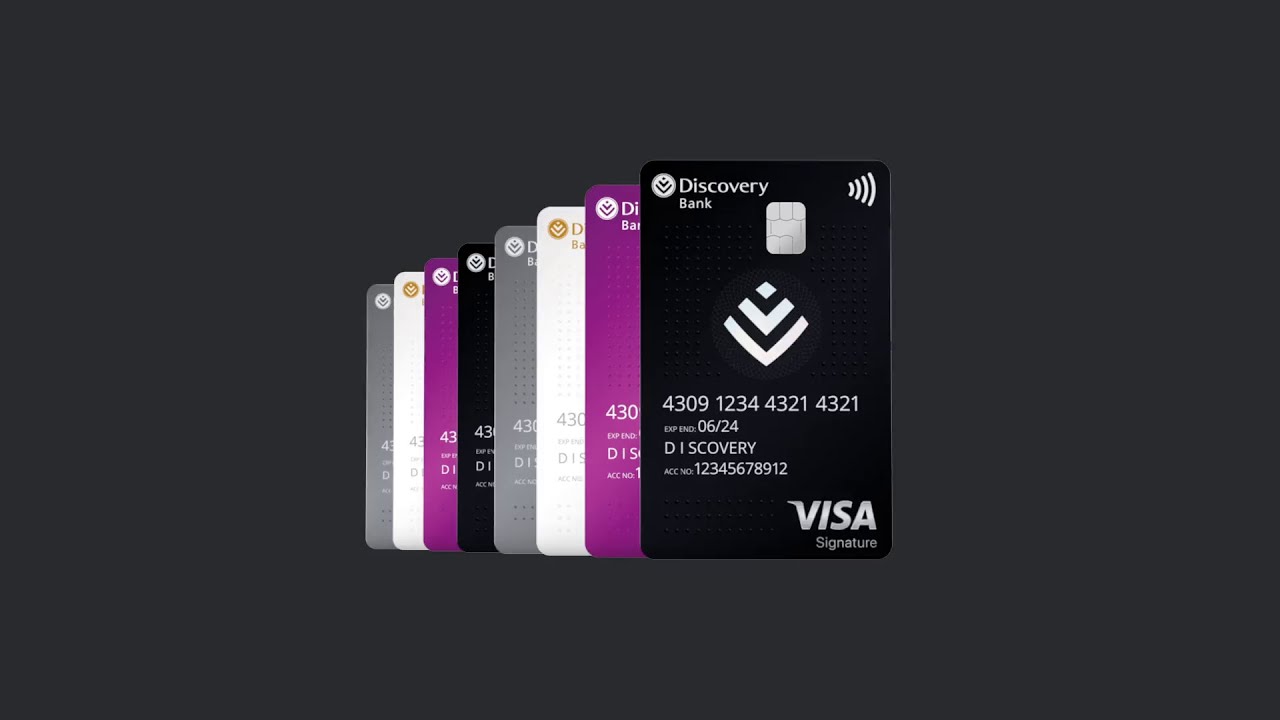
    How to Activate a Discovery Bank Card

    Damaris GatwiriBy Damaris GatwiriJune 15, 2026No Comments2 Mins Read
    Facebook Twitter WhatsApp Telegram Email
    How to Activate a Discovery Bank Card
    Share
    Facebook Twitter WhatsApp Telegram Pinterest Email Copy Link

    Activating your Discovery Bank card is an important step before you can start making purchases, withdrawing cash, or using other card features. Discovery Bank allows cardholders to manage and activate their cards through the mobile banking app, making the process quick and convenient. Learning how to activate a Discovery Bank card helps ensure your card is ready for secure use as soon as you receive it.

    1. Table of Contents

      Toggle
      • Download and Log In to the Discovery Bank App
      • Open the Cards Section
      • Activate the Card
      • Set or Confirm Your PIN
      • Test and Start Using Your Card

      Download and Log In to the Discovery Bank App

    Before activating your card, make sure you have access to the Discovery Bank app.

    Log in using your registered banking credentials.

    • Download the Discovery Bank app if needed
    • Sign in to your account
    • Ensure your account is fully registered
    1. Open the Cards Section

    Once logged in, navigate to the cards section within the app.

    This area allows you to manage all your Discovery Bank cards and card settings.

    • Tap the “Cards” option
    • Select the card you want to activate
    • Review the card details
    1. Activate the Card

    Follow the on-screen prompts to activate your new card.

    You may be asked to verify your identity during the process.

    • Select the activation option
    • Complete any required verification steps
    • Confirm the activation request
    1. Set or Confirm Your PIN

    After activation, you may need to create or confirm your card PIN.

    This PIN will be used for purchases and ATM transactions.

    • Choose a secure PIN
    • Avoid easily guessed numbers
    • Keep your PIN confidential
    1. Test and Start Using Your Card

    Once activation is complete, your card should be ready for use.

    You can begin using it for purchases, withdrawals, and digital wallet services where applicable.

    • Check for activation confirmation
    • Make a small purchase if desired
    • Monitor transactions through the app

    Also Read: How Long to Hike Table Mountain in South Africa

    Email your news TIPS to Editor@Kahawatungu.com — this is our only official communication channel

    Follow on Facebook Follow on X (Twitter)
    Share. Facebook Twitter WhatsApp LinkedIn Telegram Email
    Damaris Gatwiri

    Damaris Gatwiri is a digital journalist, driven by a profound passion for technology, health, and fashion.

    Related Posts

    How to Activate FNB Online Banking

    June 15, 2026

    How to Activate eWallet

    June 15, 2026

    How to Access eWallet PIN

    June 15, 2026

    Comments are closed.

    Latest Posts

    Barbara Walters Net Worth

    June 15, 2026

    Elizabeth Dole Net Worth

    June 15, 2026

    Elaine Chao Net Worth

    June 15, 2026

    EU, AFD Expand Renewable Energy Access to 100,000 Kenyans Through Green Mini-Grid Programme

    June 15, 2026

    How to Activate FNB Online Banking

    June 15, 2026

    How to Activate eWallet

    June 15, 2026

    How to Activate a Discovery Bank Card

    June 15, 2026

    How to Access eWallet PIN

    June 15, 2026
    Facebook X (Twitter) Instagram Pinterest
    © 2026 Kahawatungu.com. Designed by Okii.

    Type above and press Enter to search. Press Esc to cancel.