


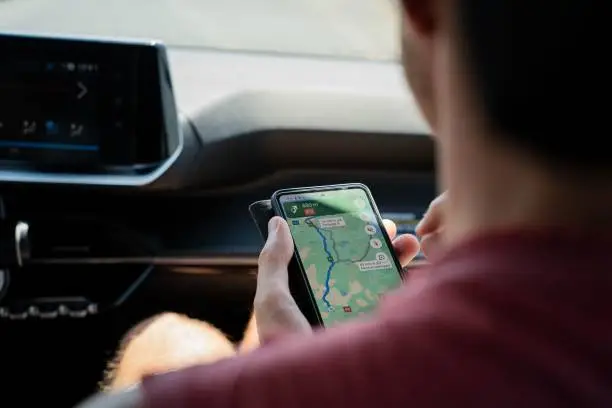
Adding your business to Google Maps helps customers find you easily, both online and in person. It improves your online presence, enhances local visibility, and allows people to view your business hours, contact details, and reviews. Whether you’re starting a new business or expanding your online reach, listing it on Google Maps is a practical step that only takes a few minutes. Here how to add business to google maps.
Sign In to Google Account
Before you begin, make sure you’re signed in to a Google Account. This is necessary to use Google Business Profile, the tool used to manage your business on Google Maps and Search.
Go to Google Business Profile
Visit the official Google Business Profile page at google.com/business. Click on “Manage now.” You’ll be guided to either claim an existing listing or create a new one.
If your business already appears on Google Maps but is unclaimed, you can select it and claim ownership. If it doesn’t exist yet, choose to add a new business.
Enter Business Information
You will be asked to fill in key details about your business:
- Business Name: Enter the official name.
- Business Category: Select the category that best describes your business (e.g., restaurant, salon, hardware store).
- Location: Choose whether your business has a physical location that customers can visit.
- Address: If applicable, enter your complete and accurate address.
- Service Area: If you serve specific areas instead of a fixed address, you can list those areas.
- Contact Info: Add your phone number and website, if available.
- Opening Hours: Set your working days and hours for public display.
Verify Your Business
To complete the process, Google requires verification. The most common method is via a postcard sent to your business address, which includes a unique code. Other verification methods may include phone, email, or instant verification (if you’ve already verified the business elsewhere).
Once you receive the verification code, return to your profile and enter it to confirm your listing.
Optimize Your Listing
After verification, your business will appear on Google Maps. You can now:
- Add photos
- Write a description
- Respond to reviews
- Post updates or offers
Also Read: How Social Activism Could Help To Fight Social Challenges

Email your news TIPS to Editor@Kahawatungu.com — this is our only official communication channel
