


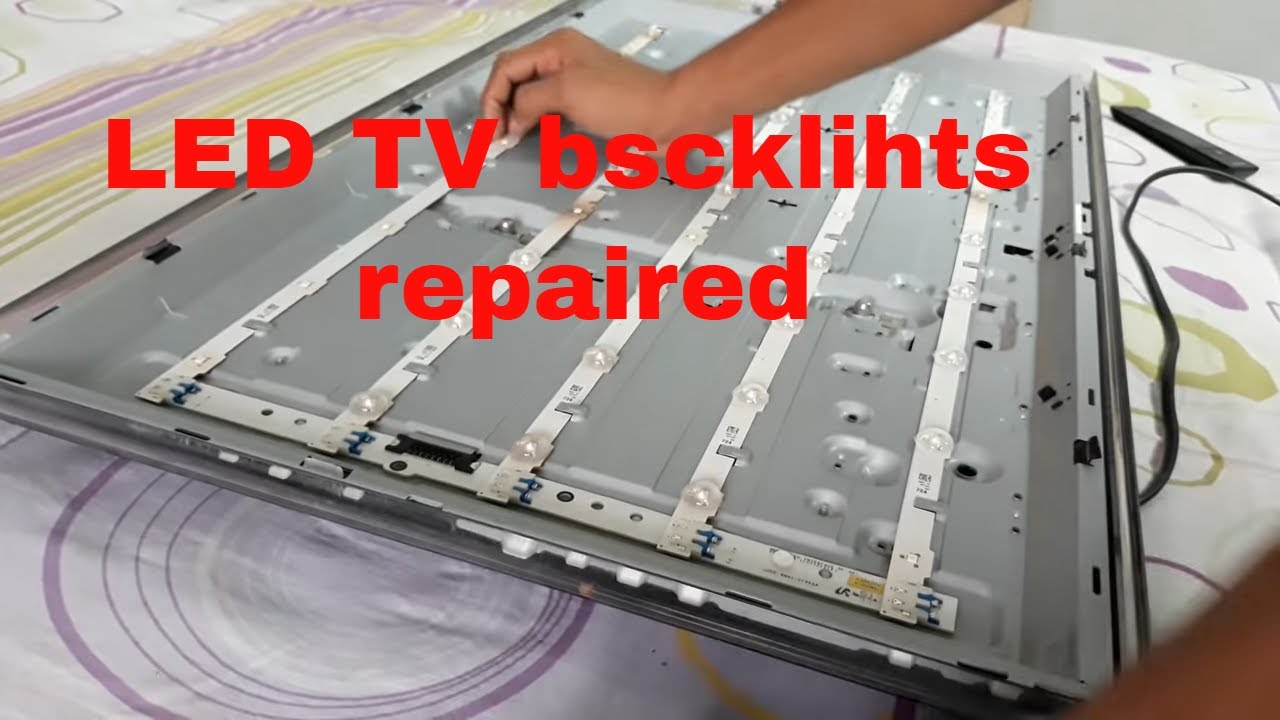
A TV with a faulty backlight may show a blank or very dim screen even though it powers on. This problem is common in LED and LCD TVs and is usually caused by worn-out backlight LEDs, a damaged inverter, or a faulty power board. Fortunately, with some care and attention, you can troubleshoot and fix the backlight issue. Here is how to fix backlight on TV.
- Confirm the Problem is the Backlight
Before opening the TV, make sure the backlight is actually the problem. Turn on the TV in a dark room, then shine a flashlight closely at the screen. If you can see faint images or movement, it means the screen is working but the backlight isn’t. This confirms the backlight system needs attention.
- Unplug the TV and Let It Cool
Always unplug the TV from the power source before doing any repairs. Let it sit for a few minutes to cool down and avoid any risk of electric shock. Place the TV on a flat surface with a soft cloth to protect the screen.
- Remove the Back Cover
Use a screwdriver to remove the screws at the back of the TV. Gently take off the back panel to access the internal components. Be careful not to damage any cables or connectors during this step.
- Inspect the Power Board and Inverter
Once open, look for the power board and the inverter board (if your TV uses one). Check for burnt areas, bulging capacitors, or loose connections. If any parts look damaged, they may need to be replaced. In many TVs, the backlight is powered directly by the power board, so testing it with a multimeter can help find faults.
- Test or Replace the LED Backlights
If the boards seem fine, the issue may be with the LED strips behind the screen. Carefully remove the display panel to access the backlight strips. Test each LED strip with a multimeter or LED tester. Replace any strips that are not working. Make sure to use the correct model for your TV.
- Reassemble and Test the TV
After replacing faulty parts, carefully reassemble the TV. Reconnect all cables, close the back panel, and screw it in place. Plug in the TV and turn it on to see if the backlight now works properly.
Also Read: How To Eat Persimmon Fruit

Email your news TIPS to Editor@Kahawatungu.com — this is our only official communication channel
