


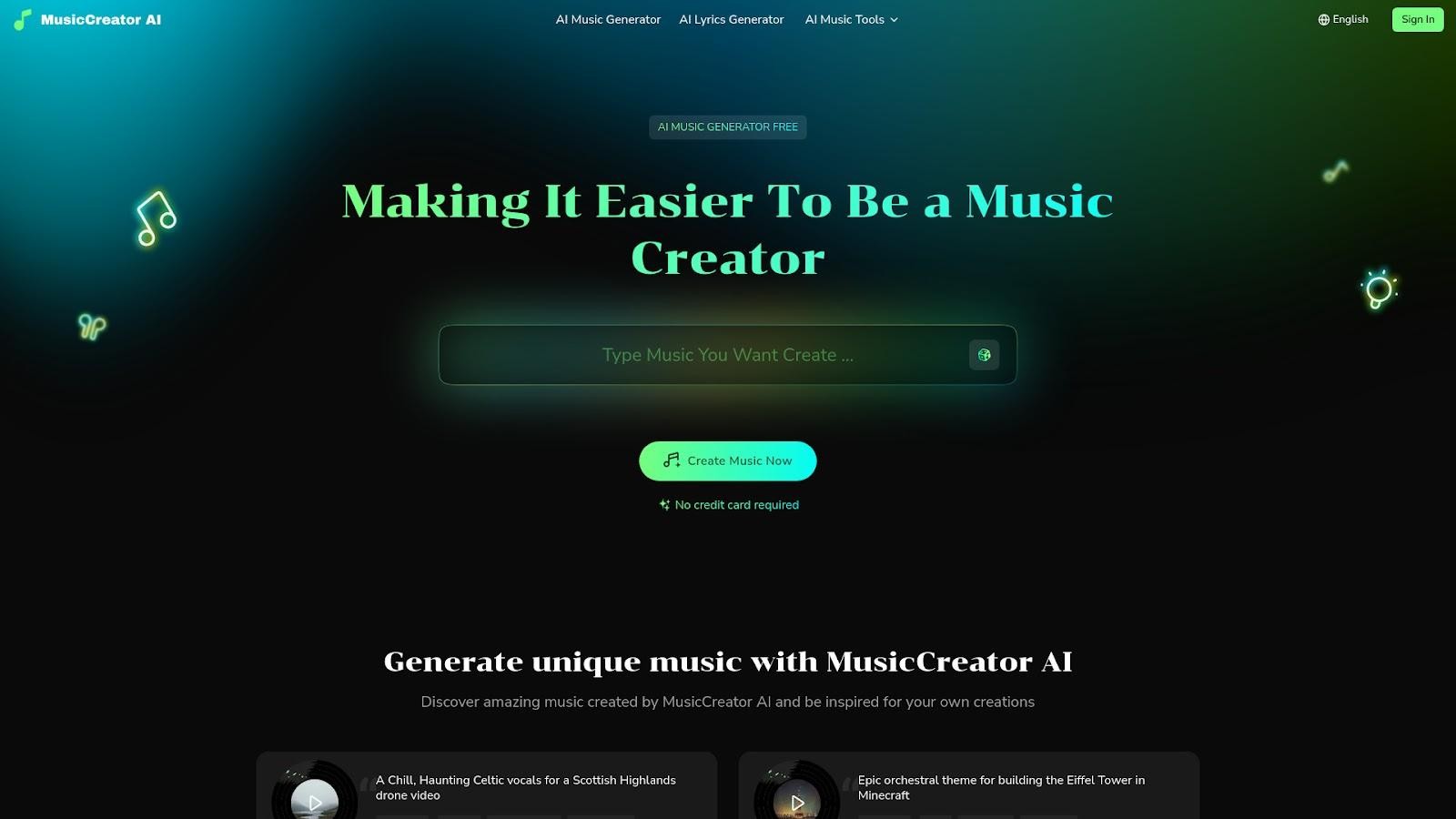
What is MusicCreator AI?
MusicCreator AI is a revolutionary platform that makes creating music simple and fun for everyone. Whether you’re just starting out or you’ve been making music for years, this AI music creator gives you a brand-new way to turn your ideas into real songs, right from your computer. With powerful tools and easy-to-use options, you can craft unique tracks in seconds—no special skills or musical instruments are needed.
At its core, MusicCreator AI uses advanced artificial intelligence to help you write, arrange, and produce music. It can take your words and turn them into full songs, suggest beats, or even help make background music for videos, games, podcasts, and more. Everything you create is 100% royalty-free, so you can use your songs anywhere without worry.
Ready to unlock your creativity? You don’t need a credit card to try it. Just start creating, and let the magic of AI music tools guide you toward your next musical masterpiece!
Who is MusicCreator AI for?
MusicCreator AI is designed to help a wide range of people become music creators with ease. Whether you love listening to music, sharing videos online, making podcasts, or composing songs, this platform is made for you. With its simple tools and friendly features, anyone can generate unique music in just seconds. Let’s see who can benefit the most from using MusicCreator AI.
- Music Lovers: If you enjoy music and want to create your own playlists or try making your own tunes, MusicCreator AI is perfect for you. You can discover new music and personalize your sound easily.
- YouTubers: Need background music for your videos? MusicCreator AI gives you 100% royalty-free tracks, so you can use them safely in your content without worrying about copyright.
- Podcasters: Looking for the perfect intro or outro for your show? MusicCreator AI helps you craft custom music to enhance your episodes.
- Advertisers: Create attention-grabbing jingles and music for commercials. With instant music ideas, you can quickly get the sound you want for your brand.
- Music Composers: Expand your creative toolkit and experiment with new musical ideas using advanced AI generation tools.
- Brands: Make your business stand out by developing unique sonic branding and marketing audio that represents what your brand is all about.
Even if you have never made music before, MusicCreator AI makes it easy to get started. From students who want to try writing a song, to professional content creators and businesses, everyone can use this tool to spark new ideas and create amazing tracks.
How to Use MusicCreator AI
With MusicCreator AI, making music is fast, simple, and lots of fun. You don’t need to be a professional musician or know complicated computer stuff. MusicCreator AI helps everyone become an AI music creator. Let’s walk through how you can use MusicCreator AI step by step!
- Go to the MusicCreator AI website on your computer, tablet, or phone.
- Sign in to your account, or make a new one. You don’t need a credit card to start!
- Choose the «AI Music Generator» feature if you want to create a song from scratch.
- Decide how you want to make music: you can use your own lyrics or use the AI Lyric Generator to help you write words for your song.
- Type in your lyrics or ideas. You can also let the AI make up lyrics for you.
- Pick the style or mood for your music, like pop, electronic, folk, or cinematic. If you want something energetic, choose «EDM» or «driving beat». If you want something calm, try «Celtic-inspired» or «folk».
- Click the «Create Music Now» button. In just seconds, your song will be ready!
- You can listen to your new track, change it, or download it. All your music is royalty-free, which means you can use it anywhere!
Remember, you don’t need any special skills to become an AI music creator. MusicCreator AI makes music creation super easy and fun for everyone – whether you’re a young songwriter, a gamer, a podcaster, or just someone who loves music!
Do you want to turn your own lyrics into a song? With the AI Lyrics Generator, you can write your words, and MusicCreator AI will help you make a full song with melody and instruments!
Conclusion
In conclusion, MusicCreator AI makes it easier than ever to be a music creator, no matter your age or experience level. With this powerful AI music creator, you can quickly generate unique music, turn your own lyrics into songs, and enjoy the freedom of royalty-free tracks. Whether you’re making music for a video, a podcast, or just for fun, MusicCreator AI gives you the tools to create amazing sounds in seconds. You don’t need any professional skills to start—it’s designed for everyone! Join thousands of users who are discovering new music, composing for their projects, and expanding their creativity every day. Try MusicCreator AI now and experience the spark for your sound

Email your news TIPS to Editor@Kahawatungu.com — this is our only official communication channel
