
Close Menu
    Facebook X (Twitter) Instagram
    Facebook X (Twitter) Instagram
    KahawatunguKahawatungu
    Button
    • NEWS
    • BUSINESS
    • KNOW YOUR CELEBRITY
    • POLITICS
    • TECHNOLOGY
    • SPORTS
    • HOW-TO
    • WORLD NEWS
    KahawatunguKahawatungu
    HOW-TO

    How To Watch DStv On My Laptop

    Damaris GatwiriBy Damaris GatwiriApril 4, 2025No Comments2 Mins Read
    Facebook Twitter WhatsApp Telegram Email
    How To Watch kykNET Without DStv How To Watch DStv On My Laptop
    Share
    Facebook Twitter WhatsApp Telegram Pinterest Email Copy Link

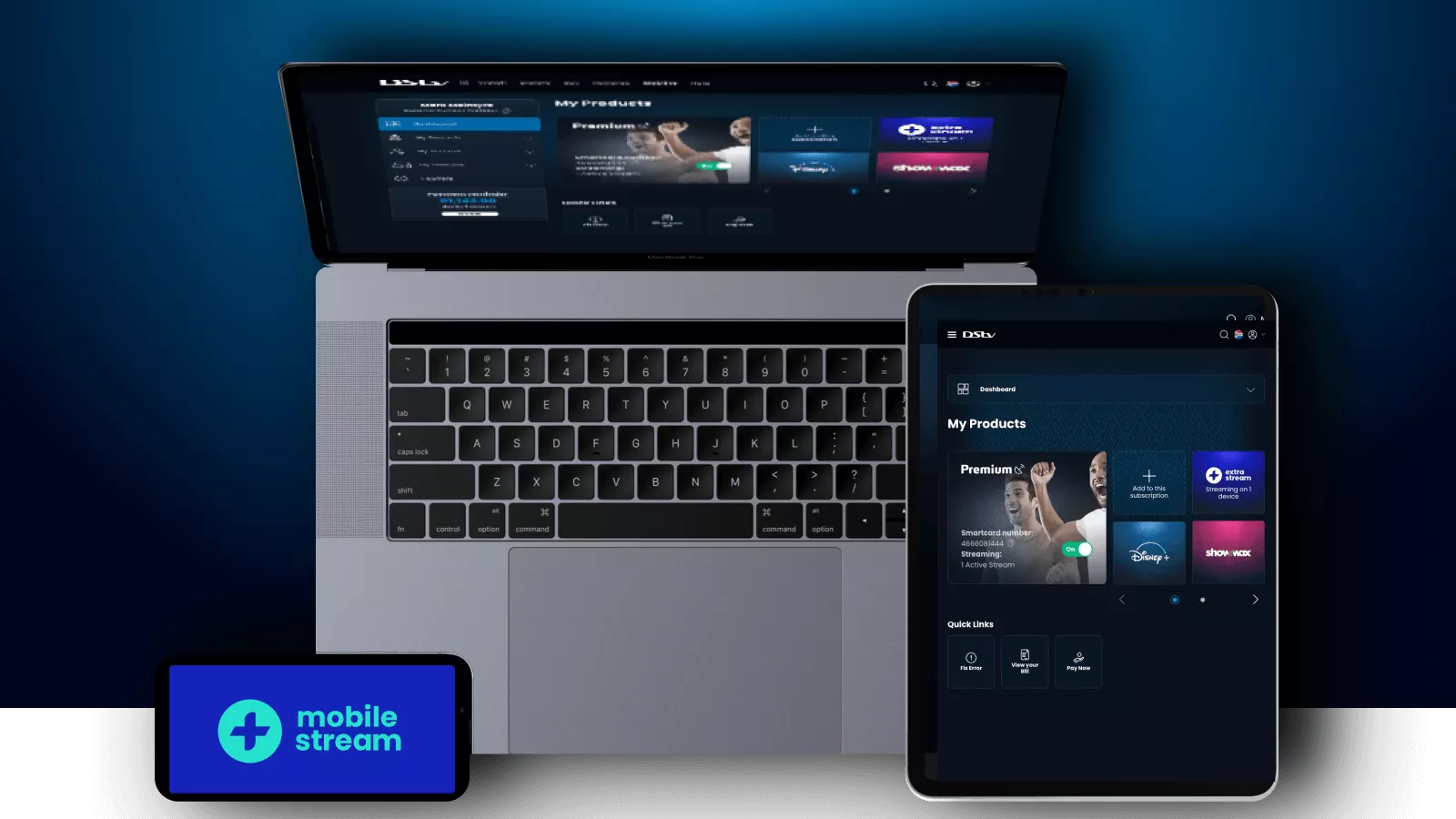
    Watching DStv on your laptop is convenient, allowing you to stream live TV and catch up on shows without needing a decoder. Whether you’re at home or on the go, DStv Stream (formerly DStv Now) provides an easy way to access your favorite content. Here’s how to watch DStv on my laptop.

    1. Ensure You Have an Active DStv Subscription
    • To stream DStv, you need an active DStv subscription.
    • Some packages include online streaming access, while others may require an upgrade.
    • If you don’t have a subscription, you can check available plans on the DStv website.
    1. Create a DStv Account
    • Go to the DStv website (www.dstv.com).
    • Click on Sign Up or Login if you already have an account.
    • Enter your DStv customer number and follow the prompts to register.
    1. Access DStv Stream on Your Laptop
    • Open your web browser and visit now.dstv.com.
    • Log in using your registered email and password.
    • You will be directed to the DStv Stream platform, where you can watch live channels or on-demand content.
    1. Watch Live TV and Catch-Up Shows
    • Navigate to the Live TV section to watch channels in real-time.
    • Select Catch-Up to access previously aired shows, series, and movies.
    • Use the search bar to find specific programs.
    1. Ensure a Stable Internet Connection
    • For smooth streaming, ensure you have a fast and stable internet connection.
    • A minimum of 5 Mbps is recommended for HD streaming.
    • Using Wi-Fi or an unlimited data plan can help avoid excessive data charges.
    1. Troubleshooting Common Issues
    • If the website isn’t loading, clear your browser cache and try again.
    • If you experience buffering, lower the video quality in settings.
    • If login issues occur, use the password reset option to regain access.

    Also Read: How To Use A Dishwasher

    Email your news TIPS to Editor@Kahawatungu.com — this is our only official communication channel

    Follow on Facebook Follow on X (Twitter)
    Share. Facebook Twitter WhatsApp LinkedIn Telegram Email
    Damaris Gatwiri

    Damaris Gatwiri is a digital journalist, driven by a profound passion for technology, health, and fashion.

    Related Posts

    How to Check If an Infant Is Hungry

    August 22, 2026

    How to Check If an Infant Is Sick at Home

    August 22, 2026

    How to Check If an Infant Is Teething

    August 22, 2026

    Comments are closed.

    Latest Posts

    Student ‘first of Sudanese heritage’ to attend Eton

    August 22, 2026

    Arati assures county staff of salary payment by Monday

    August 22, 2026

    Belgian car salesman becomes prince after DNA test proves royal parentage

    August 22, 2026

    Laptop catches fire on US flight, with passenger treated at airport

    August 22, 2026

    US rapper BigXthaPlug arrested on drug and gun charges

    August 22, 2026

    Kenya sends condolences to Ecuador after death of intelligence boss in chopper crash 

    August 22, 2026

    World Bank sanctions eCitizen director Ayugi and his company Webmasters

    August 22, 2026

    Top KCB official Rosemary Koech dies by suicide at her Ngong home 

    August 22, 2026
    Facebook X (Twitter) Instagram Pinterest
    © 2026 Kahawatungu.com. Designed by Okii.

    Type above and press Enter to search. Press Esc to cancel.