


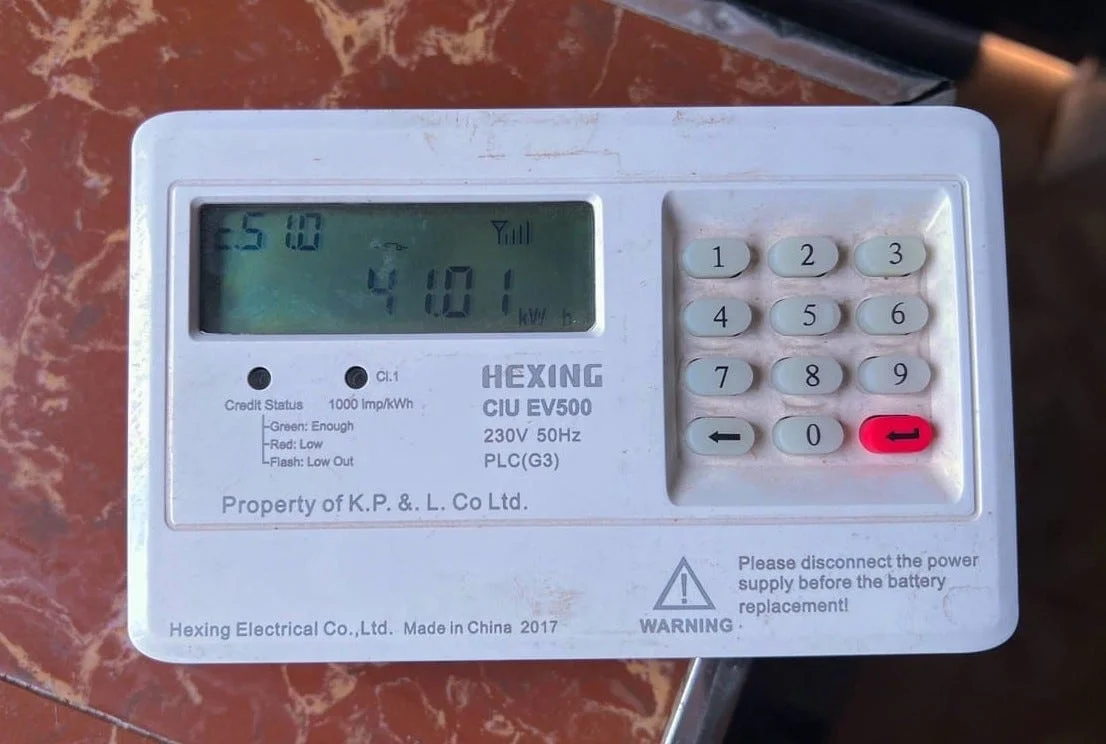
Kenya Power and Lighting Company (KPLC) provides customers with various options to purchase electricity tokens conveniently. One of the most reliable methods is through Equity Bank, which allows users to buy tokens via mobile banking, internet banking, or the Equity Bank app. This process ensures a seamless and efficient way to top up prepaid electricity without visiting a physical bank branch.
Buying KPLC Tokens via Equity Bank’s Eazzy Banking App
Equity Bank customers can purchase KPLC tokens using the Eazzy Banking app, which is available for download on Android and iOS devices. To use this option, one must first log into the app with their registered credentials. Once logged in, the customer should select the “Bill Payments” option, followed by “Electricity” or “KPLC Tokens.” The next step involves entering the KPLC meter number and the amount to be paid. After confirming the transaction details, the payment is processed, and the tokens are sent via SMS to the registered phone number.
Buying KPLC Tokens via Equity Bank USSD Code
For those without smartphones or internet access, Equity Bank provides a USSD code option that enables customers to buy tokens directly from their mobile phones. To use this method, a customer dials *247#, selects “Bill Payments,” and follows the prompts to choose KPLC tokens. The meter number and payment amount must be entered correctly before confirming the transaction. After completing the payment, the customer receives an SMS with the token details.
Buying KPLC Tokens via Equity Bank Paybill Number
Another convenient method is using Equity Bank’s Paybill service through M-Pesa. Customers can purchase tokens by opening the M-Pesa menu on their mobile phones and selecting “Lipa na M-Pesa,” then choosing “Paybill.” The business number for Equity Bank is 247247, and the account number should be the customer’s Equity Bank account number. After entering the payment amount and confirming with the M-Pesa PIN, the transaction is processed, and the customer receives an SMS with the token details.
Buying KPLC Tokens via Equity Internet Banking
Equity Bank customers who prefer online transactions can use the bank’s internet banking platform to purchase KPLC tokens. By logging into their internet banking account, they can navigate to the “Bill Payments” section, select KPLC Tokens, enter the meter number and payment amount, and confirm the transaction. Once the payment is successful, the tokens are sent via SMS.
Also Read: How To Make A Dollhouse
Email your news TIPS to Editor@Kahawatungu.com — this is our only official communication channel
