


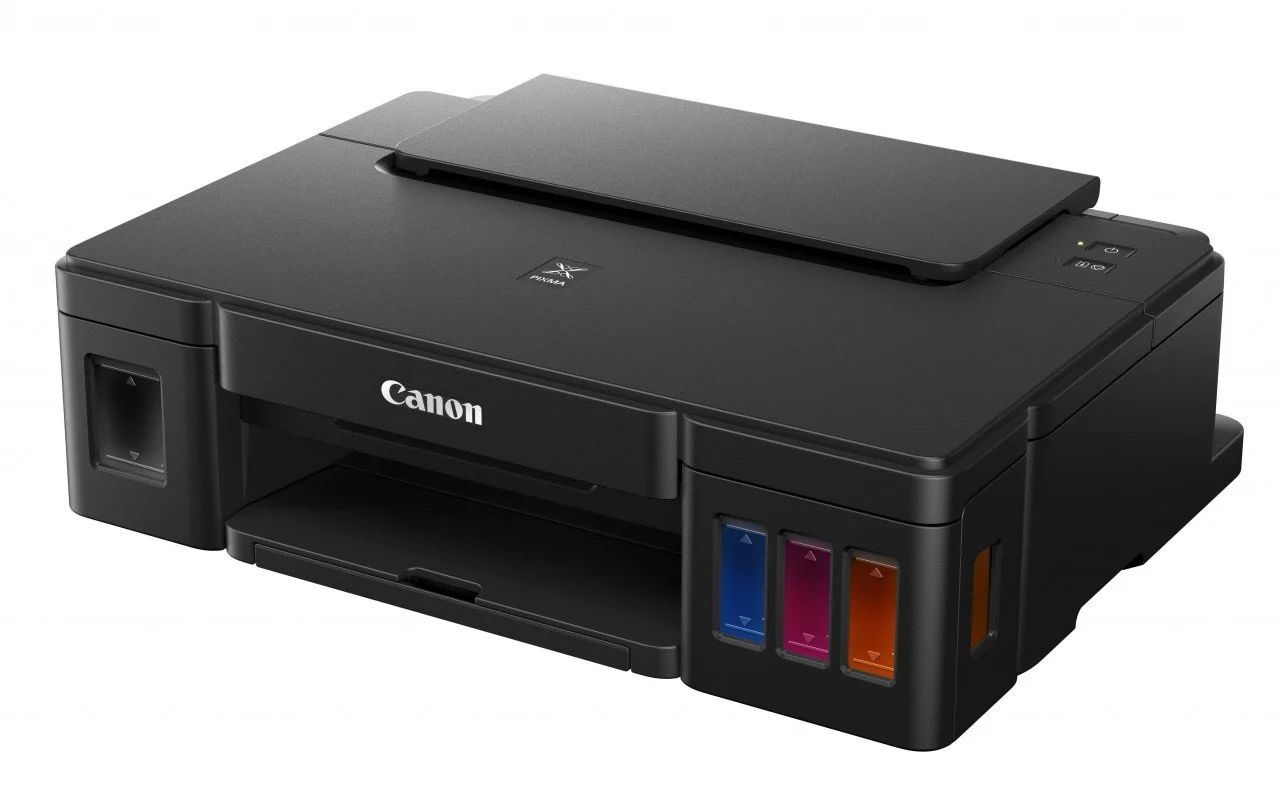
Canon printers are widely used for printing documents and photos at home, school, and the office. Whether you are using a wired or wireless model, understanding the basic setup and printing process helps you get the best performance from the device. Learning how to use Canon printer functions correctly can make printing faster, easier, and more efficient. With a few simple steps, you can start printing and managing your tasks smoothly.
-
Set Up the Printer Properly
Begin by placing the printer on a stable surface and connecting it to a power source.
Install the ink cartridges and load paper into the tray.
- Plug in the printer
- Install ink cartridges correctly
- Load suitable paper into the tray
-
Connect the Printer to Your Device
You can connect the printer using a USB cable or wireless connection depending on the model.
Follow the setup instructions on the printer screen or manual.
- Use USB or WiFi connection
- Connect to your computer or phone
- Confirm successful connection
-
Install Canon Printer Software
Install the necessary drivers or Canon printing software on your device.
This helps your computer or smartphone communicate with the printer properly.
- Download Canon drivers if needed
- Complete the installation process
- Restart the device if required
-
Print Your Document or Photo
Open the file you want to print and select the print option from your device.
Choose your Canon printer from the list and adjust the print settings if needed.
- Open the file to print
- Select the Canon printer
- Choose print preferences and confirm
-
Maintain the Printer Regularly
Proper maintenance helps improve print quality and extend the life of the printer.
Clean the printer and monitor ink levels regularly.
- Check ink levels frequently
- Clean print heads when necessary
- Remove paper jams carefully
Also Read: How to Use Bendy Hair Rollers

Email your news TIPS to Editor@Kahawatungu.com — this is our only official communication channel
