


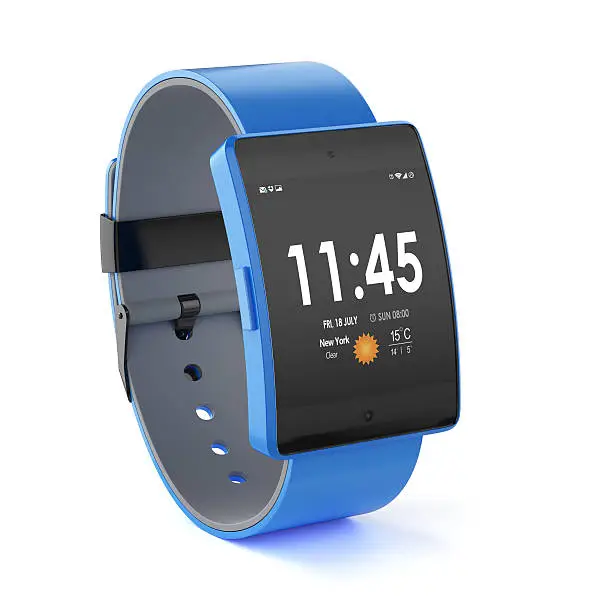
Setting the correct time on your digital watch is a basic but essential task. Whether you’re adjusting for daylight saving, traveling to a different time zone, or simply correcting the time, knowing how to change it ensures your watch stays accurate and useful. Most digital watches follow similar methods for time adjustment, though some button labels or steps may vary slightly depending on the brand or model. Here is how to change the time on a digital watch.
- Understand the Watch Buttons
Most digital watches come with four buttons, commonly labeled as Mode, Light, Start/Stop, and Reset (or variations of these). These buttons work together to allow you to navigate and adjust the watch settings.
- Mode: Switches between functions like time, alarm, stopwatch, etc.
- Start/Stop: Often used to increase numbers or start/stop functions.
- Reset: Often used to decrease numbers or confirm settings.
- Light: Used to illuminate the screen (not usually involved in time-setting).
- Enter the Time-Setting Mode
Press the Mode button repeatedly until you reach the time display. Once there, press and hold the Reset button (or the button marked for adjusting settings) for a few seconds. The seconds on the display will start blinking, indicating that you’ve entered the time-setting mode.
- Adjust the Seconds, Minutes, and Hours
When the seconds blink, use the Start/Stop button to reset them to zero if needed. Press the Mode button again to move to the minutes setting. The minutes will blink — use Start/Stop to increase the number. Press Mode again to move to the hours, then use Start/Stop to adjust the hour.
Repeat the process if the watch allows you to set the day, date, or year. Each press of the Mode button cycles through these options.
- Finalize the Time Setting
Once all settings (hours, minutes, date, etc.) are correct, press the Reset button again to exit the time-setting mode. The display will stop blinking, and the watch will now run with the updated time.
- Check the Time Format (Optional)
Some watches allow you to switch between 12-hour and 24-hour formats. This is usually done by pressing and holding one of the buttons while in the time display mode — often the Start/Stop or Reset button. Refer to your watch’s manual if this doesn’t work, as it can vary between brands.
Also Read: How To Catch A Cheating Partner

Email your news TIPS to Editor@Kahawatungu.com — this is our only official communication channel
