


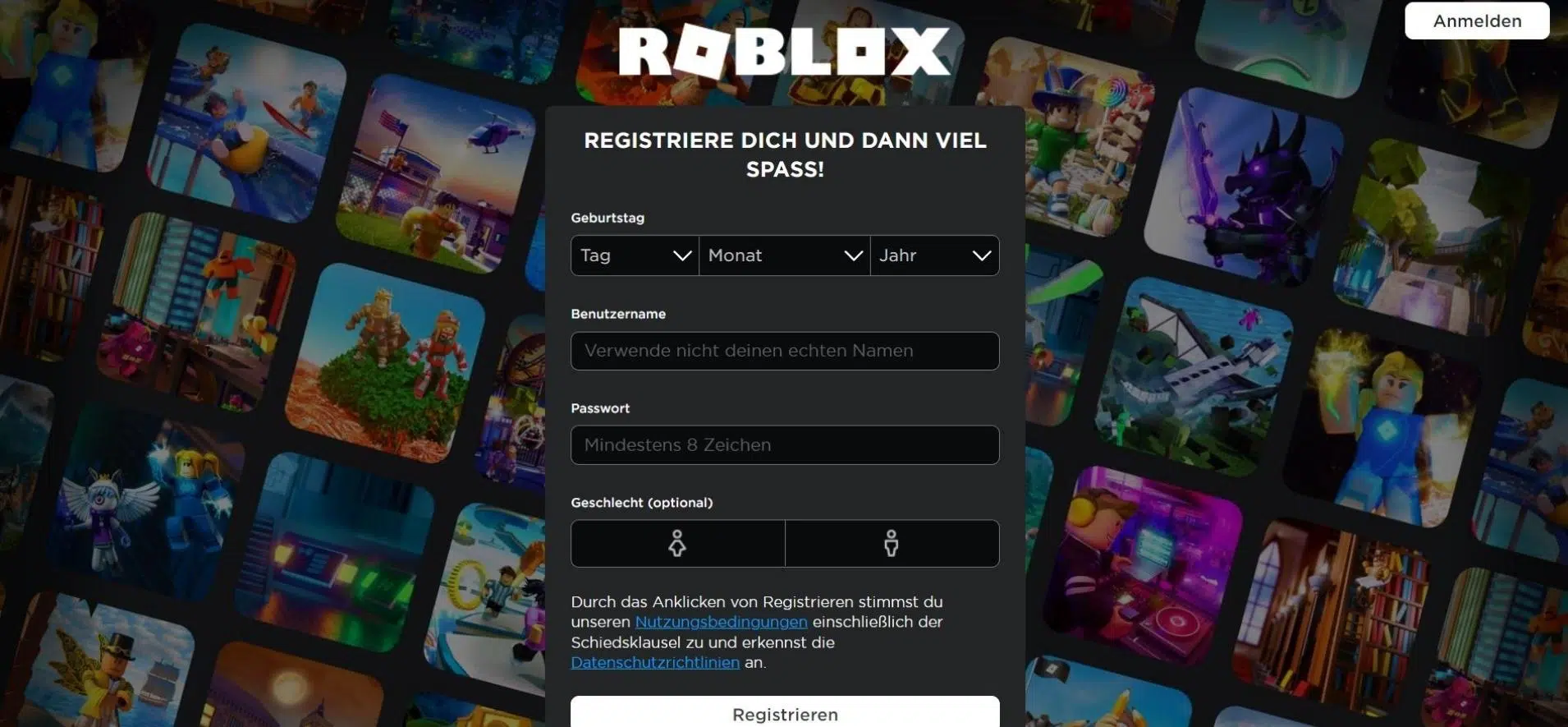
Deleting a Roblox account is not as straightforward as deleting accounts on other platforms. Roblox does not offer a direct “Delete Account” button in the app or website. Instead, you must either contact Roblox support or make the account inactive until it is automatically removed. Understanding how the system works helps you choose the best method. Below is a clear guide with an introduction and numbered subheadings, written in the same style as your previous articles.
- Understand Roblox’s Account Deletion Policy
Roblox does not let users manually delete their accounts. The only official method is to request deletion through Roblox Customer Support. If you do nothing, the account remains active indefinitely. Roblox may remove accounts that stay inactive for very long periods, but this is not guaranteed. Because of this, contacting support is the most reliable way to ensure your account is removed permanently.
- Prepare the Information Needed for Deletion
Before you contact support, gather the details required. Roblox usually asks for your username, email address, and sometimes proof that you own the account. If you are logged in when submitting your request, the process is easier. Make sure the email linked to the account is still accessible, as Roblox may contact you to verify the deletion request.
- Submit a Deletion Request Through Roblox Support
Go to the official Roblox Support page and fill in the contact form. Under the Issue Category, select Account and then choose Delete Account or Data Request if that option appears. In the message box, clearly state that you want your Roblox account permanently deleted. Roblox may reply asking for verification. Respond to their email and confirm your request. Once verified, Roblox will process the deletion.
- Turn Off Subscriptions Before Deleting
If you have Roblox Premium or any active subscription, cancel it first. Open your account settings, go to Billing, and cancel the subscription. This ensures you won’t be charged after the account deletion request is processed. If you subscribed through Google Play or the App Store, cancel the subscription from those platforms instead.
- Remove Personal Information for Additional Privacy
If you want to reduce your digital footprint before deletion is processed, log into your account and remove personal information. You can change your email, clear your friends list, delete your avatar items or set privacy restrictions. This step is optional but gives more peace of mind while waiting for Roblox to complete the deletion.
- Know How Inactivity-Based Deletion Works
If you prefer not to contact support, you can make the account inactive by logging out and avoiding Roblox completely. Some accounts that remain inactive for long periods may eventually be deleted automatically. However, Roblox does not specify how long this takes, and it is not guaranteed. Support-request deletion remains the faster and more reliable option.
Also Read: How To Delete Incognito History
Email your news TIPS to Editor@Kahawatungu.com — this is our only official communication channel
