


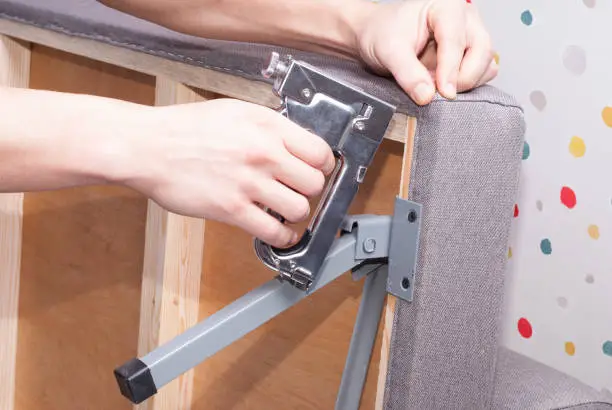
Attaching a headboard to a wall is a great way to create a sturdy and stylish bedroom setup. Wall-mounted headboards can save space, provide better support, and work well with different bed frames. Learning how to attach a headboard to a wall helps you achieve a secure installation and a professional-looking finish.
-
Choose the Mounting Location
Decide where you want the headboard to sit behind the bed.
Measure the height carefully so it aligns with your mattress and bed frame.
- Position the bed against the wall
- Measure the desired height
- Mark the mounting points lightly with a pencil
-
Locate the Wall Studs
Use a stud finder to locate the wall studs, as they provide the strongest support for the headboard.
If studs are not available where needed, use wall anchors that are suitable for the wall type and the weight of the headboard.
- Find the wall studs
- Mark their positions
- Select appropriate wall anchors if necessary
-
Install the Mounting Hardware
Attach the wall brackets or mounting system according to the manufacturer’s instructions.
Ensure the hardware is level before tightening it.
- Position the brackets correctly
- Use a spirit level for alignment
- Tighten all screws securely
-
Attach the Headboard
Lift the headboard into position and secure it to the mounted hardware.
Depending on the design, this may involve hanging it on brackets or fastening it with screws.
- Lift the headboard carefully
- Align it with the mounting hardware
- Secure it firmly in place
-
Check Stability
Gently test the headboard to ensure it is firmly attached to the wall.
It should not wobble or shift when pressure is applied.
- Test for movement
- Tighten any loose fittings
- Confirm the headboard is level
-
Position the Bed
Move the bed back into place beneath the mounted headboard.
Check that the spacing looks even and that the headboard is comfortably positioned.
- Align the bed with the headboard
- Check the overall appearance
- Perform a final safety inspection
Also Read: How to Adopt a Baby
Email your news TIPS to Editor@Kahawatungu.com — this is our only official communication channel
