


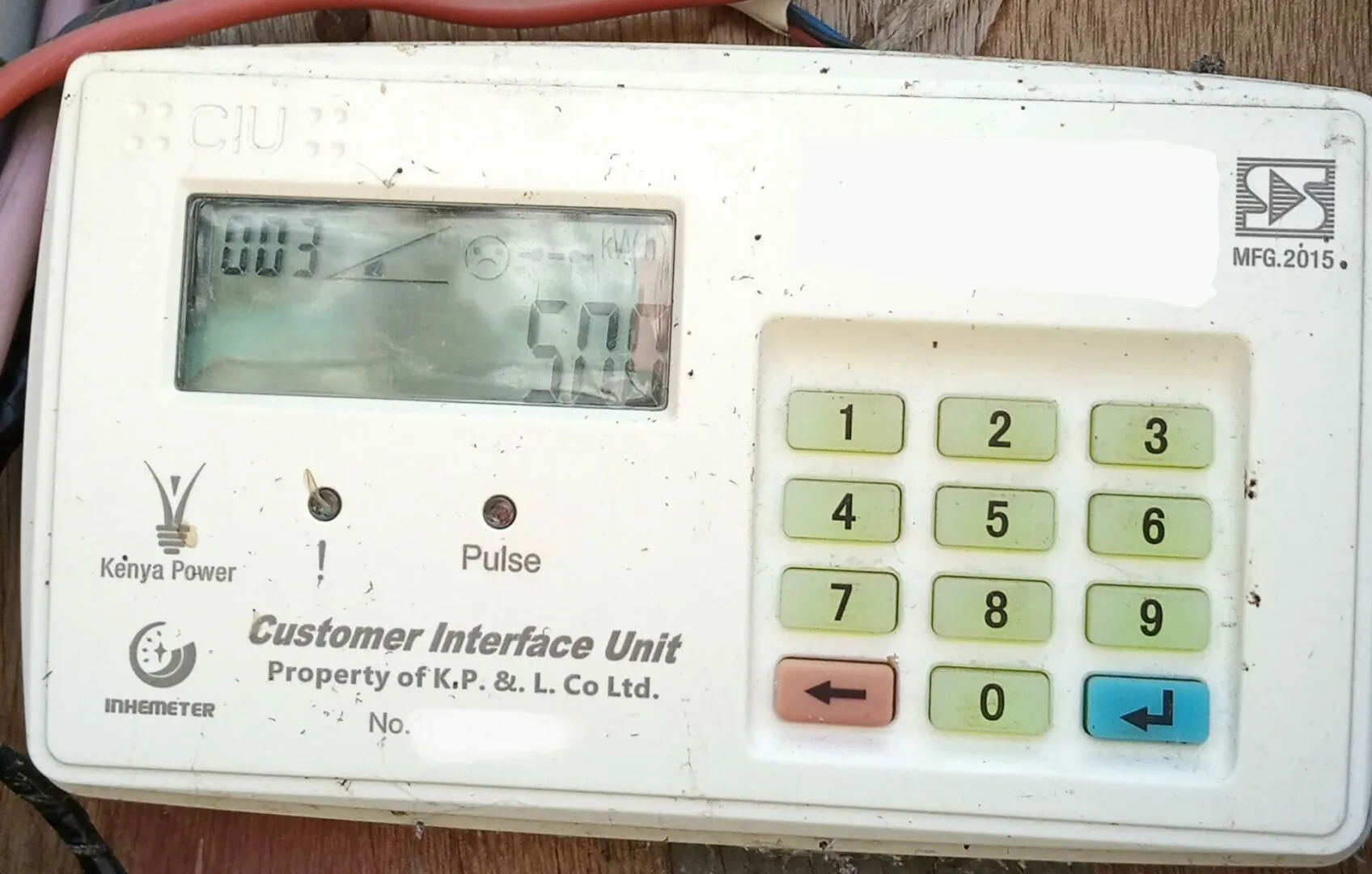
Kenya Power and Lighting Company (KPLC) offers customers multiple ways to purchase electricity tokens, including through KCB Bank. KCB provides several convenient channels to buy tokens, including mobile banking, internet banking, USSD services, and the M-Pesa Paybill option linked to a KCB account. These methods ensure that customers can access electricity without hassle, whether using a smartphone, a basic phone, or an online banking platform.
Buying KPLC Tokens via KCB Mobile Banking App
KCB Bank customers can use the KCB Mobile App to buy KPLC tokens easily. To begin, they must log in to the app using their registered credentials. Once inside, they should navigate to the “Bill Payments” section and select “Electricity” or “KPLC Tokens.” They will then enter their meter number and specify the amount they wish to pay. After confirming the details, the transaction is processed, and the tokens are sent via SMS to the registered mobile number.
Buying KPLC Tokens via KCB USSD Code
For customers without internet access, KCB provides a USSD code that allows them to purchase tokens using a simple phone. By dialing *522# on their mobile phone, customers can access the KCB mobile banking menu. They then select the “Pay Bills” option, choose “Electricity” or “KPLC Tokens,” enter their meter number, input the desired amount, and confirm the payment. Once the transaction is successful, KPLC sends an SMS with the token details.
Buying KPLC Tokens via KCB Paybill Number
Customers who use M-Pesa can purchase KPLC tokens by making payments from their KCB Bank accounts through M-Pesa’s Paybill service. They should open the M-Pesa menu on their phone, select “Lipa na M-Pesa,” and then choose “Paybill.”
Also Read: How To Buy KPLC Tokens Through Equity Bank
The KCB Bank Paybill number is 522522, and the account number should be the KCB account number from which they wish to make the payment. After entering the amount and confirming the transaction with their M-Pesa PIN, they receive an SMS with their electricity tokens.
Buying KPLC Tokens via KCB Internet Banking
For those who prefer online banking, KCB’s internet banking platform provides another option for purchasing KPLC tokens. Customers log in to their internet banking account, navigate to the “Bill Payments” section, select KPLC Tokens, and enter their meter number and payment amount. After confirming the transaction, KPLC generates an SMS with the purchased tokens, ensuring a smooth and efficient process.

Email your news TIPS to Editor@Kahawatungu.com — this is our only official communication channel
