


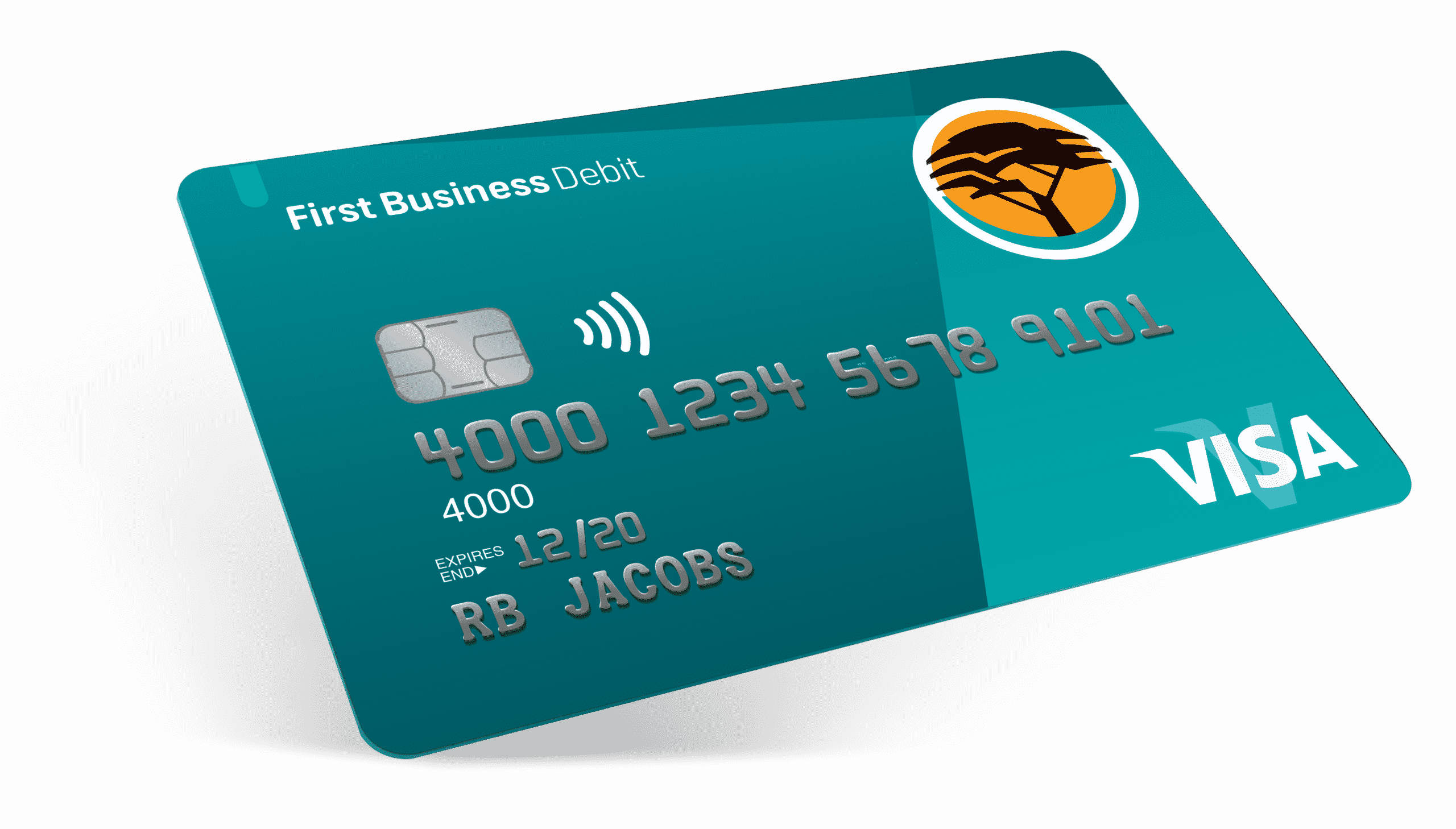
Changing your FNB (First National Bank) card PIN is a simple but important way to protect your money and account from unauthorized access. Whether you have forgotten your PIN, suspect someone else might know it, or just want to update it for safety reasons, FNB allows you to change your card PIN easily through various methods. You can do this at an ATM, on the FNB app, or through online banking.
- Change Your FNB Card PIN at an ATM
One of the easiest ways to change your FNB card PIN is by visiting any FNB ATM. Make sure you have your card with you and follow these steps:
- Insert your FNB card into the ATM.
- Enter your current PIN.
- From the menu, select “More Options.”
- Choose “Change PIN.”
- Enter your new four-digit PIN, and confirm it by entering it again.
- Wait for the confirmation message that your PIN has been successfully changed.
Make sure to choose a PIN that is easy for you to remember but hard for others to guess. Avoid using obvious combinations such as your birthday or repeating numbers.
- Change Your FNB Card PIN Using the FNB App
If you have the FNB mobile banking app, you can also change your card PIN without visiting an ATM. The app is secure and allows you to manage your cards instantly. Here is how to do it:
- Log in to the FNB app using your username and password.
- Tap on the “Cards” tab on the home screen.
- Select the card for which you want to change the PIN.
- Tap “Manage Card.”
- Choose the “Change PIN” option.
- Enter your new PIN and confirm it.
Once completed, your new PIN is activated immediately, and you can start using it for ATM withdrawals or purchases.
- Change Your FNB Card PIN via Online Banking
If you prefer using a computer, you can also change your FNB card PIN through FNB Online Banking. Follow these steps:
- Go to www.fnb.co.za and log in to your online banking account.
- Click on the “My Bank Accounts” tab.
- Select the card linked to your account.
- Choose the “Card Settings” or “Manage Card” option.
- Click on “Change PIN.”
- Enter and confirm your new PIN.
You will receive a confirmation message once the change has been processed.
- Contact FNB Customer Service
If you are unable to change your PIN using the app, online banking, or an ATM, you can contact FNB Customer Care for assistance. Call 087 575 9404 or visit your nearest FNB branch. The bank representative will help you reset or change your card PIN safely.
- Tips for a Secure PIN
Always keep your PIN confidential. Never share it with anyone, write it down, or use easy-to-guess numbers. Change your PIN regularly, especially if you use your card frequently at public ATMs or suspect it may have been compromised.
Also Read: How To Change DStv Remote To TV2
Email your news TIPS to Editor@Kahawatungu.com — this is our only official communication channel
