


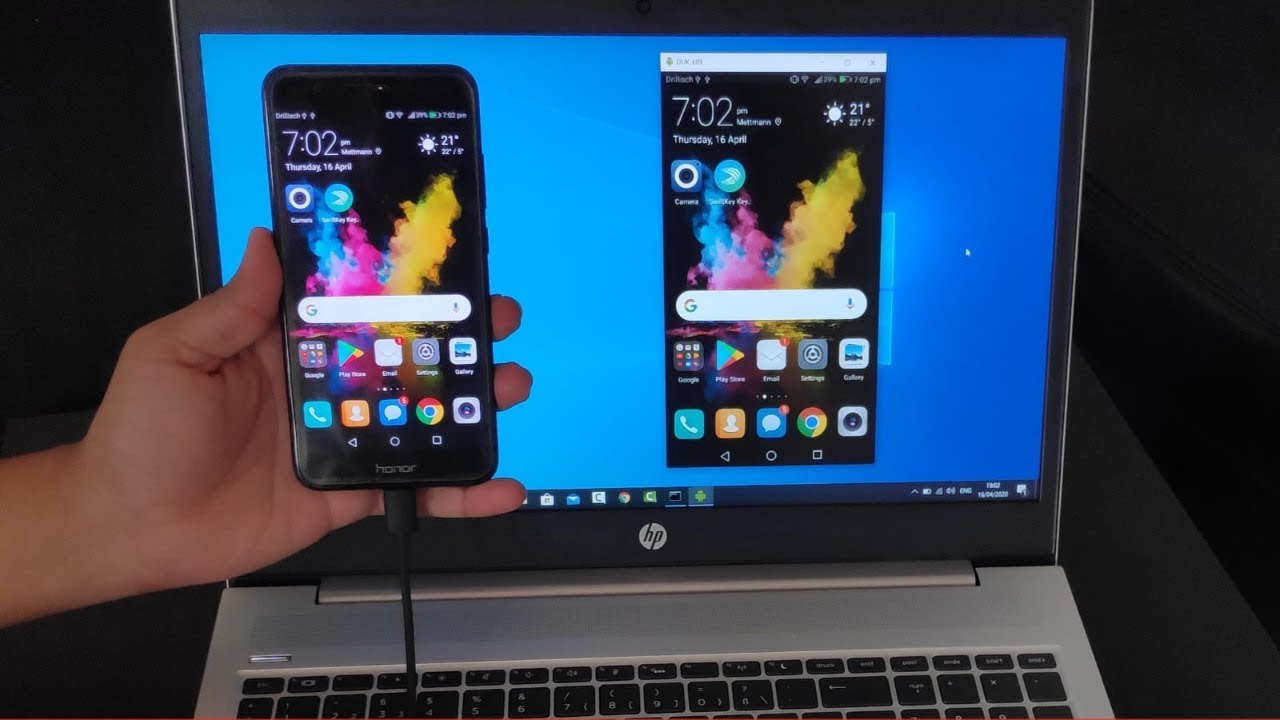
Mirroring your phone to a laptop allows you to display your mobile screen on a larger display, making it easier to watch videos, play games, or give presentations. Whether you’re using an Android or an iPhone, there are different methods to achieve this, including built-in features, third-party apps, and cables. Here is how to mirror phone to laptop.
Mirroring an Android Phone to a Laptop
Using Windows Wireless Display (For Windows 10 and 11)
- Enable Wireless Display on Your Laptop
- Open the Settings app.
- Go to System > Projecting to this PC.
- Set “Some Windows and Android devices can project to this PC when you say it’s OK” to “Available everywhere”.
- Enable Screen Mirroring on Your Phone
- Swipe down from the top to open Quick Settings.
- Look for Smart View, Screen Cast, or Wireless Display (the name may vary depending on the phone brand).
- Select your laptop from the list of available devices.
- Accept the Connection on Your Laptop
- A notification will appear on your laptop. Click Allow to start mirroring.
Using Google Chromecast or Miracast
- Connect your laptop and phone to the same Wi-Fi network.
- Use the Google Home app (for Chromecast users) or enable Miracast through the Quick Settings on your phone.
- Select your laptop or casting device to start mirroring.
Using Third-Party Apps
Apps like ApowerMirror, Scrcpy, and Vysor allow easy mirroring over USB or Wi-Fi. Simply download and install the app on both your phone and laptop, follow the setup instructions, and start mirroring.
Mirroring an iPhone to a Laptop
Using AirPlay (For Mac Users)
- Ensure your Mac and iPhone are on the same Wi-Fi network.
- Open the Control Center on your iPhone and tap Screen Mirroring.
- Select your Mac from the list of devices.
Using Third-Party Apps on Windows
If you’re using a Windows laptop, apps like Reflector, AirServer, and LonelyScreen enable AirPlay mirroring. Install the app, connect both devices to the same Wi-Fi network, and enable Screen Mirroring from your iPhone’s Control Center.
Using a Lightning-to-HDMI Adapter
For a wired connection, use a Lightning-to-HDMI adapter to connect your iPhone to your laptop. Some video capture software may be required to view the display on your laptop.
Also Read: How To Make Money On Twitter
Email your news TIPS to Editor@Kahawatungu.com — this is our only official communication channel
