


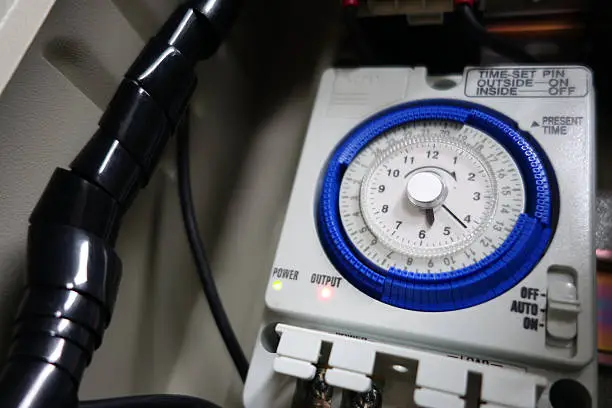
A swimming pool pump timer helps you control when your pool pump turns on and off automatically. This ensures proper water circulation, keeps your pool clean, and helps save electricity. Setting the timer correctly is important for maintaining water quality without running the pump unnecessarily. Learning how to set a swimming pool pump timer allows you to manage your pool efficiently and reduce energy costs. With a few simple steps, you can set it up and keep your pool in good condition.
-
Understand Your Timer Type
Pool pump timers can be mechanical or digital, and each type works slightly differently.
Take a moment to identify your timer and read any labels or instructions on it.
- Check if it is mechanical or digital
- Look for buttons or dial controls
- Understand basic functions
-
Set the Current Time
Before programming the timer, make sure the current time is set correctly.
This ensures your schedule runs at the right times.
- Adjust the clock to current time
- Align with your local time
- Confirm accuracy
-
Set the On and Off Times
Decide when you want the pump to start and stop running.
Most pools need the pump to run for several hours each day.
- Choose suitable running hours
- Set start (ON) time
- Set stop (OFF) time
-
Adjust the Timer Settings
For mechanical timers, move the pins or tabs to match your schedule.
For digital timers, use the buttons to program the on and off times.
- Set pins or tabs for mechanical timers
- Use buttons for digital timers
- Double-check settings
-
Test and Monitor the Timer
After setting the timer, observe it to ensure it turns the pump on and off correctly.
Make adjustments if needed.
- Watch the first cycle
- Confirm correct operation
- Adjust timing if necessary
Also Read: How to Send Your CV via Email
Email your news TIPS to Editor@Kahawatungu.com — this is our only official communication channel
