


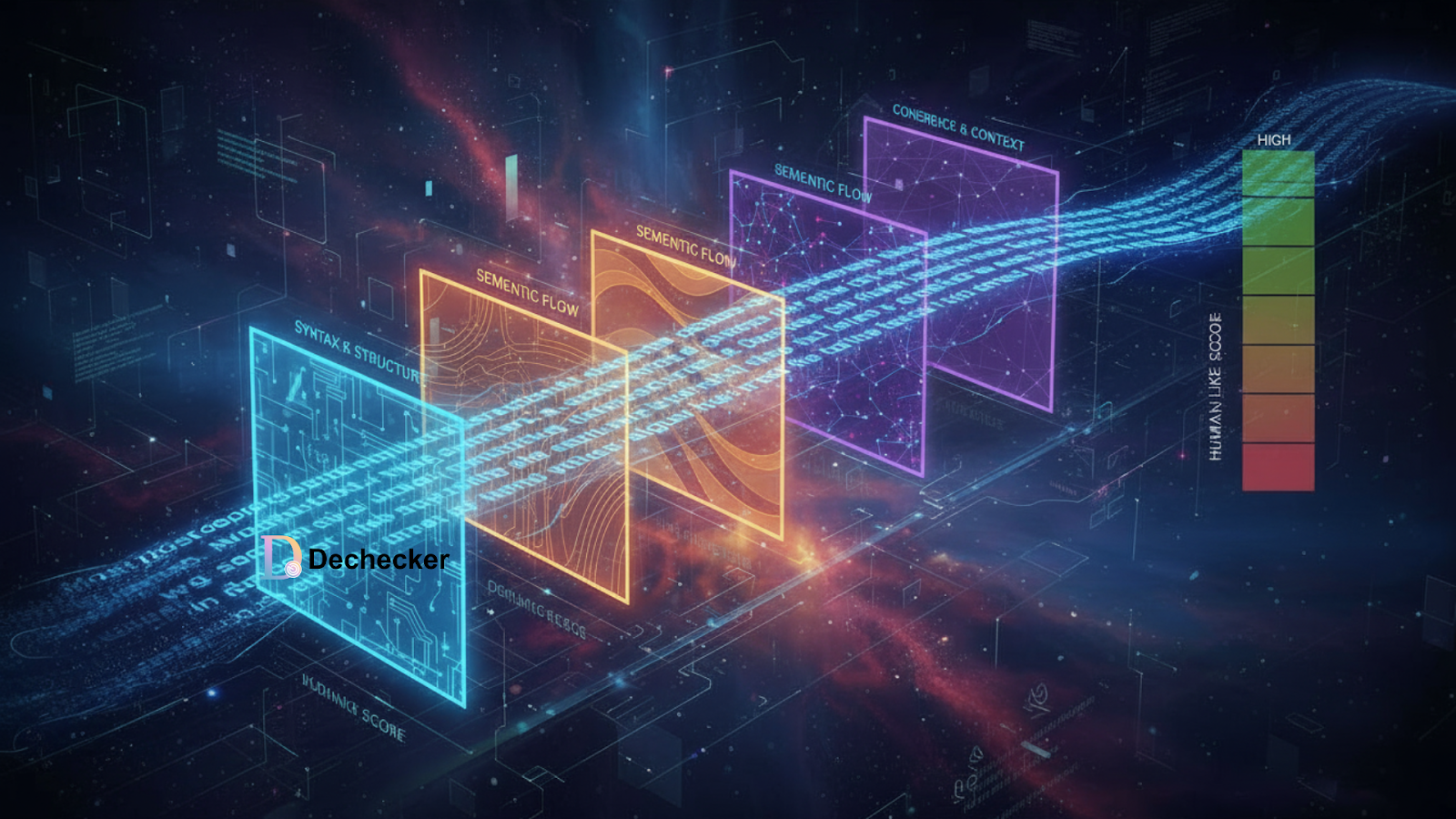
Most users don’t want a theory of AI detection. They want to know whether a tool is useful before they rely on it. Dechecker’s AI Checker is designed around that expectation. It focuses on clear output, practical signals, and realistic writing scenarios instead of technical explanations.
What the AI Checker Actually Checks
It Checks Whether the Text Behaves Like AI Writing
Dechecker does not try to guess who wrote the text. It checks whether the text acts like something produced by an AI model. This includes how sentences are formed, how ideas are expanded, and how consistent the writing remains across the entire document.
If a text shows the same writing rhythm and structure from beginning to end, the AI Checker takes that into account.
It Does Not Judge Grammar or Quality
A common misunderstanding is that AI detection is about good or bad writing. It is not. A text can be well written and still look AI-generated. It can also be poorly written and look human.
Dechecker ignores grammar quality and focuses only on writing patterns.
What You See After You Paste Your Text
A Clear AI Likelihood Result
After analysis, Dechecker shows whether the text has a low, medium, or high likelihood of being AI-generated. This is not a binary “yes or no” label. It is a probability-based result meant for decision-making, not accusation.
Users see results immediately, without extra configuration.
Visibility Across the Whole Text
Instead of checking one sentence at a time, the AI Checker evaluates the full document. This matters because AI writing habits only become obvious when enough text is available.
This is why Dechecker performs better on essays, articles, reports, and long-form content.
How Dechecker Is Different From Other AI Checkers
It Works Well on Edited AI Content
Many tools fail once AI text is lightly rewritten. Dechecker is built to detect AI patterns that survive word changes. This makes it more reliable when users test content that has already been edited.
For users who revise AI drafts manually, this difference is noticeable.
It Handles Mixed Content Properly
Real documents are rarely 100% AI or 100% human. Dechecker does not assume purity. It analyzes what is there and reflects mixed behavior instead of forcing a single label.
This is useful in education, publishing, and internal reviews.
Common Real-World Use Cases
Students Checking Risk Before Submission
Students often use the AI Checker to understand whether a paper might raise questions before submission. Dechecker helps identify whether the writing reads as overly uniform or generated.
This allows revisions before problems occur.
Editors Reviewing Content Quality
Editors use Dechecker not only to detect AI use, but to flag content that sounds generic or formulaic. Even human-written text can trigger AI-like patterns when it is overly polished.
The AI Checker becomes a quality filter, not just a compliance tool.
Writers Polishing Drafts Safely
Writers who use AI for drafting often run their final version through Dechecker to see whether revisions actually changed the underlying pattern.
If the score stays high, they know more structural rewriting is needed.
How Input Method Affects Results
Typed Drafts vs Spoken Drafts
Text created by speaking usually looks different from text generated by AI. Drafts created with an audio to text converter often contain uneven pacing and natural interruptions.
Dechecker typically shows lower AI likelihood on those drafts.
Over-Editing Can Increase AI Signals
When spoken drafts are heavily polished, they may start looking more AI-like. Dechecker helps users notice when editing removes natural variation.
This feedback is practical and immediate.
What Dechecker Does Not Do
It Does Not Claim Certainty
The AI Checker does not say “this was written by AI.” It reports how likely the text matches AI-generated patterns. That distinction matters in professional and academic settings.
It Does Not Replace Human Judgment
Dechecker provides analysis, not decisions. Users decide whether a result matters based on their situation.
Why People Keep Using Dechecker
Users stick with Dechecker because it aligns with how writing actually happens today. AI-assisted drafts, human edits, mixed workflows, and real deadlines are all normal.
The AI Checker fits into that reality. It gives fast, understandable feedback without forcing technical knowledge or absolute claims.
For most users, that practicality matters more than theory.

Email your news TIPS to Editor@Kahawatungu.com — this is our only official communication channel
