


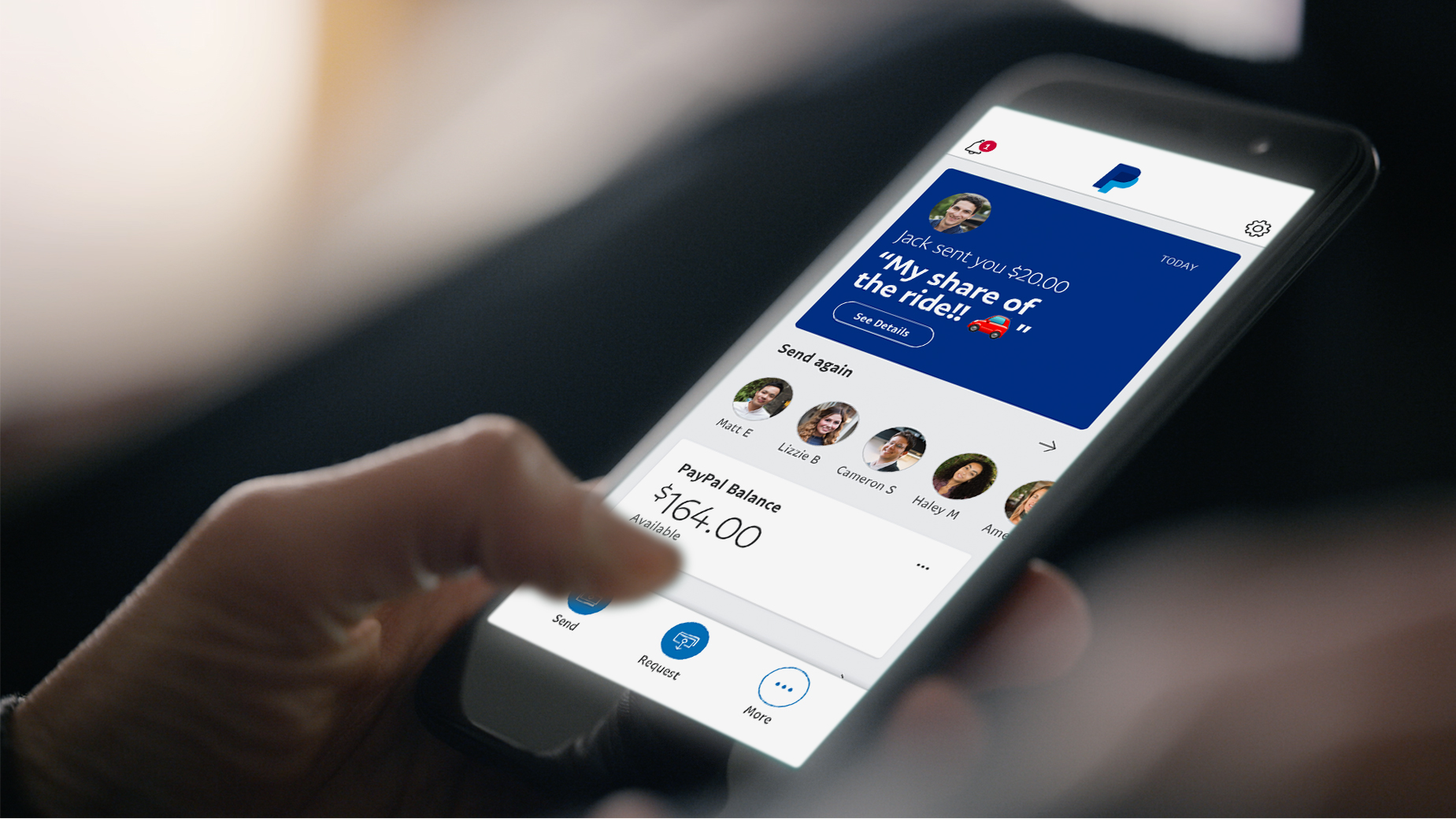
PayPal is a widely used online payment service that allows you to pay for goods and services securely. While PayPal does not sell airtime directly, you can use it as a payment method on supported mobile recharge websites and apps. This enables you to top up your own phone or send airtime to someone else in many countries. Learning how to buy airtime with PayPal can help you make convenient and secure mobile recharges without using a bank card directly.
-
Choose a Mobile Recharge Service That Accepts PayPal
Start by selecting a reputable online airtime recharge platform or mobile app that supports PayPal as a payment option.
Check that the service supports your mobile network and country before proceeding.
- Choose a trusted recharge platform
- Confirm PayPal is an accepted payment method
- Verify your mobile network is supported
-
Enter the Mobile Number
Provide the phone number you want to recharge.
Make sure you enter the correct country code and mobile number to avoid sending airtime to the wrong recipient.
- Enter the recipient’s mobile number
- Select the correct country if required
- Verify the number carefully
-
Select the Airtime Amount
Choose the value of the airtime you wish to purchase.
Some services offer preset recharge amounts, while others allow you to enter a custom amount.
- Choose the airtime value
- Review any applicable fees
- Confirm the recharge details
-
Pay Using PayPal
At the checkout page, select PayPal as your payment method.
Log in to your PayPal account, review the payment information, and authorise the transaction securely.
- Select PayPal at checkout
- Sign in to your PayPal account
- Confirm and authorise the payment
-
Receive Confirmation
Once the payment is successful, the airtime is usually credited to the selected mobile number within a few moments.
You should also receive a confirmation email or transaction receipt from the recharge service.
- Check for the recharge confirmation
- Verify your airtime balance
- Save the payment receipt for your records
Also Read: How to Buy Airtime with a Mr Price Account

Email your news TIPS to Editor@Kahawatungu.com — this is our only official communication channel
