
Close Menu
    Facebook X (Twitter) Instagram
    Facebook X (Twitter) Instagram
    KahawatunguKahawatungu
    Button
    • NEWS
    • BUSINESS
    • KNOW YOUR CELEBRITY
    • POLITICS
    • TECHNOLOGY
    • SPORTS
    • HOW-TO
    • WORLD NEWS
    KahawatunguKahawatungu
    HOW-TO

    How to Buy Airtime with PayPal

    Damaris GatwiriBy Damaris GatwiriJuly 16, 2026No Comments2 Mins Read
    Facebook Twitter WhatsApp Telegram Email
    How to Buy Airtime with PayPal
    Share
    Facebook Twitter WhatsApp Telegram Pinterest Email Copy Link

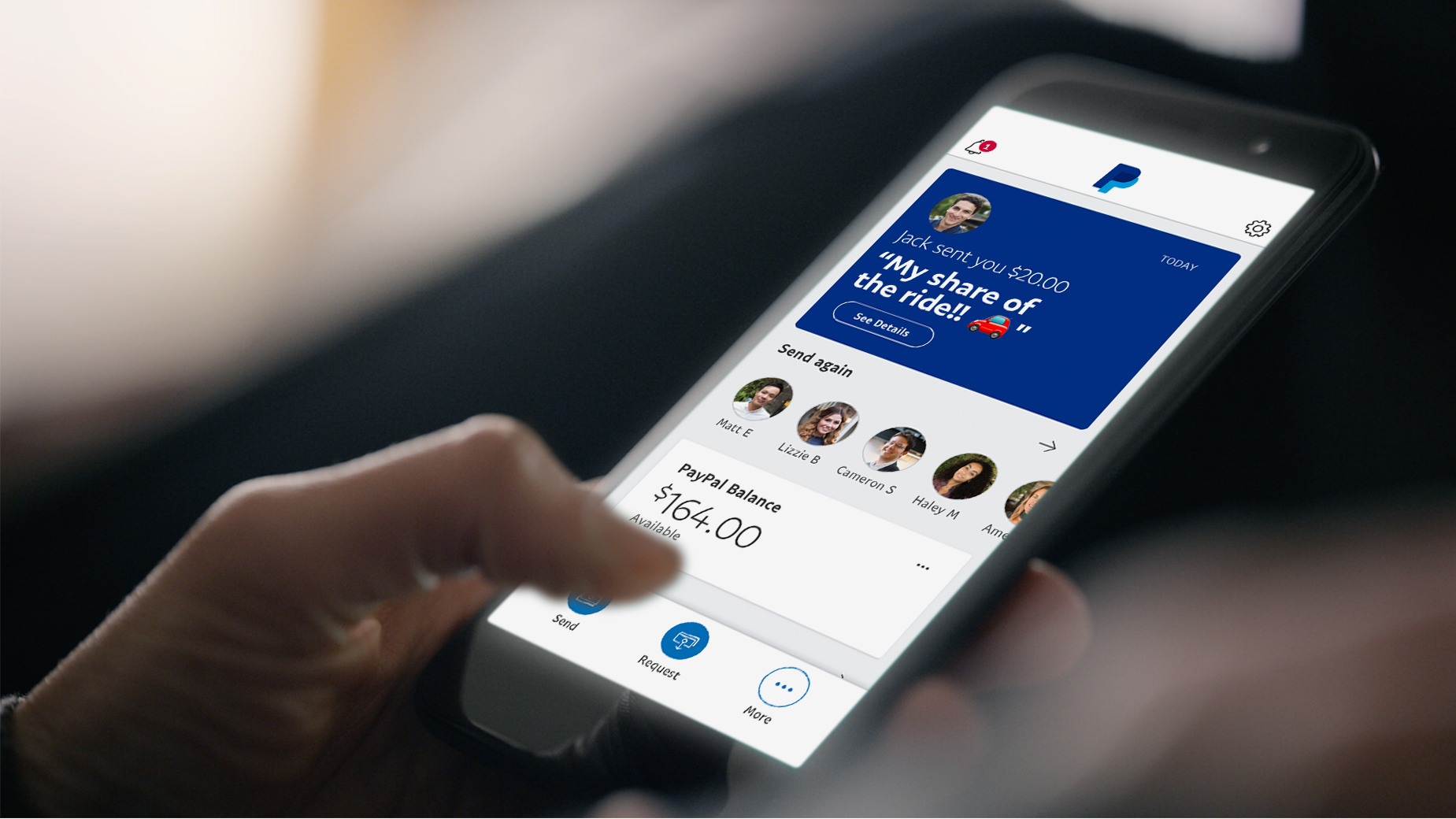
    PayPal is a widely used online payment service that allows you to pay for goods and services securely. While PayPal does not sell airtime directly, you can use it as a payment method on supported mobile recharge websites and apps. This enables you to top up your own phone or send airtime to someone else in many countries. Learning how to buy airtime with PayPal can help you make convenient and secure mobile recharges without using a bank card directly.

    1. Table of Contents

      Toggle
      • Choose a Mobile Recharge Service That Accepts PayPal
      • Enter the Mobile Number
      • Select the Airtime Amount
      • Pay Using PayPal
      • Receive Confirmation

      Choose a Mobile Recharge Service That Accepts PayPal

    Start by selecting a reputable online airtime recharge platform or mobile app that supports PayPal as a payment option.

    Check that the service supports your mobile network and country before proceeding.

    • Choose a trusted recharge platform
    • Confirm PayPal is an accepted payment method
    • Verify your mobile network is supported
    1. Enter the Mobile Number

    Provide the phone number you want to recharge.

    Make sure you enter the correct country code and mobile number to avoid sending airtime to the wrong recipient.

    • Enter the recipient’s mobile number
    • Select the correct country if required
    • Verify the number carefully
    1. Select the Airtime Amount

    Choose the value of the airtime you wish to purchase.

    Some services offer preset recharge amounts, while others allow you to enter a custom amount.

    • Choose the airtime value
    • Review any applicable fees
    • Confirm the recharge details
    1. Pay Using PayPal

    At the checkout page, select PayPal as your payment method.

    Log in to your PayPal account, review the payment information, and authorise the transaction securely.

    • Select PayPal at checkout
    • Sign in to your PayPal account
    • Confirm and authorise the payment
    1. Receive Confirmation

    Once the payment is successful, the airtime is usually credited to the selected mobile number within a few moments.

    You should also receive a confirmation email or transaction receipt from the recharge service.

    • Check for the recharge confirmation
    • Verify your airtime balance
    • Save the payment receipt for your records

    Also Read: How to Buy Airtime with a Mr Price Account

    Stay connected via Google News
    Follow us for the latest news updates and guides.
    Add as preferred source on Google

    Email your news TIPS to Editor@Kahawatungu.com — this is our only official communication channel

    Follow on Facebook Follow on X (Twitter)
    Share. Facebook Twitter WhatsApp LinkedIn Telegram Email
    Damaris Gatwiri

    Damaris Gatwiri is a digital journalist, driven by a profound passion for technology, health, and fashion.

    Related Posts

    How to Wash a Silver Chain at Home

    November 27, 2026

    How to Wash Paint Out of Clothes

    November 27, 2026

    How to Wash Your Private Parts Properly

    November 27, 2026

    Comments are closed.

    Latest Posts

    Nyandiricha vows to end goonism, revamp Kisii healthcare as he enters Governor race

    November 27, 2026

    Susan Nakhumicha Leads Natembeya in Fresh Trans Nzoia Governor Poll

    November 27, 2026

    Lovince Mckenzie unveils a musical universe in dance, love and rave

    November 27, 2026

    DCI, ADAK sign MoU to intensify war against doping in Kenyan sport

    November 27, 2026

    As Trump remakes Washington, his Cabinet increasingly moves to secure military bases

    November 27, 2026

    James Blunt Releases Charity Christmas Single ‘Another Year’ for Médecins Sans Frontières UK

    November 27, 2026

    Former Migori Governor Obado appeals 25-year jail term in Sharon Otieno murder

    November 27, 2026

    Over 400,000 Kenyans Sign Up for Free NYOTA AGPO Digital Training Programme

    November 27, 2026
    Facebook X (Twitter) Instagram Pinterest
    © 2026 Kahawatungu.com. Designed by Okii.

    Type above and press Enter to search. Press Esc to cancel.